

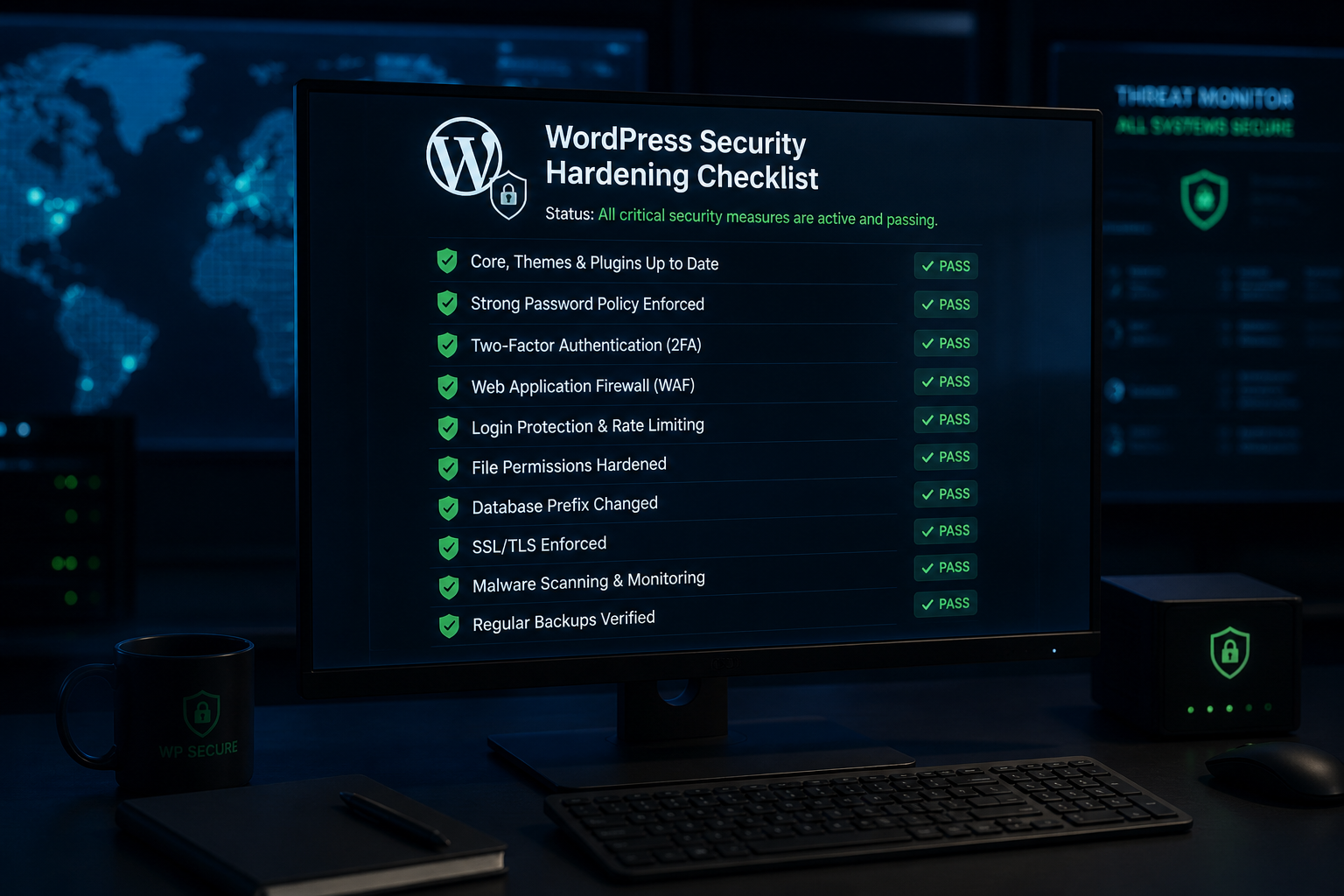
A WordPress security hardening checklist is a prioritized list of configuration changes, access controls, and maintenance habits that close the gaps attackers actually exploit. Work top to bottom. If you complete only the first four sections, you will have addressed the majority of real-world compromise paths.
This checklist reflects what I apply on client sites in 2026. It goes deeper than a surface-level overview — each section links to a dedicated guide where the implementation details live.
Priority 1: Updates and plugin hygiene
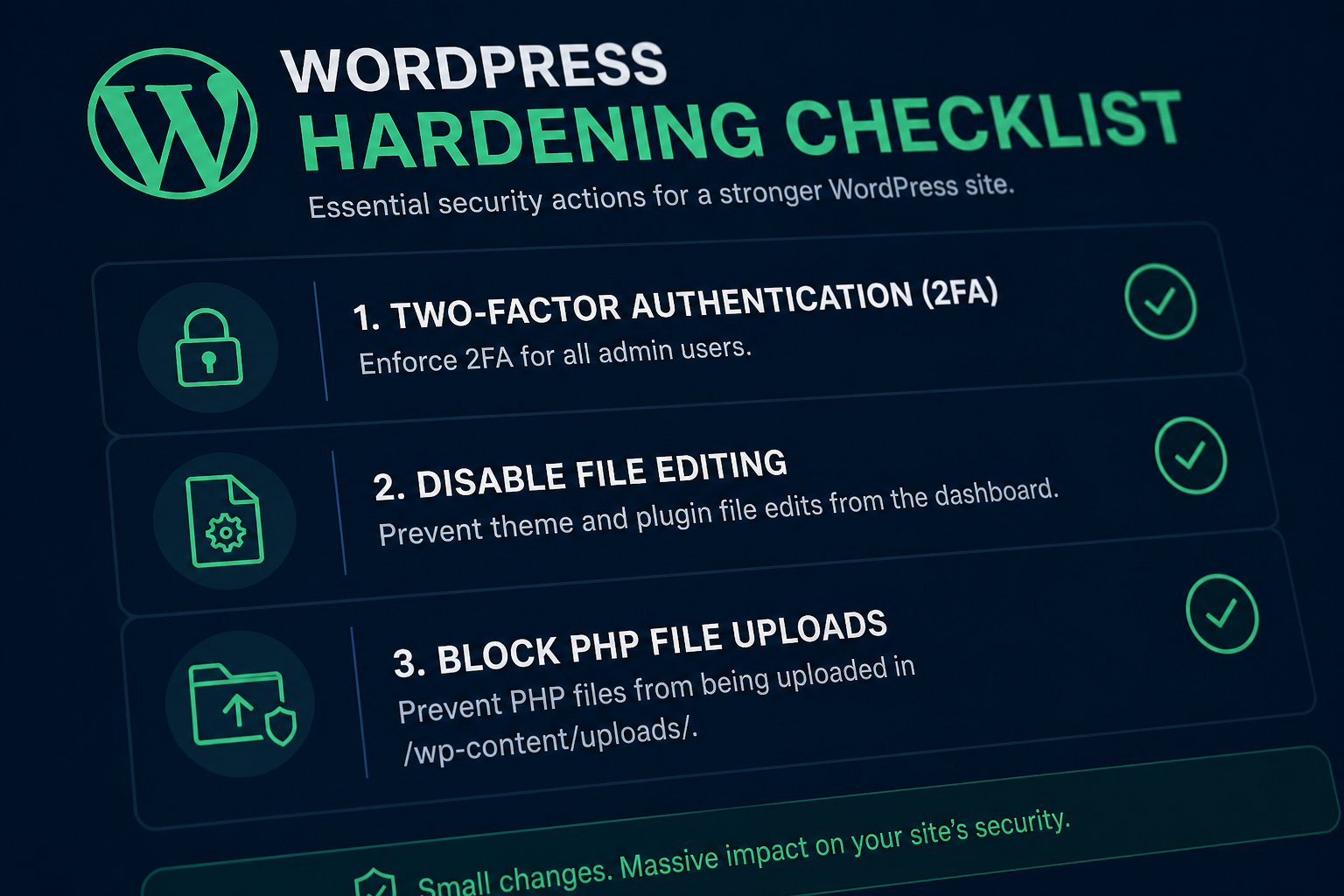
Known vulnerabilities in outdated plugins cause most WordPress compromises. Not sophisticated attacks — published CVEs with fixes sitting unapplied.
| Task | Frequency | Done? |
|---|---|---|
| Verify automatic core minor updates are enabled | One-time | ☐ |
| Update all plugins and themes | Monthly minimum | ☐ |
| Delete inactive plugins and unused themes | Quarterly | ☐ |
| Audit plugins for abandoned maintainers | Quarterly | ☐ |
| Confirm PHP version is supported (8.1+ recommended) | Quarterly | ☐ |
| Test critical paths after updates (forms, checkout, login) | Each update cycle | ☐ |
Rule: An inactive plugin is still code on your server. Delete it. Keep one default theme as fallback; remove the rest.
For sites where downtime costs money, update on staging first. For a simple brochure site with tested backups, updating production directly is a defensible risk.
Priority 2: Authentication
Password-only login is the default failure mode. This section closes it.
| Task | Priority | Done? |
|---|---|---|
| Enable 2FA for all Editor+ accounts | Critical | ☐ |
| Limit login attempts with temporary lockout | Critical | ☐ |
| Use unique, generated passwords in a password manager | Critical | ☐ |
| Remove `admin` as a username | High | ☐ |
| Review and remove stale user accounts | High | ☐ |
| Force HTTPS on login and admin | Critical | ☐ |
See WordPress two-factor authentication setup for plugin options and rollout steps. Login-specific hardening is in how to secure WordPress admin login.
Priority 3: Least privilege
Every account is a way in. Restrain what each account can do.
| Task | Done? |
|---|---|
| Audit all users — remove unrecognized accounts | ☐ |
| Downgrade unnecessary Administrators to Editor or Author | ☐ |
| Confirm shop staff use Shop Manager, not Administrator | ☐ |
| Remove contractor and former employee accounts | ☐ |
| Set display names separately from login usernames | ☐ |
Details on role design: least privilege WordPress user roles.
Priority 4: Backups you have restored
A backup is not a security measure until you have tested a restore.
| Task | Standard | Done? |
|---|---|---|
| Store backups off the server | Required | ☐ |
| Daily backups minimum (hourly for stores) | Required | ☐ |
| 30+ days retention | Required | ☐ |
| Test restore to staging quarterly | Required | ☐ |
| Document restore procedure | Required | ☐ |
See WordPress backup strategy for security.
Priority 5: Firewall and attack surface
| Task | Done? |
|---|---|
| Configure cloud WAF (Cloudflare or similar) or plugin firewall | ☐ |
| Disable XML-RPC if unused | ☐ |
| Block REST API user enumeration | ☐ |
| Disable pingbacks and trackbacks | ☐ |
| Deny PHP execution in `/wp-content/uploads/` | ☐ |
| Disable directory browsing | ☐ |
Guides: WordPress WAF firewall explained and disable XML-RPC WordPress guide.
Priority 6: File permissions and configuration
| Task | Target | Done? |
|---|---|---|
| Directory permissions | 755 | ☐ |
| File permissions | 644 | ☐ |
| `wp-config.php` permissions | 640 or 600 | ☐ |
| Add `DISALLOW_FILE_EDIT` to wp-config.php | true | ☐ |
| Regenerate unique security keys/salts | One-time | ☐ |
| Force HTTPS site-wide | One-time | ☐ |
| Disable `WP_DEBUG_DISPLAY` in production | One-time | ☐ |
See WordPress file permissions security and WordPress SSL HTTPS security basics.
Priority 7: Security plugin (one, configured)
| Task | Done? |
|---|---|
| Choose one security plugin — remove duplicates | ☐ |
| Enable file-integrity monitoring | ☐ |
| Configure malware scan schedule | ☐ |
| Set up email alerts for file changes and lockouts | ☐ |
| Verify plugin does not conflict with caching or firewall | ☐ |
Comparison: best WordPress security plugins compared.
Priority 8: WooCommerce-specific (if applicable)
| Task | Done? |
|---|---|
| 2FA on all admin and shop manager accounts | ☐ |
| Separate staging environment for plugin updates | ☐ |
| Verify checkout and payment flows after security changes | ☐ |
| Review payment gateway and webhook security | ☐ |
| Audit customer role permissions | ☐ |
Full store checklist: secure WooCommerce store checklist.
What to skip
These appear on many checklists but buy little protection per hour:
- Hiding the WordPress version number
- Renaming the login URL without 2FA and rate limiting
- Changing database table prefix on a live site
- Running multiple security plugins simultaneously
Maintenance schedule summary
| Task | Frequency |
|---|---|
| Plugin and theme updates | Monthly minimum |
| User account audit | Quarterly |
| Backup restore test | Quarterly |
| Plugin health review (abandoned plugins) | Quarterly |
| Security key rotation after suspected compromise | As needed |
| Full checklist review | Annually |
Ongoing cadence after initial hardening: WordPress security maintenance plan.
Frequently asked questions
Where should I start if I only have an hour?
Updates, 2FA on administrator accounts, and verify backups are off-site. That hour covers the three highest-value items on this list.
Is this checklist enough for PCI compliance?
No. PCI compliance for payment processing involves hosting, gateway configuration, and organizational policies beyond WordPress hardening. This checklist covers application-level best practices that support compliance but do not satisfy it alone.
Should I run this checklist myself or hire someone?
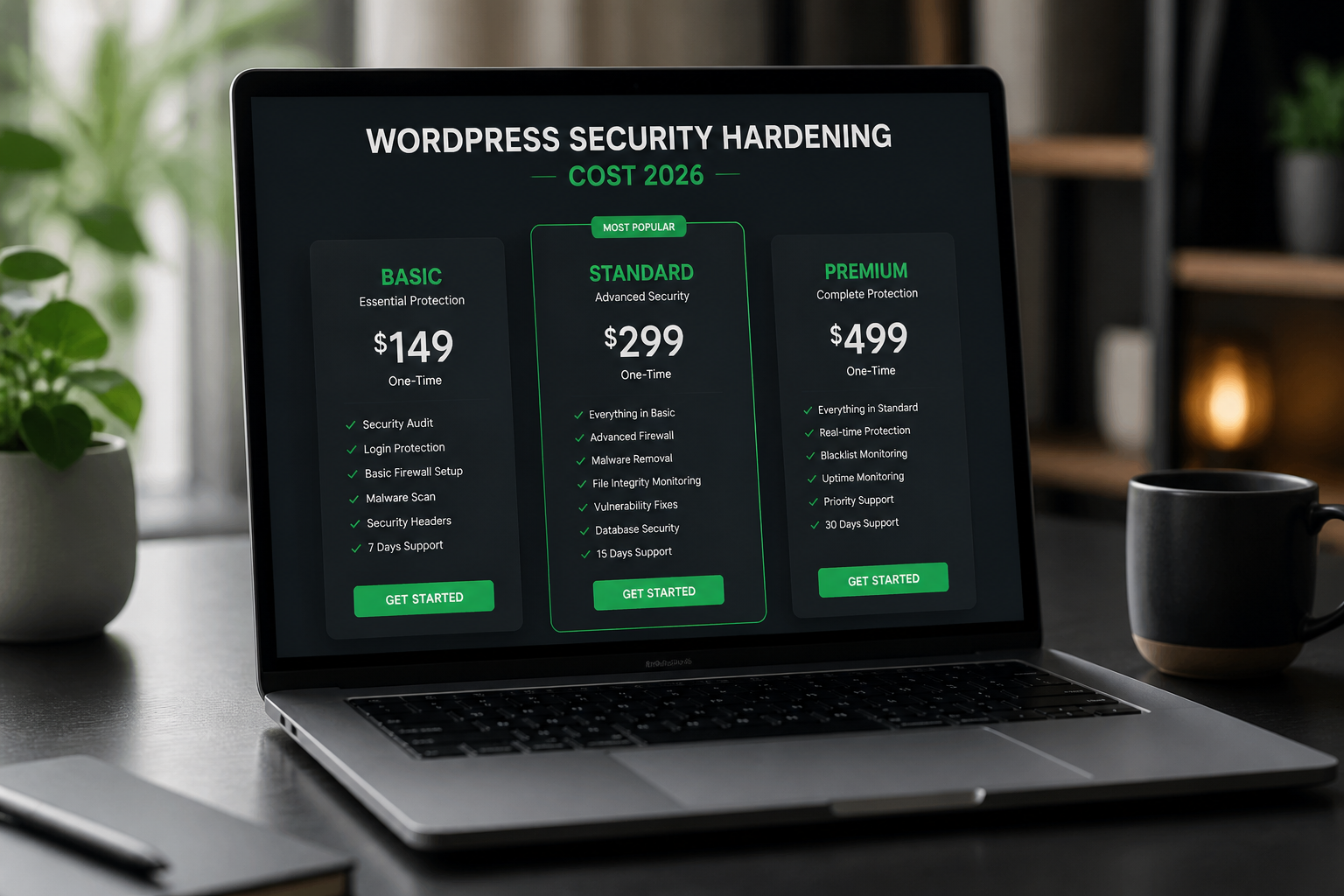
If you are comfortable with staging environments, wp-config.php edits, and firewall rules, you can handle most of it. If the site runs WooCommerce, has prior incident history, or nobody on your team owns WordPress infrastructure, a scoped hardening project — typically $300–$1,200 — is usually faster and less risky.
How is this different from the basics blog post?
This checklist is the operational document — prioritized, printable, with frequency columns. The WordPress security hardening pillar covers the commercial service scope, pricing, and project process.
Do managed hosts make this checklist unnecessary?
No. Hosts handle server-level security. Plugin vulnerabilities, user accounts, and application configuration are still your responsibility. Use this checklist regardless of hosting tier.
Get a free 15-minute security check
Send your URL. I will walk through this checklist against what is publicly visible on your site and tell you which sections are already covered and which are not.
If you want the full checklist applied hands-on, WordPress security hardening projects typically run $300–$1,200 depending on scope.
September 1, 2026
WordPress Malware Removal vs Hardening: What to Do...
September 1, 2026



