

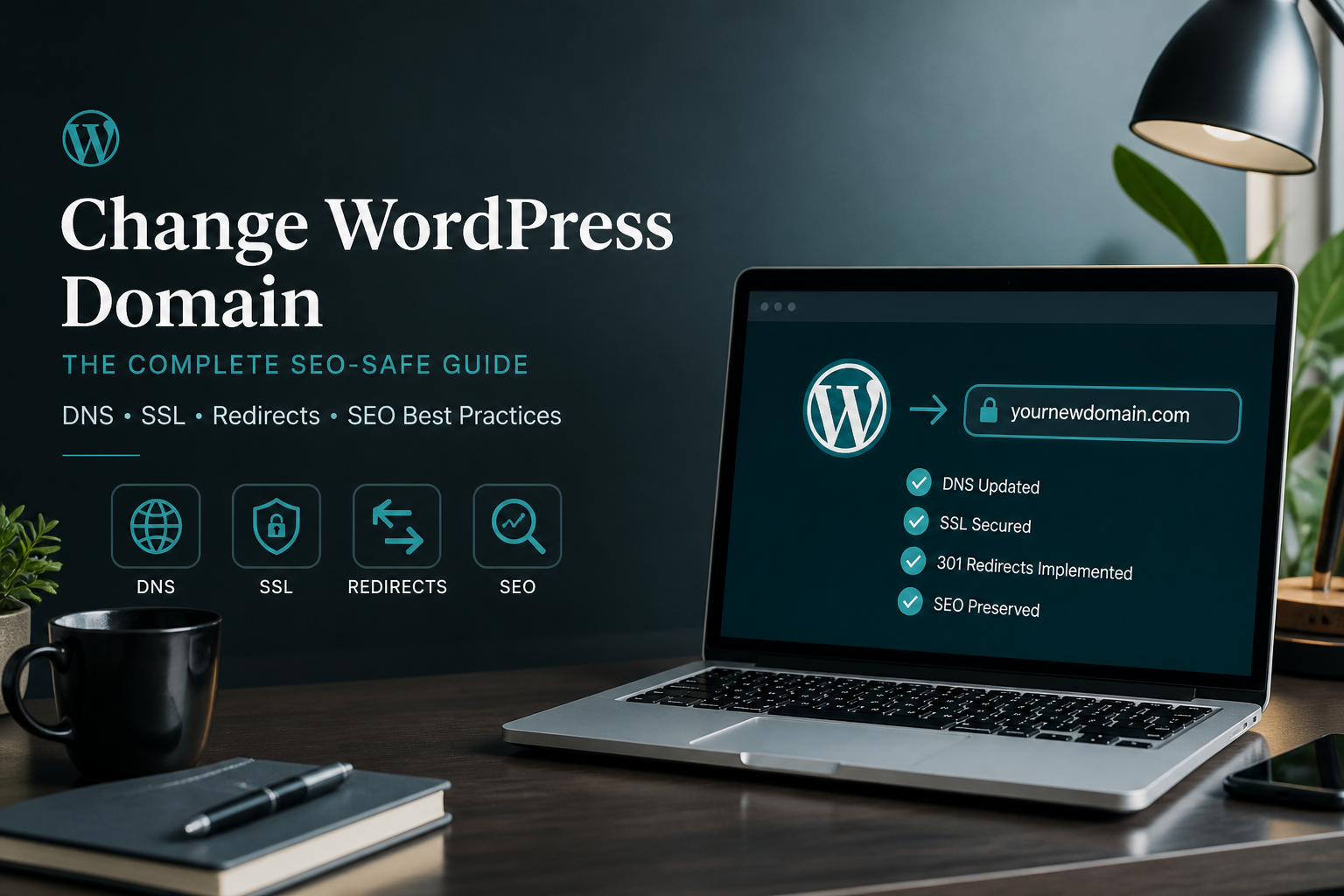
To change a WordPress domain without losing SEO, update site URLs in the database with serialization-safe tools, implement 301 redirects from every old URL to its new equivalent, submit the new domain in Google Search Console with Change of Address, and keep the old domain redirecting for at least 12 months. Rankings may fluctuate for 2–4 weeks. They drop permanently when redirects are missing or wrong.
Domain changes happen during rebrands, acquisitions, HTTPS enforcement at the registrar level, www-to-non-www consolidation, or TLD changes (.net → .com). The technical work is the same: treat it as a migration where URLs change.
Professional domain-change projects typically cost $350–$800 (estimate) for sites under 200 URLs. Larger sites with complex redirect maps run higher.
Domain change scenarios
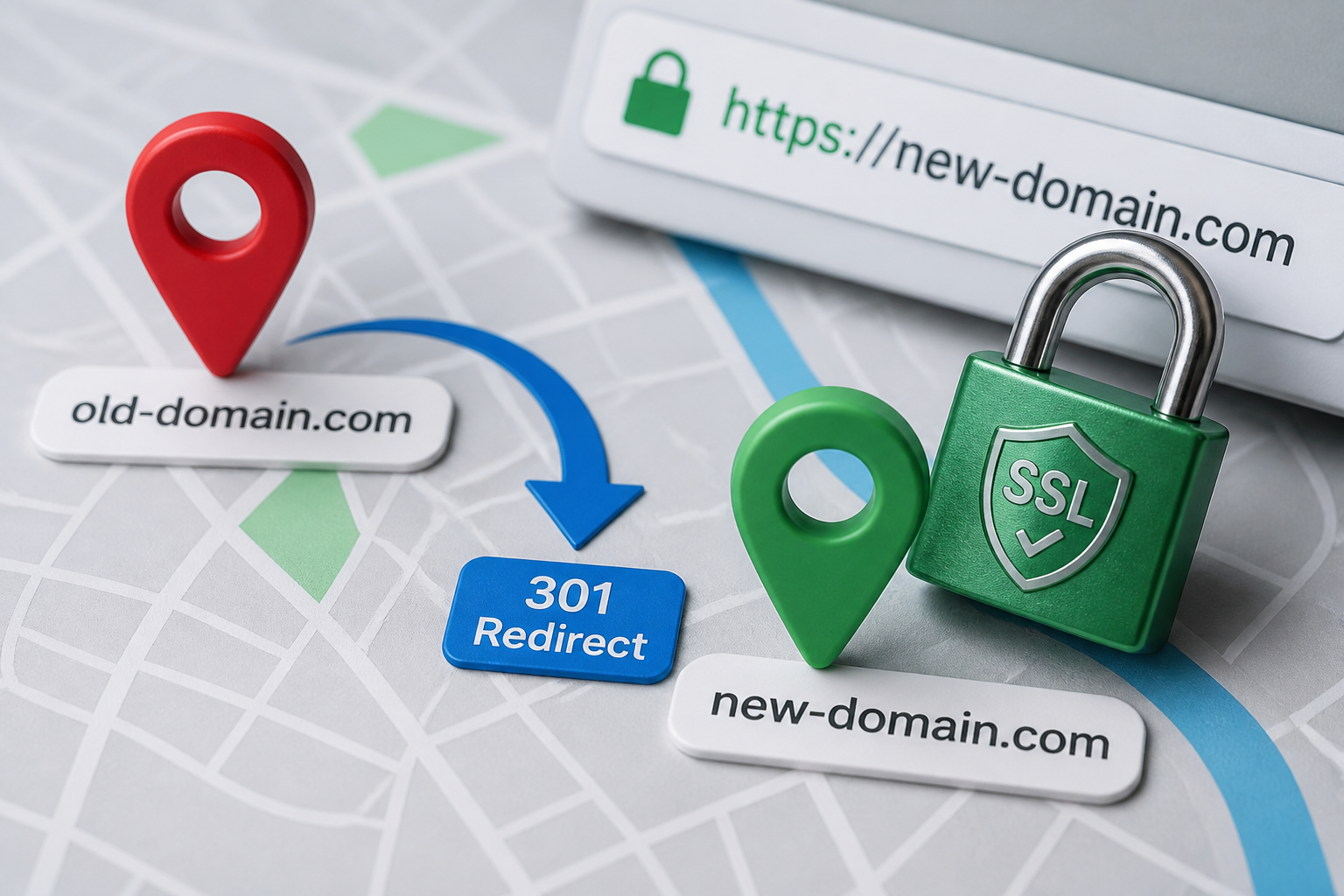
| Scenario | URL change example | Redirect needed? |
|---|---|---|
| Rebrand | `oldbrand.com` → `newbrand.com` | Yes — every URL |
| www consolidation | `www.site.com` → `site.com` | Yes — www to non-www |
| HTTP to HTTPS (domain level) | `http://site.com` → `https://site.com` | Usually handled by server |
| Subdomain to root | `blog.site.com` → `site.com/blog` | Yes — structural |
| TLD change | `site.net` → `site.com` | Yes — every URL |
| Same domain, new host | No URL change | No redirect map |
This guide focuses on scenarios where the domain string changes. Host-only moves: how to migrate WordPress to new host.
Pre-migration: URL audit
- Crawl old domain — Screaming Frog, Sitebulb, or Search Console → Performance → Pages (export top URLs).
- Build spreadsheet: Old URL | New URL | Redirect type (301) | Notes
- Identify URLs with no new equivalent — redirect to closest relevant page (not homepage unless nothing else fits).
- Check backlink profile (Search Console Links, Ahrefs, Semrush) — prioritize URLs with inbound links.
- Document current indexed page count in Search Console.
- Export existing redirect rules — do not lose redirects already in place.
Run the full WordPress migration SEO checklist against this map.
Step 1: Prepare the new domain
- Register or confirm ownership of new domain.
- Add domain to hosting account.
- Provision SSL certificate on new domain before any public access.
- Lower DNS TTL to 300 seconds (48 hours before cutover).
Decision: Will WordPress run on the new domain on the same host (search-replace only) or a new host (full migration)? Same host is simpler. New host: follow migration checklist first.
Step 2: Update WordPress URLs
Method A: Same server, domain change only
- Back up database and files.
- Update DNS for new domain to point to current server (or add as alias/parked domain in hosting panel).
- Run serialization-safe search-replace:
“`bash
wp search-replace 'https://olddomain.com' 'https://newdomain.com' –all-tables
wp search-replace 'http://olddomain.com' 'https://newdomain.com' –all-tables
“`
- Verify wp_options:
“`sql
SELECT option_value FROM wp_options WHERE option_name IN ('siteurl', 'home');
“`
- Log in to admin — if login fails, temporarily add to wp-config:
“`php
define('WP_HOME', 'https://newdomain.com');
define('WP_SITEURL', 'https://newdomain.com');
“`
Remove after confirming database values are correct.
- Settings → Permalinks → Save Changes.
Method B: WP-CLI or Better Search Replace plugin
Same logic — always use tools that handle PHP serialized data. Never raw SQL replace. See WordPress database migration guide and fix migration errors if serialization breaks.
Step 3: Implement 301 redirects on old domain
The old domain must redirect every URL to the new domain equivalent for minimum 12 months (24 recommended).
Option A: Old domain stays on same server
Configure at web server level:
Apache (.htaccess on old domain vhost):
“`apache
RewriteEngine On
RewriteCond %{HTTP_HOST} ^(www.)?olddomain.com$ [NC]
RewriteRule ^(.*)$ https://newdomain.com/$1 [R=301,L]
“`
nginx:
“`nginx
server {
server_name olddomain.com www.olddomain.com;
return 301 https://newdomain.com$request_uri;
}
“`
Option B: Old domain on Cloudflare
Bulk redirect rules or Page Rules: `olddomain.com/*` → `https://newdomain.com/$1` (301).
Option C: Old domain parked at registrar
Many registrars offer domain forwarding — verify it sends 301, not 302 or masked forwarding.
Redirect rules beyond domain swap
If URL structure also changes (e.g., `/post`/ → `/post`):
“`
olddomain.com/my-post/ → newdomain.com/my-post (301)
“`
Map every structural change individually. One blanket domain redirect handles same-path moves only.
Step 4: Update SEO and analytics
- [ ] SEO plugin (Yoast/Rank Math): update site URL, social profiles, schema org URL
- [ ] Submit new XML sitemap in Search Console (new property)
- [ ] Google Search Console → old property → Settings → Change of Address → select new property
- [ ] Bing Webmaster Tools: add new site, submit sitemap
- [ ] GA4: update data stream URL or configure cross-domain tracking if both domains briefly active
- [ ] Google Tag Manager: update container triggers if domain-specific
- [ ] Update Google Business Profile website URL if local business
- [ ] Update social media bio links, email signatures, active ad campaigns
Step 5: Test before announcing
Test matrix (minimum 20 URLs including top traffic pages):
| Test | Pass criteria |
|---|---|
| Old URL → new URL | Single 301 hop, correct destination |
| Homepage both domains | New serves 200; old serves 301 |
| HTTP and HTTPS | All force HTTPS on new domain |
| www and non-www | One canonical version, other 301s |
| Media files | Images load on new domain |
| Forms | Submit and deliver email |
| Admin | Login on new domain works |
| Sitemap | Lists new domain URLs only |
| Canonical tags | Point to new domain |
| Pagination | `/page/2/` redirects correctly if structure changed |
Tools: httpstatus.io, Screaming Frog redirect check, browser dev tools Network tab.
Step 6: Cutover and monitor
- Switch primary DNS to new domain configuration.
- Purge all caches (WordPress, host, CDN).
- Monitor Search Console daily for week 1 — watch "Not found (404)" and "Page with redirect" counts.
- Week 2–4: compare ranking positions on top 20 queries. Temporary fluctuation is normal.
- Month 1: fix any 404s discovered with new 301 rules.
Rollback if critical failures: WordPress migration rollback plan.
www vs non-www: pick one
Choose one canonical form and 301 the other everywhere — DNS, WordPress settings, Search Console property (set preferred domain in settings), and internal links.
Most new setups use non-www (`example.com`). Enterprise and legacy sites often keep www. Consistency matters more than which you pick.
Common domain-change SEO mistakes
- 302 redirects — use 301 only for permanent moves.
- Redirect chains — old → interim staging → new adds latency and dilutes signals.
- Letting old domain expire — redirects die; backlinks go to dead domain. Renew old domain for 2+ years minimum.
- Forgetting media URL redirects — `/wp-content/uploads/2024/image.jpg` on old domain needs redirect or identical path on new.
- Duplicate indexing — both domains serving 200 with same content during transition. Old domain must 301, not mirror.
- Skipping Change of Address — Google connects old and new properties faster with this tool.
When to hire help
Hire when:
- 100+ indexed URLs with backlink dependencies
- URL structure changes combined with domain change
- WooCommerce or membership with hard-coded URLs in emails
- Multisite domain mapping
- Previous domain change caused ranking loss
See when to hire WordPress migration help and WordPress migration cost.
FAQs
How long does Google take to recognize a domain change?
With 301 redirects and Change of Address submitted, most pages recrawl within 1–3 weeks. Full stabilization: 4–8 weeks.
Do I lose link equity with 301 redirects?
Google passes most signals through 301 redirects. Minor decay possible through chains or slow redirect implementation — keep chains to one hop.
Should I update internal links in post content?
Search-replace handles most. Audit top posts manually for hard-coded old domain links in HTML blocks, widgets, and page builder sections.
Can I change domain without downtime?
Yes — build on new domain via staging, test redirects, then switch DNS. Same approach as zero-downtime host migration.
What about email on the old domain?
Web domain change does not require email change if MX records stay pointed at your email provider. Update email signatures and marketing materials separately.
—
Domain changes are redirect discipline plus Search Console housekeeping. WordPress migration services include URL mapping, 301 implementation, and post-launch monitoring.
Book a free 15-minute migration consult.
September 9, 2026
All-in-One WP Migration vs Manual Migration: Which to...
September 9, 2026



