

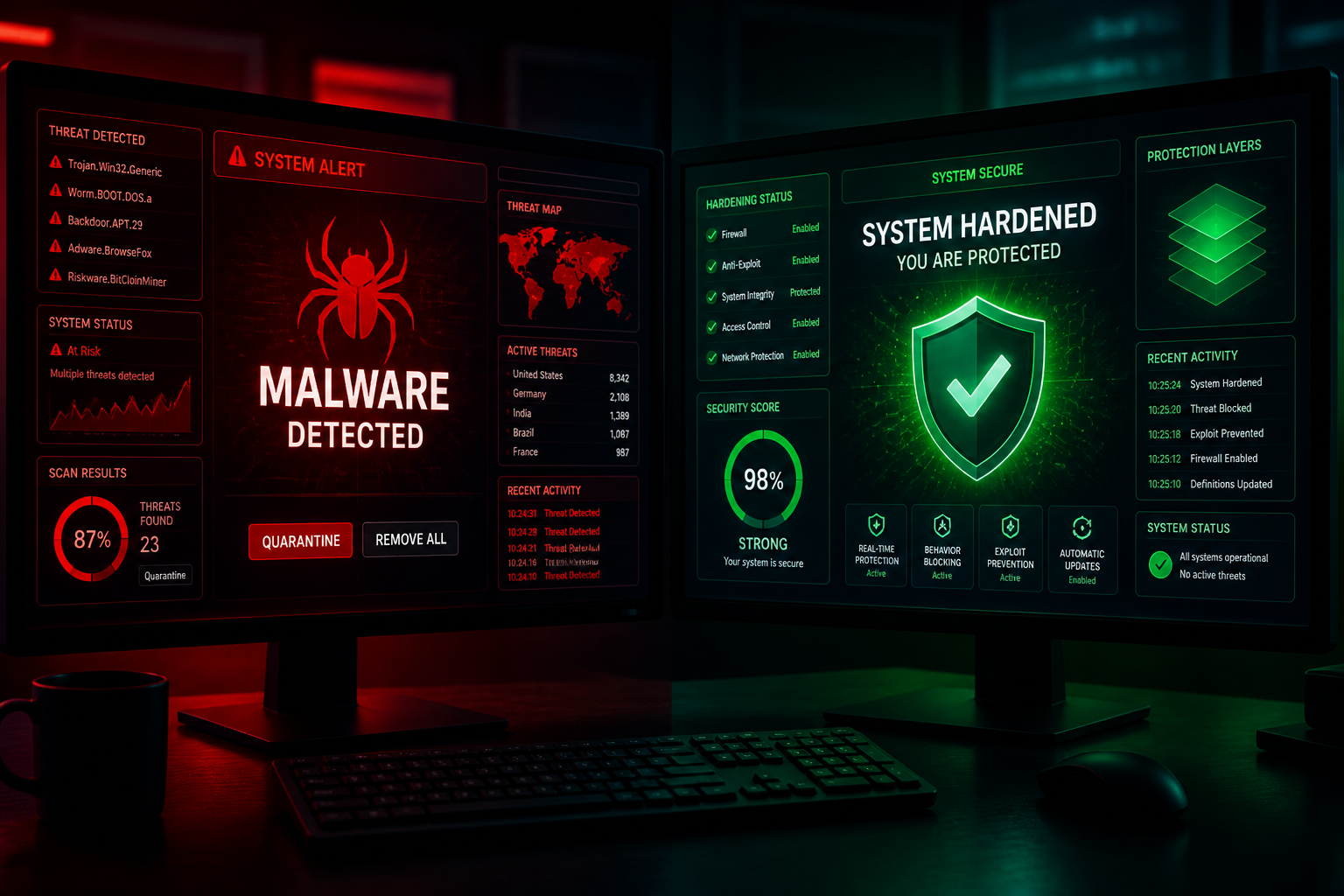
If your WordPress site is actively compromised, hardening is the wrong first step. Malware removal comes first — find the infection, clean it, identify the entry point — then hardening prevents reinfection. Doing hardening on a site that still contains malicious code is patching a lock while someone is inside the house.
These are related services with different scopes, timelines, and costs. This guide explains where one ends and the other begins.
Malware removal: stop the bleeding
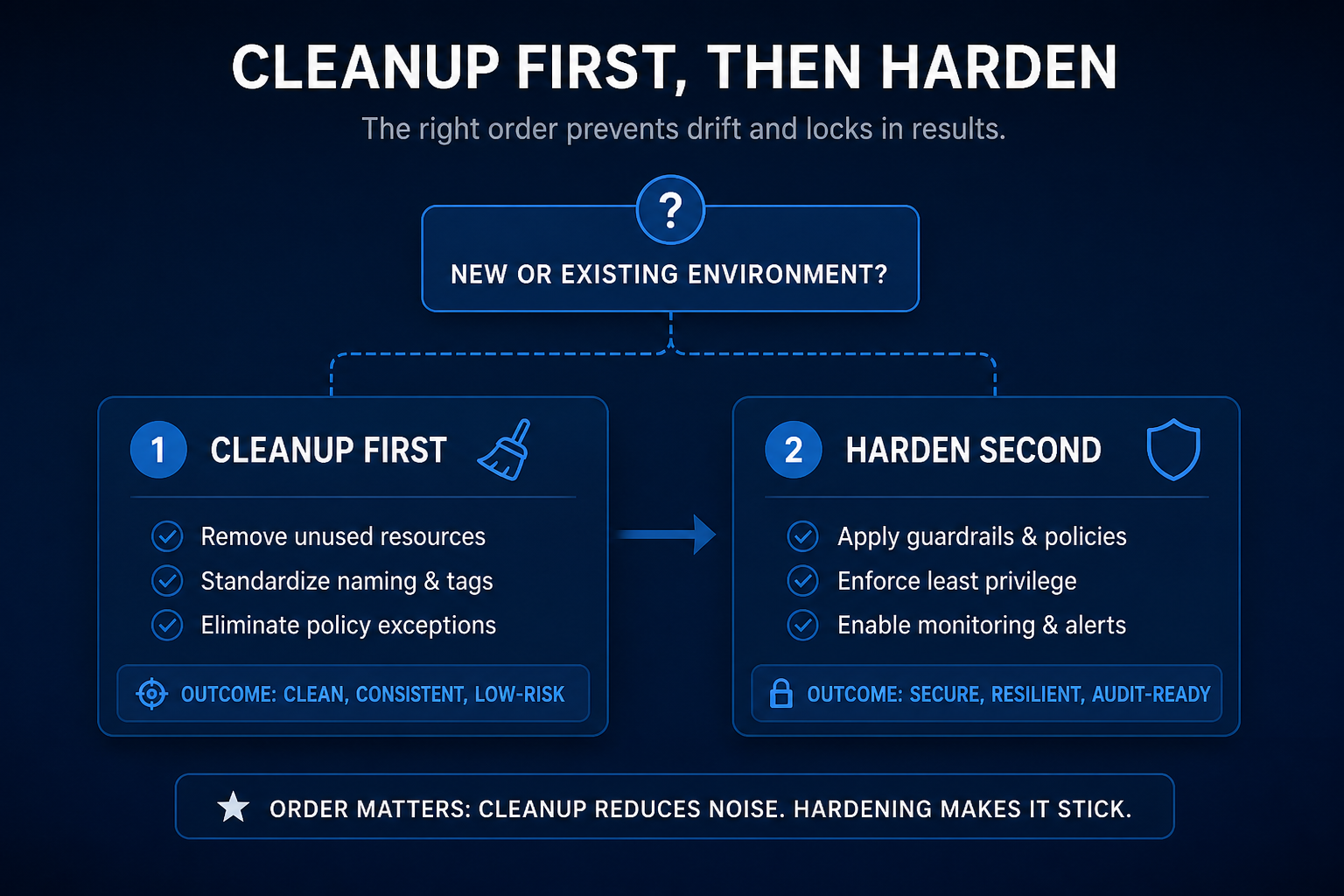
Malware removal is reactive. The site is already compromised and you need it clean before anything else.
What it includes:
- Forensic review — when did the compromise start, what was modified, what backdoors exist
- Malware scan of files and database
- Removal of malicious code, injected scripts, unauthorized admin accounts, and backdoor files
- Clean restore from a pre-compromise backup if available and trustworthy
- Entry point identification — outdated plugin, weak password, vulnerable upload handler
- Post-cleanup verification — rescan, check Google Safe Browsing status, confirm redirects stopped
What it does not include:
- Long-term prevention configuration
- Ongoing monitoring
- Plugin stack overhaul (unless the entry point was an abandoned plugin that must be replaced)
Typical cost estimate: $500–$2,000+ depending on infection severity, site size, and whether a clean backup exists. Simple redirect injections on a small site land at the lower end. Database-level infections across a WooCommerce store with thousands of orders land much higher.
Timeline: One to five business days for most single-site infections. Complex or repeated infections take longer because the forensic work is more extensive.
Hardening: prevent the next one
Hardening is proactive. The site is clean (or was never compromised) and you want to reduce the probability and impact of a future attack.
What it includes:
- Update schedule and plugin hygiene
- 2FA enforcement, login rate limiting
- Firewall configuration, XML-RPC disable, REST API enumeration block
- File permissions, wp-config.php hardening
- Backup verification and off-site storage
- Security plugin selection and configuration
- User role audit and least privilege
What it does not include:
- Cleaning existing malware
- Forensic analysis of past incidents
- Google blacklist removal (though hardening supports the reconsideration request)
Typical cost estimate: $300–$1,200 for a standard single-site hardening project. See WordPress security hardening cost for the full breakdown.
Timeline: One to three business days for most sites.
The correct sequence
“`
Compromised site:
1. Backup current state (yes, the infected one — for forensics)
2. Malware removal / clean restore
3. Patch the entry point
4. Hardening
5. Ongoing maintenance
Clean site (never compromised):
1. Hardening
2. Ongoing maintenance
“`
Skipping step 3 is why reinfection happens within days. Restoring a clean backup without fixing the vulnerable plugin that caused the breach puts you back where you started.
Comparison table
| Factor | Malware removal | Hardening |
|---|---|---|
| When | After confirmed or suspected compromise | Before or after cleanup |
| Goal | Remove active threat | Prevent future threats |
| Scope | Forensic + cleanup + entry point fix | Configuration + access control |
| Cost estimate | $500–$2,000+ | $300–$1,200 |
| Timeline | 1–5 days | 1–3 days |
| Requires staging | Sometimes — depends on severity | Preferred |
| Ongoing work | Monitoring for reinfection | Maintenance plan |
| Can DIY | Risky without experience | Possible for technical users |
Combined engagement
Many clients need both. I often scope these as a single project with two phases:
Phase 1 — Cleanup: Remove the infection, identify entry point, restore from clean backup if needed, verify the site is clean.
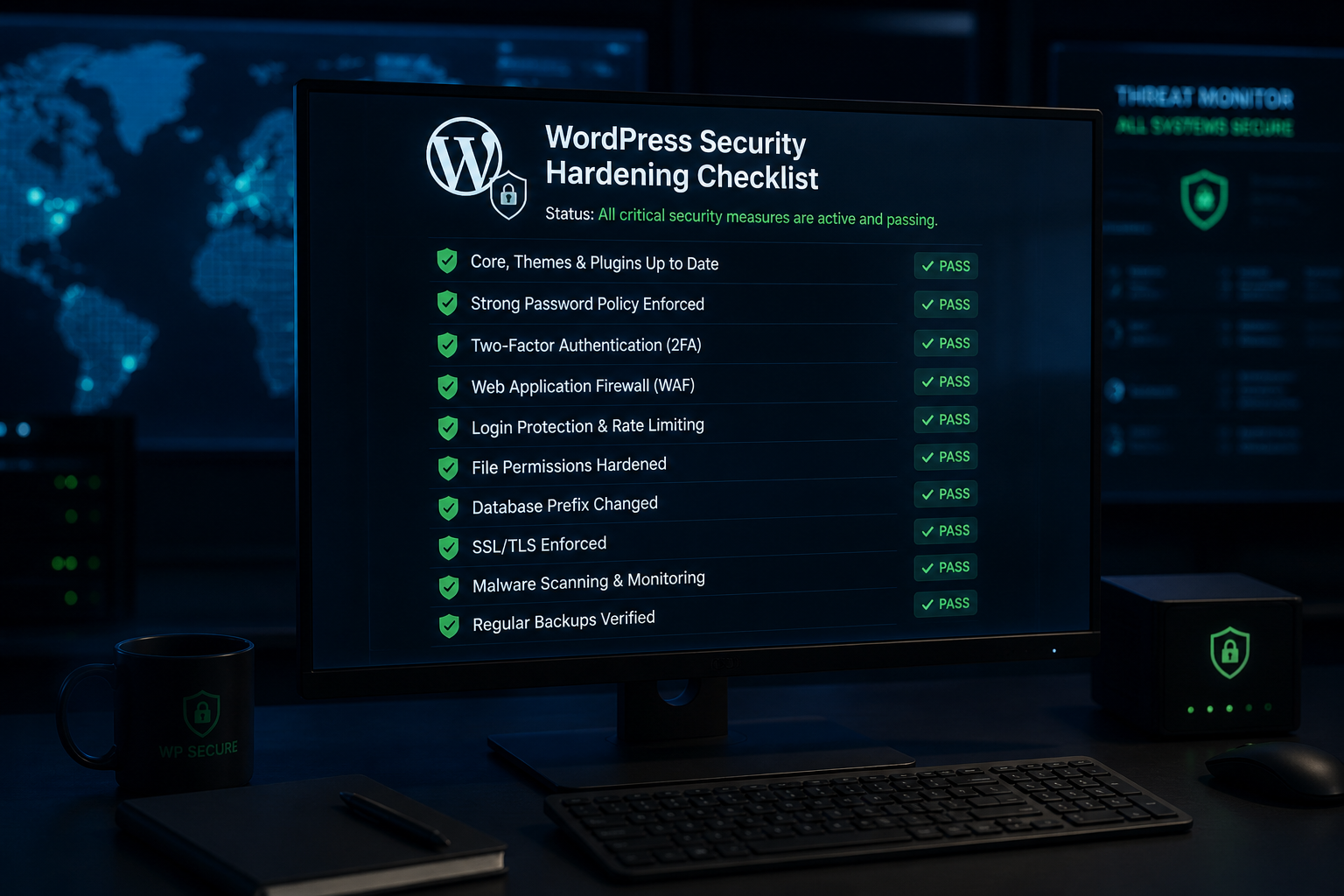
Phase 2 — Hardening: Apply the full WordPress security hardening checklist so the entry point cannot be exploited again.
Combined projects typically run $800–$2,500+ depending on cleanup complexity and hardening scope. That is an estimate — every infected site is different.
Signs you need removal, not hardening
If any of these are true, start with cleanup:
- Google Safe Browsing warning on your site
- Redirects to spam or gambling sites (especially mobile-only or search-referred)
- Unrecognized administrator accounts
- Spam pages indexed in Google that you did not create
- Browser antivirus warnings when visiting your site
- Your host suspended the account for malware
- Customers report fraudulent charges or phishing emails from your domain
See how to tell if WordPress site is hacked for the full diagnostic list.
Signs you need hardening, not removal
- Site appears clean but has never had security configuration
- Plugins not updated in 90+ days
- No 2FA on any account
- Prior cleanup completed but no follow-up hardening
- Agency onboarding a new client site with unknown history
What your host offers vs what you need
Many hosts include malware scanning and even one-time cleanup. Read the fine print:
| Host feature | What it usually covers | What it misses |
|---|---|---|
| Malware scanning | Detects known signatures | Zero-day injections, database-only malware |
| One-time cleanup | Removes detected files | Entry point analysis, hardening, reinfection prevention |
| Web application firewall | Blocks known attack patterns | Application-level misconfigurations |
| Automatic updates | Core updates | Your plugins, your users, your wp-config.php |
Host cleanup gets the site back online. It rarely includes the configuration work that prevents the next incident.
After cleanup: do not stop at removal
The most expensive pattern I see: pay for cleanup, breathe a sigh of relief, change nothing, get reinfected within weeks.
Minimum post-cleanup actions:
- Patch the entry point (update the vulnerable plugin, remove the backdoor account)
- Change all passwords and regenerate wp-config.php security keys
- Enable 2FA on all admin and editor accounts
- Verify backups are off-site and tested
- Apply hardening configuration
- Set up ongoing maintenance or monitoring
The maintenance plan: after hardening WordPress maintenance.
Frequently asked questions
Can I harden instead of paying for cleanup?
Only if the site is actually clean. Hardening on top of active malware wastes money — the malicious code remains, and you still need cleanup eventually. Verify the site is clean first.
Will hardening remove existing malware?
No. A security plugin may detect and quarantine malware during a scan, but that is a scan feature, not hardening. Detection and removal are cleanup work.
How do I know cleanup was successful?
Rescan with a different tool than the one that found the infection. Check Google Safe Browsing status. Browse the site from a mobile device via Google search (not direct URL) to catch conditional redirects. Monitor for 30 days.
Is cleanup covered by my host?
Some managed WordPress hosts include one cleanup per year. Check your plan. Even when included, host cleanup rarely covers entry point analysis or hardening.
Should I restore from backup instead of cleaning?
If you have a backup from before the compromise and you trust it is clean, restore is faster and more reliable than manual cleanup. You still need to patch the entry point that caused the breach, or you will reinfect the restored site.
Get a free 15-minute security check
Send your URL. I will tell you whether the site looks actively compromised, already cleaned, or ready for hardening — and what I would do first in each case.
September 1, 2026
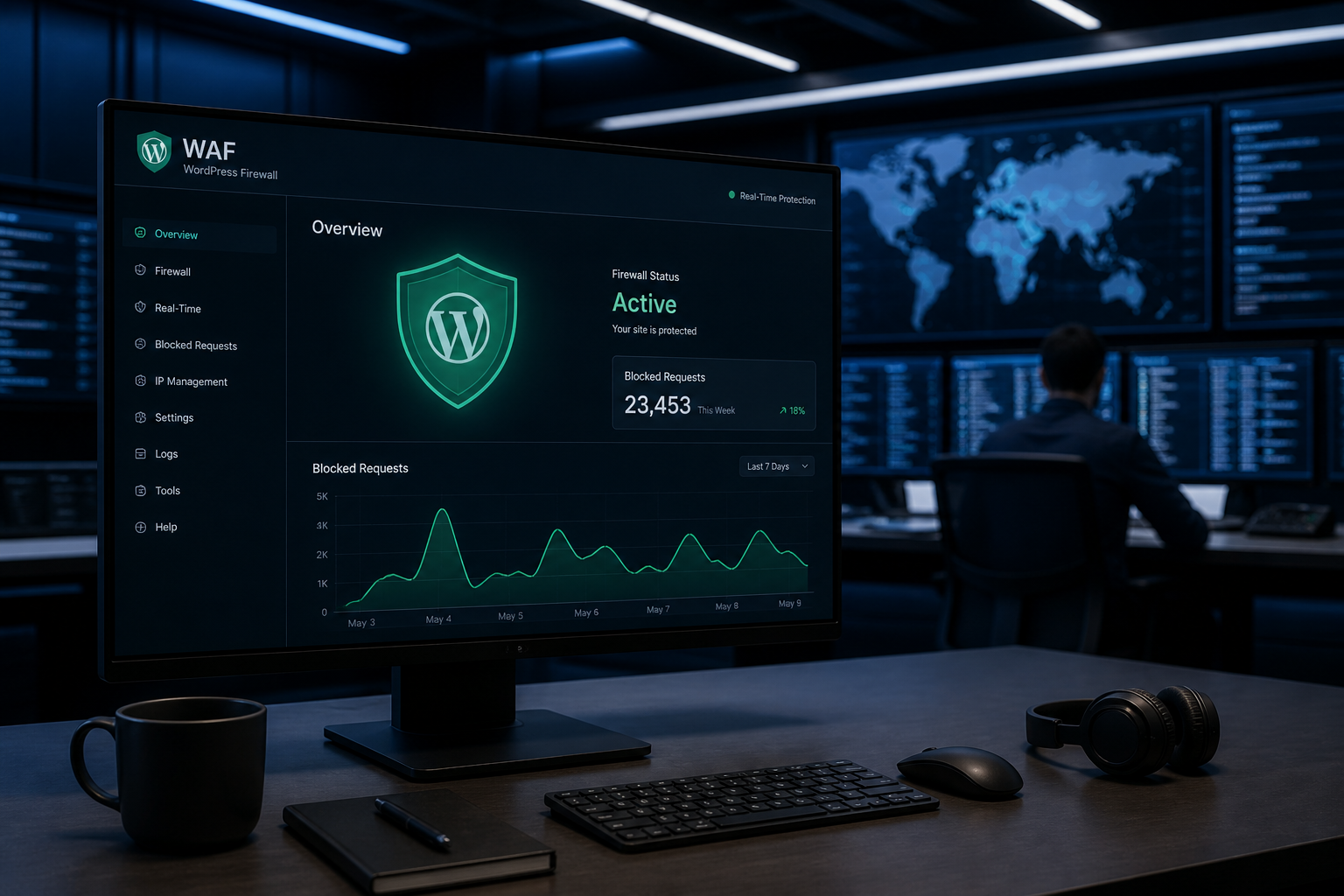
WordPress WAF and Firewall Explained
September 1, 2026



