

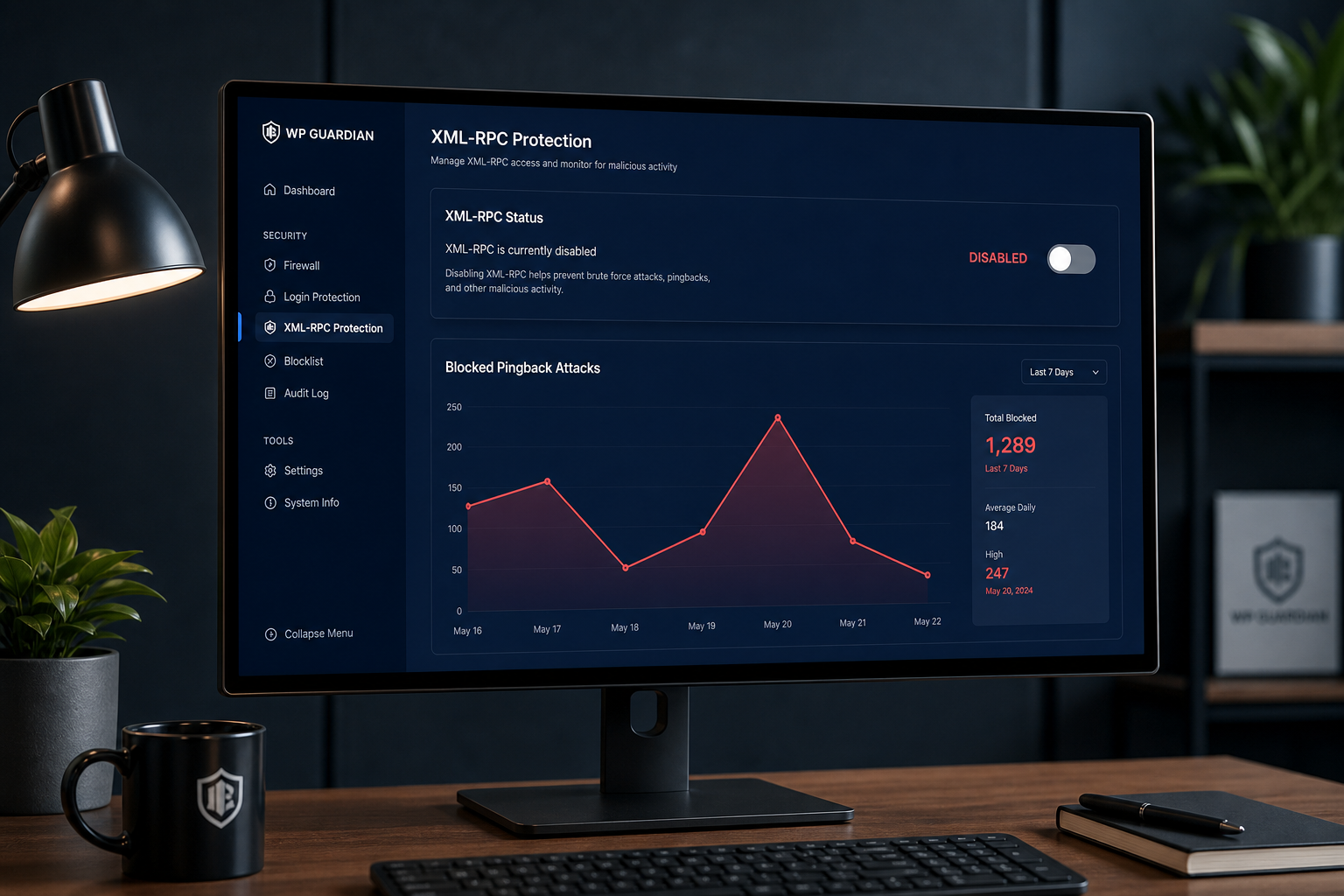
XML-RPC is a legacy WordPress API at `xmlrpc.php` that enables remote publishing, pingbacks, and the WordPress mobile app. It is also a well-known attack vector: it allows hundreds of authentication attempts in a single HTTP request, making brute force far more efficient than against the standard login form.
If you do not actively use XML-RPC, disable it. Most modern WordPress sites do not need it.
What XML-RPC does
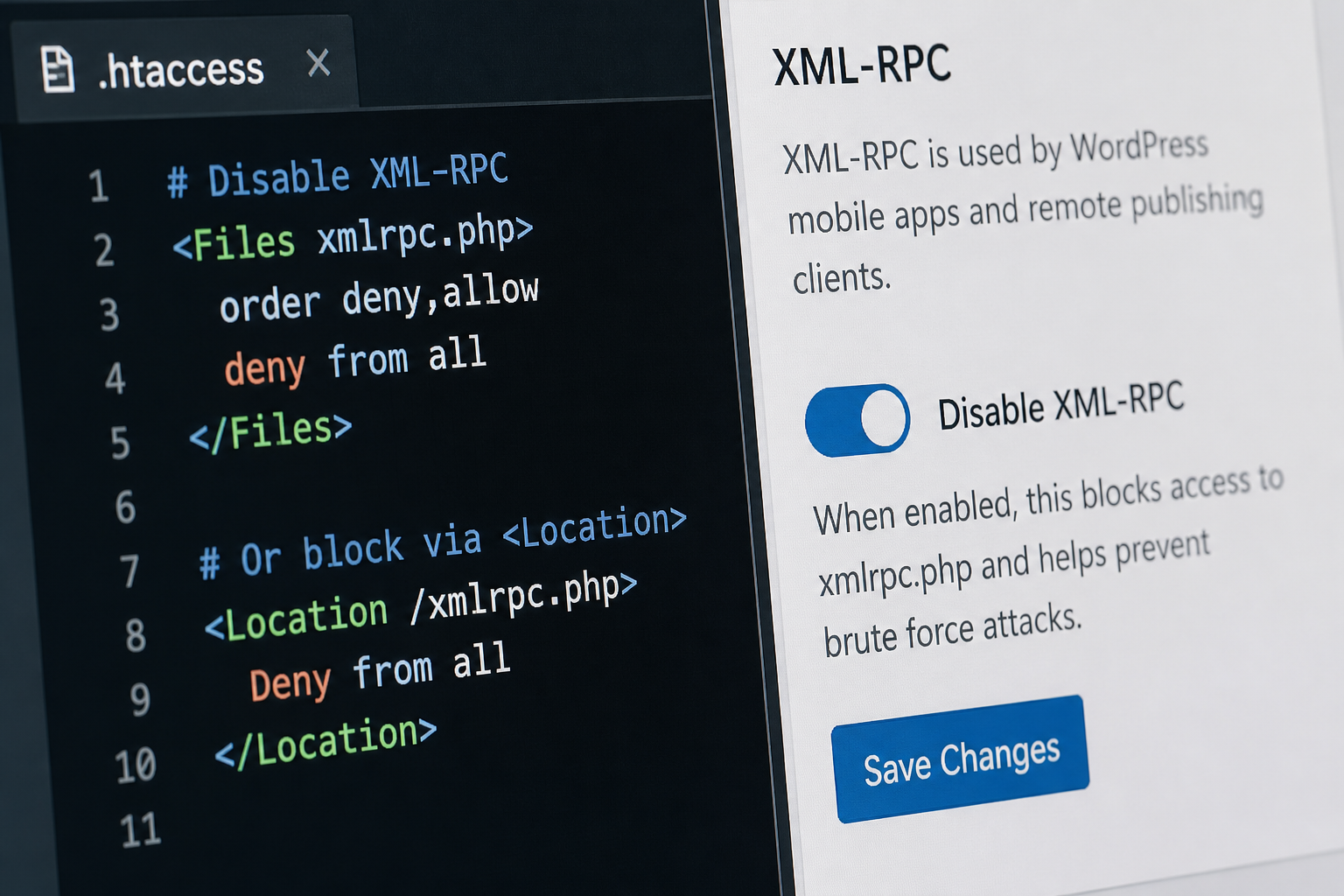
WordPress ships with `xmlrpc.php` in the root directory. It handles:
- Remote publishing — posting via desktop clients and the WordPress mobile app
- Pingbacks and trackbacks — notifying other sites when you link to them
- Jetpack connection — Automattic's plugin suite uses XML-RPC for some features
- Third-party integrations — some older plugins and services connect through it
Each of these has modern alternatives. The REST API (`/wp-json/`) replaced most remote publishing use cases years ago. Pingbacks are mostly a spam vector now.
Why attackers target XML-RPC
Two attack patterns make XML-RPC a priority target:
Amplified brute force. The `system.multicall` method lets an attacker test dozens or hundreds of username/password combinations in one HTTP request. Against `/wp-login.php`, each guess requires a separate request. XML-RPC removes that constraint.
DDoS amplification. Pingback functionality can be abused to send reflected requests to third-party sites, using your server as an amplifier. Your site becomes an unwitting participant in attacks against others.
Disabling XML-RPC closes both paths with no impact on normal site operation — assuming nothing on your site depends on it.
Check dependencies before disabling
Disabling XML-RPC breaks anything that relies on it. Check these before proceeding:
| Service | Uses XML-RPC? | Alternative |
|---|---|---|
| WordPress mobile app (legacy) | Yes | Use the browser admin or REST API-based apps |
| Jetpack | Partially | Jetpack has REST API fallbacks in recent versions; test after disabling |
| Pingbacks/trackbacks | Yes | Disable in Settings → Discussion; low value in 2026 |
| Remote desktop clients (Old MarsEdit, etc.) | Yes | Use REST API or browser editor |
| WooCommerce mobile app | Check version | Verify before disabling |
How to check: Search your active plugins for "xmlrpc" references. Review Jetpack's documentation if installed. If unsure, disable on staging first and test all critical workflows.
Method 1: Block at the server level (preferred)
Server-level blocking is cleanest because the request never reaches PHP.
Apache (.htaccess in WordPress root):
“`apache
Block XML-RPC
<Files xmlrpc.php>
Order Deny,Allow
Deny from all
</Files>
“`
Nginx (in server block):
“`nginx
location = /xmlrpc.php {
deny all;
return 403;
}
“`
Cloudflare WAF rule:
Create a rule blocking requests to `*/xmlrpc.php`. This works regardless of your server stack and adds no PHP overhead.
See WordPress WAF firewall explained for Cloudflare setup details.
Method 2: Disable via plugin
If you cannot edit server configuration, security plugins can block XML-RPC:
- Wordfence — Enable "Disable XML-RPC" in Login Security settings
- Solid Security — Toggle XML-RPC disable in settings
- Disable XML-RPC — Lightweight plugin that does only this
Plugin-level blocking still loads WordPress before rejecting the request, so server-level blocking is preferable when available.
Method 3: Disable via code
Add to a must-use plugin or your theme's `functions.php` (mu-plugin is better — survives theme changes):
“`php
add_filter('xmlrpc_enabled', '__return_false');
“`
To also remove the RSD link from `<head>`:
“`php
remove_action('wp_head', 'rsd_link');
“`
This disables XML-RPC functionality but does not block direct requests to `xmlrpc.php` — the file still responds. Combine with server-level blocking for complete coverage.
Method 4: Disable pingbacks only
If you need XML-RPC for Jetpack but want to stop pingback abuse:
In WordPress admin: Settings → Discussion → uncheck "Attempt to notify any blogs linked to from the post" and "Allow link notifications from other blogs."
Or via code:
“`php
add_filter('xmlrpc_methods', function($methods) {
unset($methods['pingback.ping']);
unset($methods['pingback.extensions.getPingbacks']);
return $methods;
});
“`
This keeps XML-RPC available for services that need it while removing the amplification vector.
Verify XML-RPC is disabled
After applying your chosen method:
- Visit `https://yoursite.com/xmlrpc.php` in a browser — expect 403 Forbidden or a blank denial
- Use an online XML-RPC checker tool — should report disabled or unreachable
- Test Jetpack, mobile apps, or any integration you identified as dependent
- Check server logs for continued `xmlrpc.php` requests — bots will keep trying; they should all get rejected
XML-RPC and login security
Disabling XML-RPC is one layer in login protection. It does not replace:
- Two-factor authentication
- Login rate limiting
- Strong, unique passwords
- HTTPS enforcement
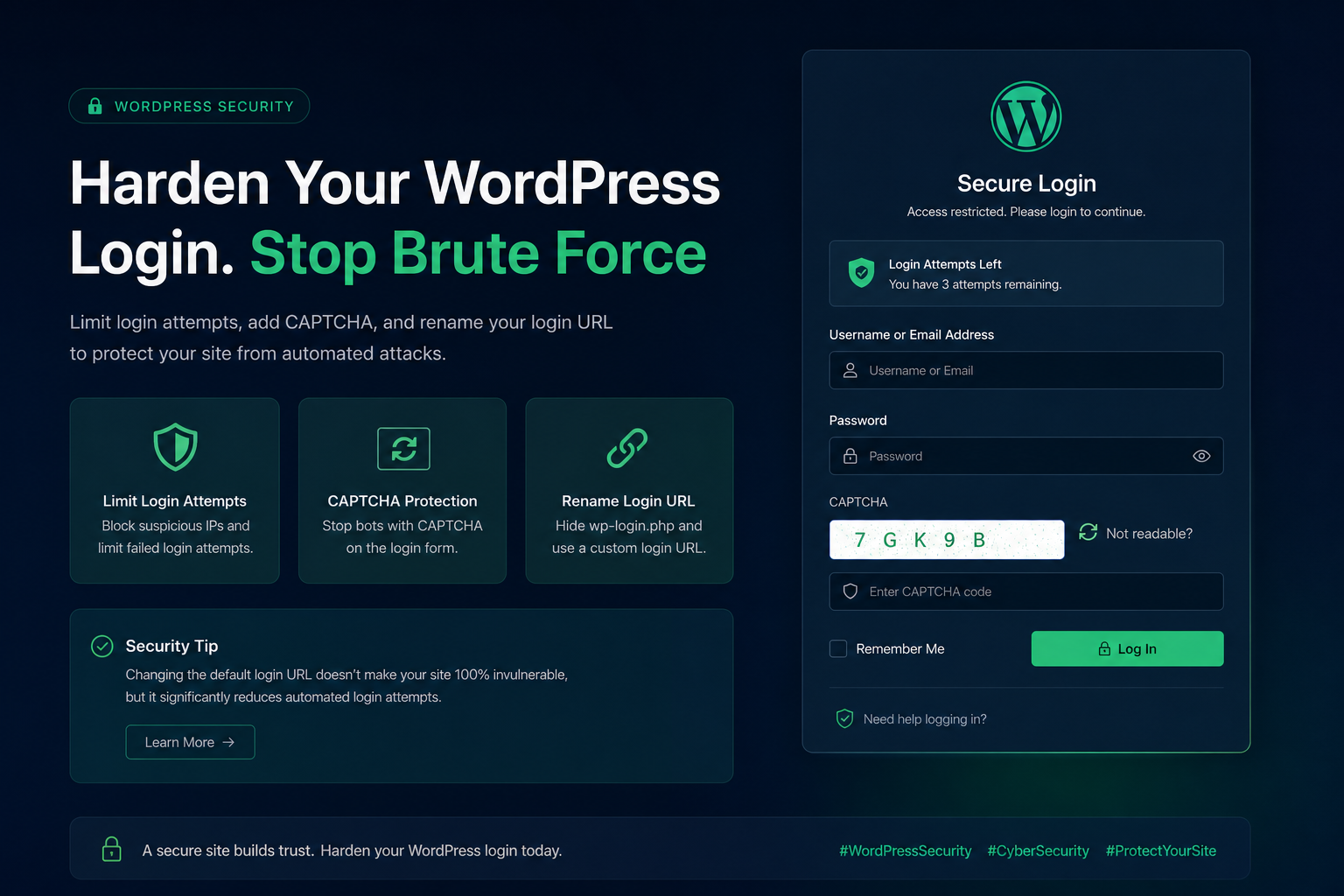
Combined with secure WordPress admin login measures, disabling XML-RPC removes an alternate authentication path that many site owners forget exists.
Frequently asked questions
Will disabling XML-RPC break my site?
Not if nothing depends on it. Most sites running only the browser admin, standard plugins, and no Jetpack mobile features are unaffected. Test on staging if you are unsure.
Does Jetpack require XML-RPC?
Older Jetpack versions relied on it heavily. Recent versions use REST API connections for most features. After disabling, check that Jetpack's dashboard still connects and features like stats and backups still work.
Can I disable XML-RPC on WooCommerce?
Yes, unless you use a mobile app or integration that requires it. WooCommerce itself runs on REST API and standard WordPress hooks — XML-RPC is not part of normal store operation.
Is blocking XML-RPC better than rate limiting it?
Blocking is better if you do not use it — zero attack surface. Rate limiting makes sense only if you need XML-RPC for a specific service and want to reduce abuse while keeping it functional.
My host already blocks XML-RPC. Do I need to do anything?
Verify rather than assume. Visit `yoursite.com/xmlrpc.php` and confirm you get a 403. Some hosts block by default; others leave it wide open.
Get a free 15-minute security check
Send your URL. I will check whether XML-RPC is exposed, whether user enumeration is open, and whether your login surface has other obvious gaps.
Disabling XML-RPC is typically one item in a broader WordPress security hardening project — $300–$1,200 depending on scope.
August 29, 2026
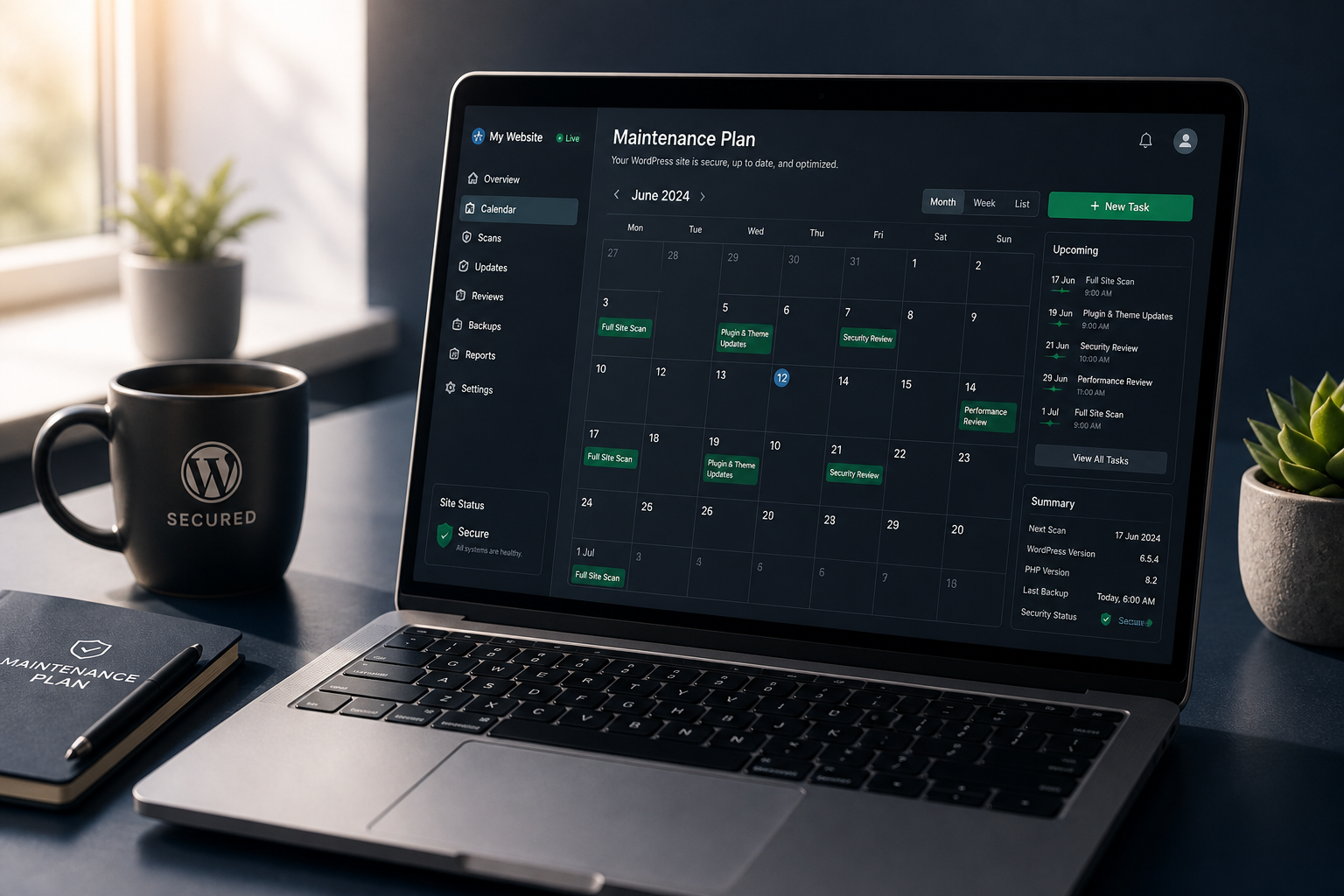
WordPress Security Maintenance Plan After Hardening
August 29, 2026



