

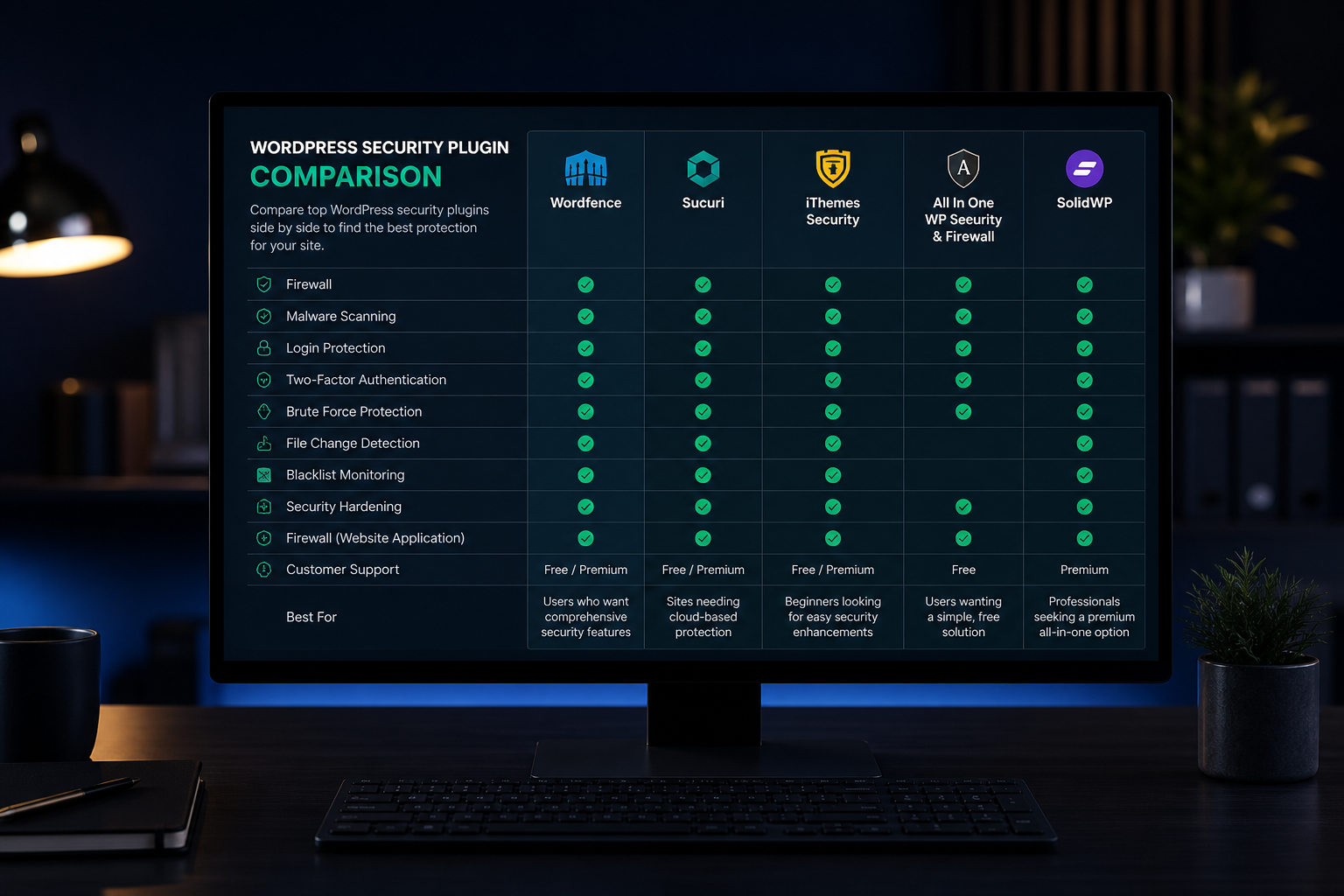
A WordPress security plugin adds file-integrity monitoring, malware scanning, login protection, and firewall rules inside WordPress. It is a useful layer — not a substitute for updates, 2FA, and backups.
One well-configured plugin beats three fighting each other. Running multiple security plugins causes conflicts, duplicate scans, inflated server load, and false lockouts. Pick one, configure it properly, and leave it alone.
This comparison covers the plugins I see most often on client sites and what each does well.
Quick comparison
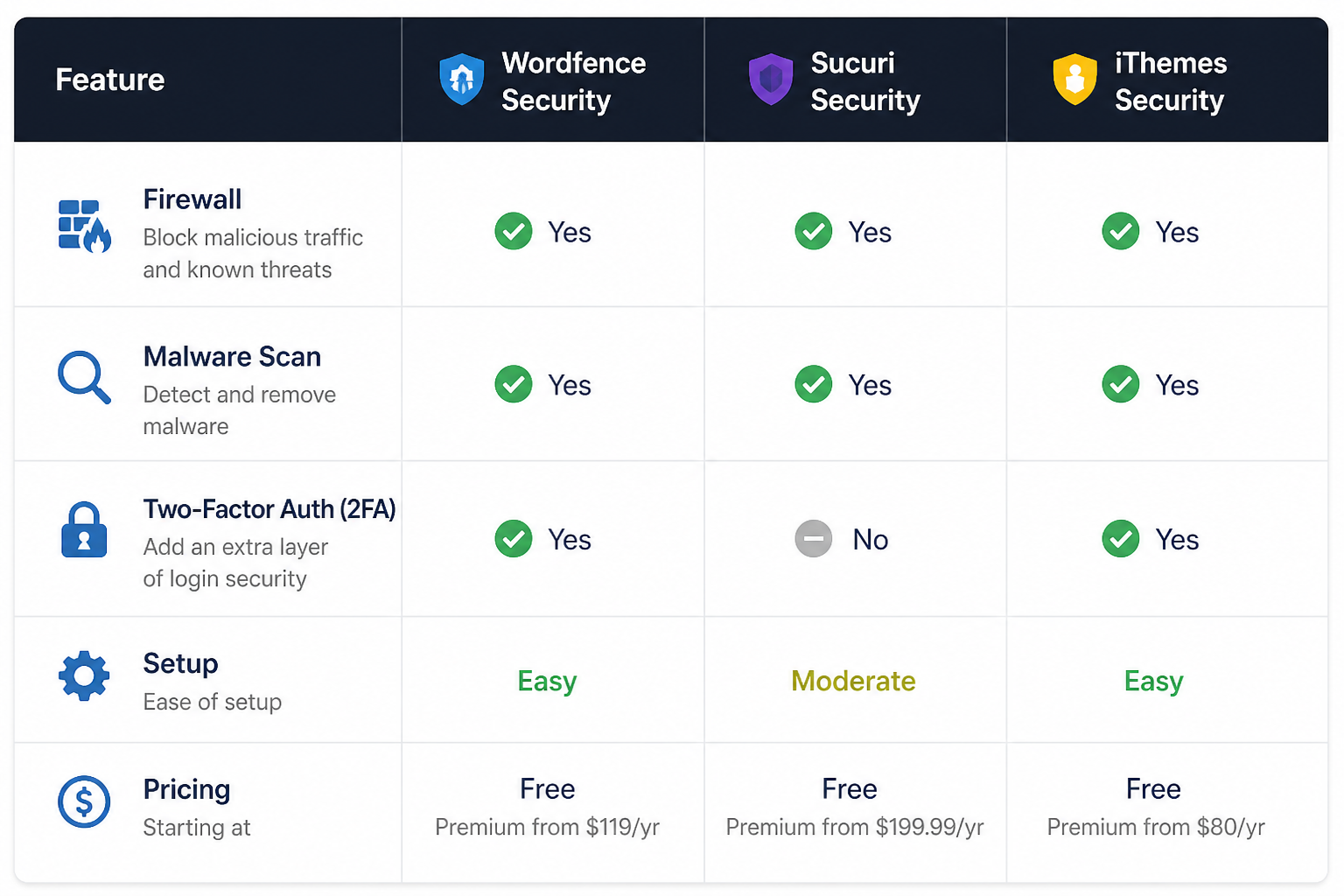
| Plugin | Firewall | Malware scan | 2FA | File integrity | Free tier | Best for |
|---|---|---|---|---|---|---|
| Wordfence | Yes (WAF) | Yes | Yes (Login Security) | Yes | Generous | All-around; most popular |
| Solid Security (iThemes) | Yes | Yes | Yes | Yes | Limited | iThemes ecosystem users |
| Sucuri Security | No (pairs with Sucuri WAF) | Yes | No | Yes | Basic | Sites with Sucuri cloud WAF |
| All-In-One Security | Yes | Basic | Yes | Yes | Generous | Budget-conscious sites |
| MalCare | No | Yes (cloud) | No | Yes | No | Managed scan/cleanup service |
None of these replace a cloud WAF like Cloudflare for network-level filtering. Many sites run a cloud WAF plus one plugin for WordPress-specific monitoring.
Wordfence
The most widely installed WordPress security plugin. Combines endpoint firewall, malware scanner, login security, and 2FA in one package.
Strengths:
- Real-time firewall with automatic rule updates
- File-integrity monitoring compares core, theme, and plugin files against WordPress.org checksums
- Login Security module includes 2FA, CAPTCHA, and rate limiting
- Live traffic view shows attacks in real time
- Free tier is genuinely useful — not a crippled demo
Weaknesses:
- Firewall runs in PHP — requests reach your server before filtering (see WordPress WAF firewall explained)
- Full scans on large sites can be resource-intensive
- Premium ($119/year per site) adds real-time firewall rules and country blocking
- Can conflict with caching plugins if not configured carefully
Best for: Most WordPress sites wanting an all-in-one solution. Start with the free version; upgrade if you need real-time rules or multi-site licensing.
Solid Security (formerly iThemes Security)
Formerly iThemes Security Pro. Covers similar ground to Wordfence with a different interface and feature emphasis.
Strengths:
- Strong 2FA implementation with role-based enforcement
- "Away mode" disables admin access during set hours
- Database backup feature built in
- Integrates with iThemes Sync for multi-site management
- Passwordless login option
Weaknesses:
- Free version is more limited than Wordfence's free tier
- Pro pricing ($99/year) required for full firewall and malware scan
- Interface can feel overwhelming with many toggles
- Some features overlap with dedicated backup plugins — pick one approach
Best for: Agencies already in the iThemes ecosystem, or sites that want scheduled admin lockouts and strong 2FA enforcement.
Sucuri Security
The free WordPress plugin is a monitoring and hardening tool. The real power is in Sucuri's cloud WAF and malware cleanup service (paid separately).
Strengths:
- Excellent hardening checklist built into the plugin
- Post-hack recovery guides
- Integrity monitoring with remote malware scanning (paid)
- Pairs with Sucuri cloud WAF for network-level protection
- Strong reputation for malware cleanup service
Weaknesses:
- Free plugin alone is monitoring and hardening — no firewall, no 2FA
- Full protection requires Sucuri platform subscription ($199+/year)
- Cleanup service is effective but priced per incident
- Less self-contained than Wordfence or Solid Security
Best for: Sites already paying for Sucuri's cloud WAF, or sites that want professional cleanup as part of the package.
All-In-One Security (AIOS)
Lightweight, fully free security plugin with a comprehensive feature set. No premium upsell.
Strengths:
- Completely free with no feature gating
- Includes firewall, login lockout, 2FA, file integrity, and user enumeration block
- Lower resource footprint than Wordfence
- Clean, organized settings interface
- Regular updates and active development
Weaknesses:
- Smaller community and fewer third-party integrations
- Firewall is basic compared to Wordfence's rule set
- No premium support option
- Less proven at scale on high-traffic sites
Best for: Small to medium sites that want solid protection without subscription costs.
MalCare
Cloud-based malware scanning and cleanup service. The plugin connects to MalCare's servers for scanning — the heavy work happens off your server.
Strengths:
- Scanning does not load your server — good for shared hosting
- One-click malware cleanup (paid)
- Handles large sites and WooCommerce stores well
- Staging site sync for safe cleanup
- Multi-site dashboard
Weaknesses:
- No free tier — starts at $99/year
- No built-in firewall or 2FA — pair with other tools
- Cleanup quality depends on MalCare's cloud engine
- Less control over individual security settings
Best for: Sites that prioritize malware detection and cleanup over firewall configuration, especially on resource-constrained hosting.
How to choose
| Your situation | Recommendation |
|---|---|
| General purpose, one plugin | Wordfence (free) |
| Strong 2FA + admin lockouts | Solid Security Pro |
| Already using Cloudflare WAF | Wordfence or AIOS for WordPress-level monitoring |
| Already using Sucuri WAF | Sucuri Security plugin |
| Zero budget | All-In-One Security |
| Large site, cleanup priority | MalCare |
| Agency managing many sites | Solid Security Pro or Wordfence Premium (multi-site) |
Configuration matters more than selection
A poorly configured Wordfence is worse than a well-configured AIOS. After installing any plugin:
- Run an initial scan and review findings
- Enable file-integrity monitoring
- Configure login rate limiting (5 attempts, 15-minute lockout)
- Enable 2FA for admin and editor roles — see WordPress two-factor authentication setup
- Set up email alerts for file changes and lockouts
- Exclude caching and CDN paths from firewall if they cause false positives
- Schedule regular scans (weekly for most sites)
What no plugin replaces
| Task | Plugin helps? | Still required? |
|---|---|---|
| Plugin and core updates | No | Yes — monthly minimum |
| Off-site tested backups | Partially (some include backup) | Yes |
| 2FA enforcement | Yes | Yes — configure it |
| Cloud WAF | Partially (plugin WAF is weaker) | Recommended |
| Least-privilege user roles | No | Yes |
| Removing abandoned plugins | No | Yes |
A security plugin on an unpatched site with no 2FA and no backups is security theater.
Frequently asked questions
Can I run Wordfence and Solid Security together?
No. They will conflict on firewall rules, login protection, and scan scheduling. Pick one.
Do I need the premium version?
For most small to medium sites, the free version of Wordfence or AIOS is sufficient. Premium adds real-time firewall rules, country blocking, and priority support — useful for high-traffic or high-risk sites.
Will a security plugin slow my site down?
It can. Live traffic scanning and on-server firewall rules add PHP overhead on every request. Cloud-based scanning (MalCare) and cloud WAF (Cloudflare) avoid this. Tune scan schedules to off-peak hours.
Should I use a plugin firewall or Cloudflare?
Both, ideally. Cloudflare filters at the network edge before traffic reaches your server. A plugin firewall adds WordPress-context rules the cloud layer cannot see. If choosing one, Cloudflare is the stronger position.
Does a security plugin mean I can skip hardening?
No. The plugin is one item in the WordPress security hardening checklist. Configuration, user roles, file permissions, and backup strategy are separate work.
Get a free 15-minute security check
Send your URL. I will check which security plugin you run (if any), whether it conflicts with your stack, and what gaps remain regardless of plugin choice.
Plugin selection and configuration is part of WordPress security hardening projects — typically $300–$1,200.
September 2, 2026
WordPress Security Hardening for Agencies
September 2, 2026



