

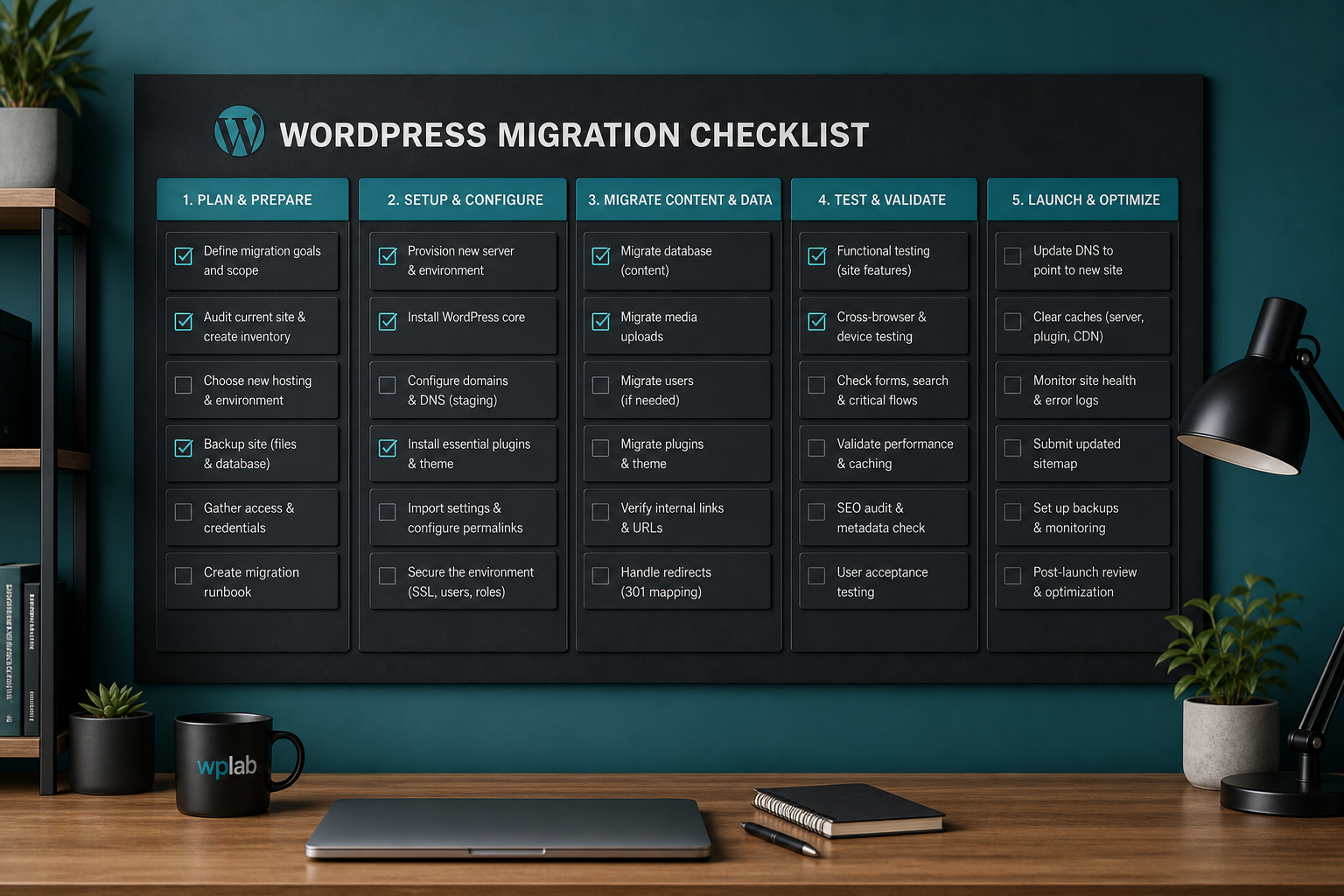
TL;DR — WordPress migration checklist: Before any move, inventory plugins and access, take verified off-site backups, prepare the destination host, transfer files and DB with serialization-safe URL replacement, test on a temp URL before DNS cutover, then verify forms, email, SSL, and analytics for 48 hours. Never switch DNS without a rollback plan.
A WordPress migration checklist is your pre-flight document — it prevents the failures that happen when someone copies files, switches DNS, and hopes for the best. Run through every section below before, during, and after the move. Same domain or new domain, host-to-host or platform switch: the sequence changes slightly, but the categories do not.
Download this mentally or copy it into a spreadsheet. Pair it with the WordPress migration SEO checklist if URLs change.
Phase 1: Pre-migration inventory
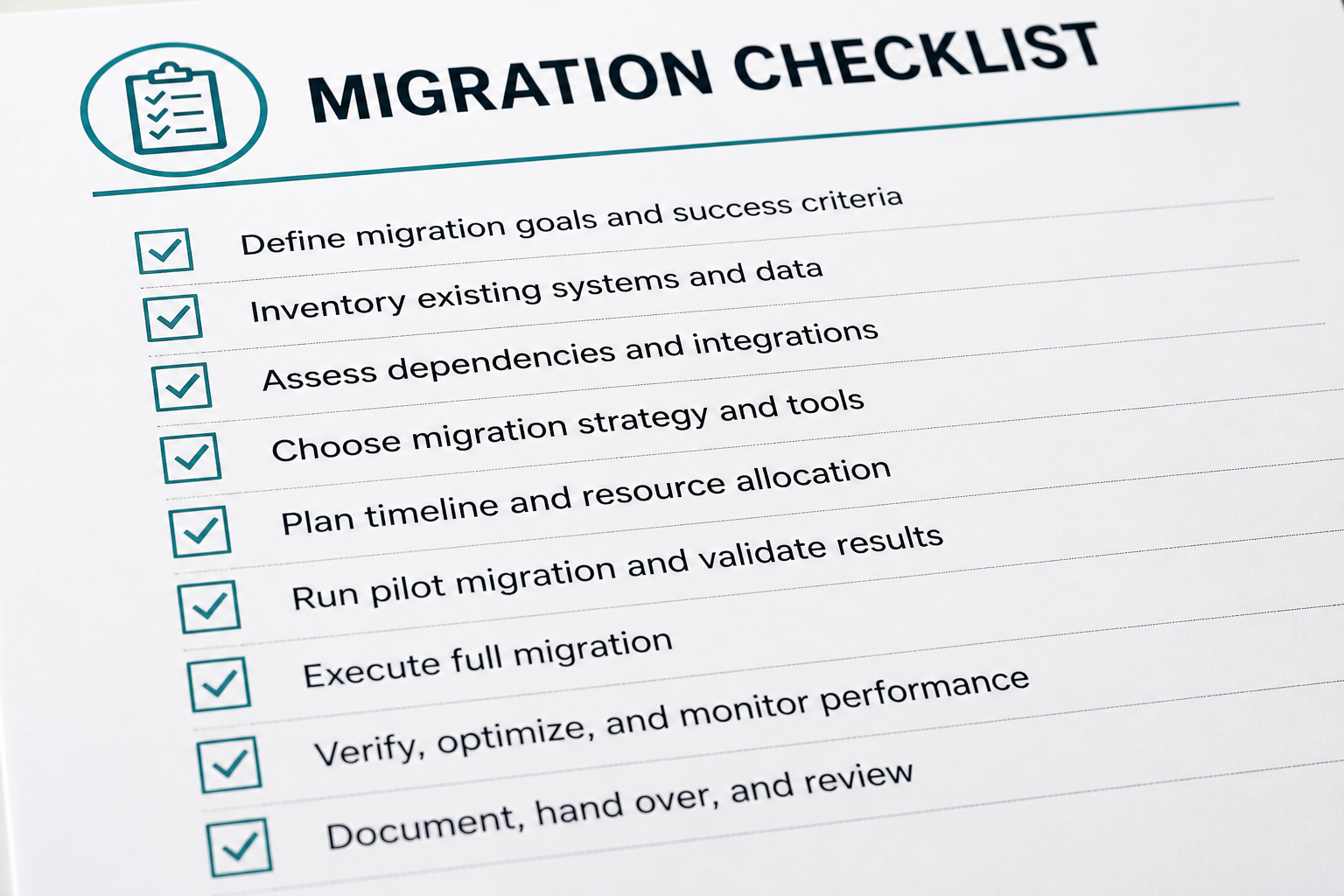
Complete 3–7 days before the move.
Site documentation
- [ ] Current live URL and destination URL (if different)
- [ ] WordPress core version
- [ ] PHP version (source and destination — destination must be equal or higher)
- [ ] MySQL/MariaDB version
- [ ] Active theme + child theme name and version
- [ ] Full plugin list with versions (export from WP admin or use WP-CLI `wp plugin list`)
- [ ] Page builder in use (Elementor, Divi, WPBakery, etc.)
- [ ] Ecommerce: WooCommerce version, payment gateways, tax/shipping plugins
- [ ] Membership/LMS plugins (MemberPress, LearnDash, etc.)
- [ ] Multisite: note network domain and subsite count
Access and credentials
- [ ] SFTP/SSH access — source and destination
- [ ] Hosting control panel — source and destination
- [ ] Database credentials — source and destination
- [ ] WordPress admin (Administrator role)
- [ ] DNS provider access (or designated contact with 30-min response time)
- [ ] CDN account (Cloudflare, etc.)
- [ ] Email/SMTP service credentials
- [ ] Domain registrar access
Traffic and timing
- [ ] Analytics baseline: average daily sessions, peak hours, top landing pages
- [ ] Scheduled cutover window agreed with stakeholders
- [ ] Content freeze communicated (no publishing during cutover unless planned)
- [ ] Support team notified of migration window
Phase 2: Backup (mandatory)
Nothing proceeds until these exist and are verified.
- [ ] Full file backup downloaded and stored off-server
- [ ] Database export downloaded and stored off-server
- [ ] Backup integrity check: SQL file opens in a text editor; zip extracts cleanly
- [ ] Backup of DNS zone file or screenshot of current records
- [ ] Export of redirect rules (Redirection plugin, .htaccess, nginx config)
- [ ] Export of form entries if forms will be offline during move (optional safety)
Document backup location and restore procedure in the rollback plan.
Phase 3: Destination preparation
- [ ] Hosting account provisioned with adequate storage and bandwidth
- [ ] PHP version matched or upgraded (test compatibility first)
- [ ] Database created; credentials documented
- [ ] Domain added to host (DNS not switched yet)
- [ ] SSL certificate provisioned on destination
- [ ] SFTP/SSH access confirmed
- [ ] Staging or temporary URL available for testing
- [ ] Server cron enabled (or plan to use external cron)
Phase 4: Transfer and configuration
- [ ] Files transferred to destination document root
- [ ] Database imported to destination
- [ ] `wp-config.php` updated: DB_NAME, DB_USER, DB_PASSWORD, DB_HOST
- [ ] Salts and keys: generate fresh keys at api.wordpress.org/secret-key/1.1/salt/ (optional but recommended for security)
- [ ] URL search-replace executed with serialization-safe tool (WP-CLI or Better Search Replace)
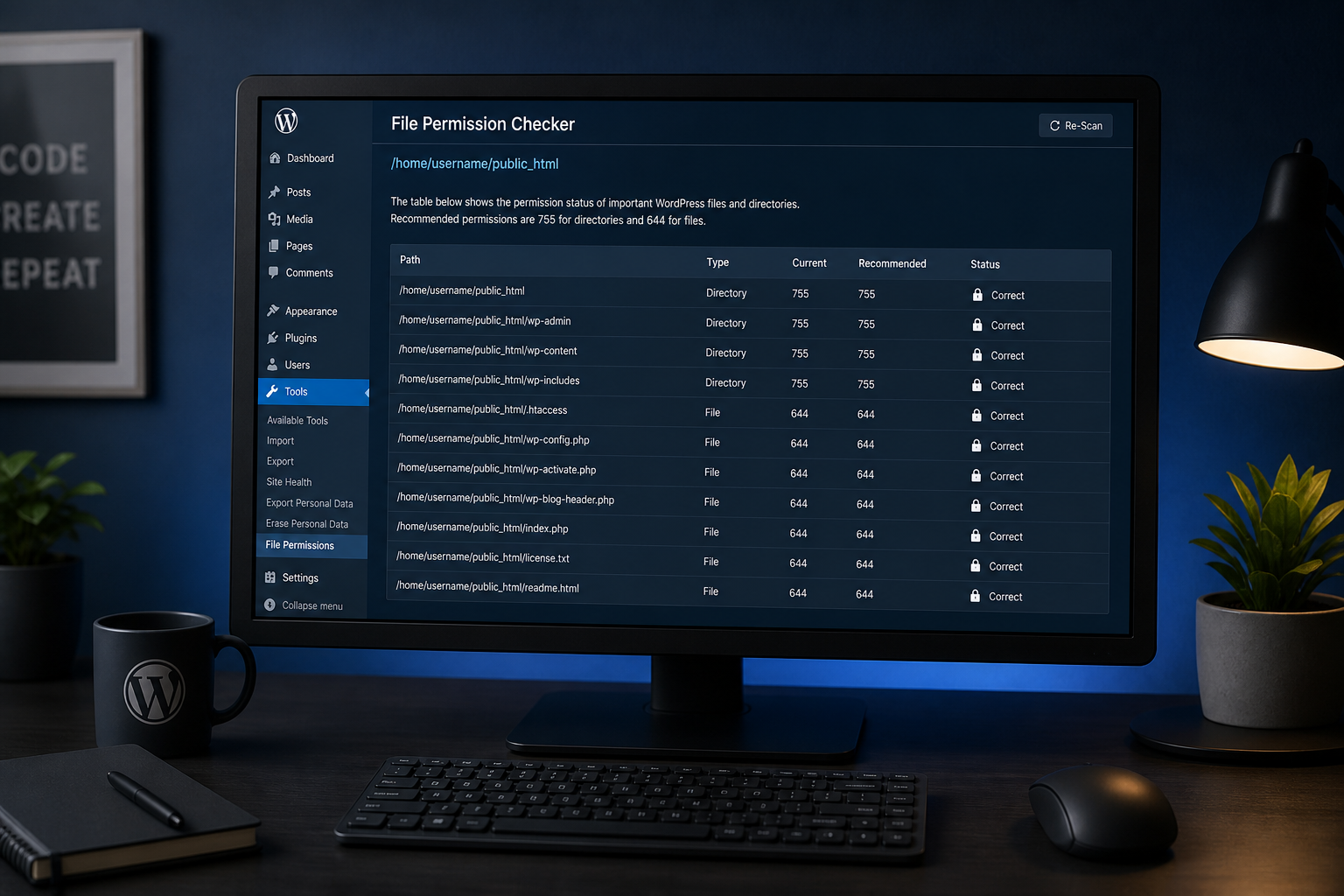
- [ ] File permissions verified (755 dirs, 644 files; wp-content writable)
- [ ] `.htaccess` or nginx rewrite rules copied and adapted
- [ ] `robots.txt` present and correct
Phase 5: Pre-cutover testing
Test on temporary URL or via hosts file before DNS changes.
Front-end
- [ ] Homepage loads — HTTP 200, no mixed content
- [ ] 5–10 representative pages load (services, about, contact, top blog posts)
- [ ] Navigation menus work
- [ ] Internal links resolve correctly
- [ ] Images and media load from correct paths
- [ ] Search returns results
- [ ] Pagination works on blog archive
- [ ] 404 page displays correctly
- [ ] Mobile layout intact
Admin and backend
- [ ] `/wp-admin` login works
- [ ] Dashboard loads without PHP warnings
- [ ] Can edit and save a post
- [ ] Media upload works
- [ ] Plugin and theme screens load
- [ ] Permalinks: Settings → Permalinks → Save Changes
Functionality
- [ ] Contact form submits; email received
- [ ] Newsletter signup works (if applicable)
- [ ] WooCommerce: add to cart, checkout, test payment (gateway sandbox mode)
- [ ] User registration/login (if applicable)
- [ ] Scheduled cron: verify next scheduled post or Action Scheduler queue
- [ ] Third-party integrations: CRM, analytics, chat widget fire correctly
Performance and security
- [ ] Page load time comparable to or better than source
- [ ] SSL Labs test: grade A or A+ (or acceptable for your policy)
- [ ] Security plugin active and configured
- [ ] XML sitemap accessible
Phase 6: DNS and cutover
24–48 hours before:
- [ ] TTL lowered to 300 seconds (5 minutes)
Cutover window:
- [ ] Final incremental backup taken (if site was live on source during testing)
- [ ] DNS A/AAAA records updated to destination IP
- [ ] www CNAME or A record updated
- [ ] MX records unchanged (email must not break)
- [ ] CDN origin updated to new IP
- [ ] Old host placed in read-only/maintenance mode (optional but recommended after propagation)
Phase 7: Post-migration verification (first 48 hours)
- [ ] Live domain loads on new host (verify with whatsmydns.net or similar)
- [ ] HTTPS forced correctly — no redirect loops
- [ ] All caches purged: plugin, host, CDN, browser
- [ ] Forms and checkout re-tested on live domain
- [ ] Email deliverability tested (contact form + WooCommerce order email)
- [ ] Google Search Console: no spike in crawl errors
- [ ] Analytics tracking fires (check Real-Time report)
- [ ] Uptime monitor updated with new IP/host (if applicable)
- [ ] Backup plugin configured and test backup run on new host
Phase 8: SEO (if URLs changed)
If the domain or URL structure changed, run the full WordPress migration SEO checklist. Minimum:
- [ ] 301 redirect map implemented and tested
- [ ] Search Console property added/updated
- [ ] Sitemap submitted
- [ ] Old site returns 301 (not 302 or 200) or is decommissioned
Phase 9: Decommission source (after 48–72 hours)
- [ ] Confirm zero traffic hitting old host (check old host access logs)
- [ ] Final backup of old host taken and archived
- [ ] Old hosting account cancelled (or downgraded) on your schedule — 30 days retention is safe
Quick-reference: migration type variations
| Migration type | Extra checklist items |
|---|---|
| Host-to-host, same domain | Standard checklist above |
| Domain change | Full redirect map, Search Console change of address |
| Platform to WordPress | Content import QA, design parity check, URL mapping |
| Staging to production | Exclude live orders/users from overwrite; selective table sync |
| Multisite | Domain mapping table, sunrise.php, subsite URL updates |
| WooCommerce | Payment gateway re-auth, webhook URLs, tax nexus settings |
Detailed guides: how to migrate WordPress to new host, staging to production, multisite migration.
Checklist failures that cost the most
- No verified backup before starting
- DNS switched before destination testing completed
- Raw SQL search-replace breaking serialized data
- Forgotten SMTP/email configuration
- No rollback plan documented before cutover
FAQs
How far in advance should I start the checklist?
Start inventory 1 week before. Lower TTL 48 hours before. Execute transfer and testing 1–2 days before DNS cutover.
Can I skip staging if the site is small?
For sites under 50 pages with no ecommerce, hosts-file testing on the destination may be enough. Never skip backup and never skip form/email testing.
Who should own each checklist section?
Technical lead: backup, transfer, DNS. Content owner: page QA and URL verification. SEO owner: redirects and Search Console. One person signs off on go/no-go.
Does this checklist cover plugin-based migrations?
Yes, but add plugin-specific steps: confirm upload size limits, install the same plugin on destination, and verify the import package is not corrupted. See All-in-One WP Migration vs manual.
What if I fail a checklist item during testing?
Stop. Do not switch DNS. Fix on destination or restore and replan. That is what the rollback plan is for.
—
Use this checklist on your own or bring a completed inventory to a consult. WordPress migration services include checklist execution, testing, and sign-off.
Book a free 15-minute migration consult.
August 31, 2026
WordPress File Permissions Security Guide
August 31, 2026



