

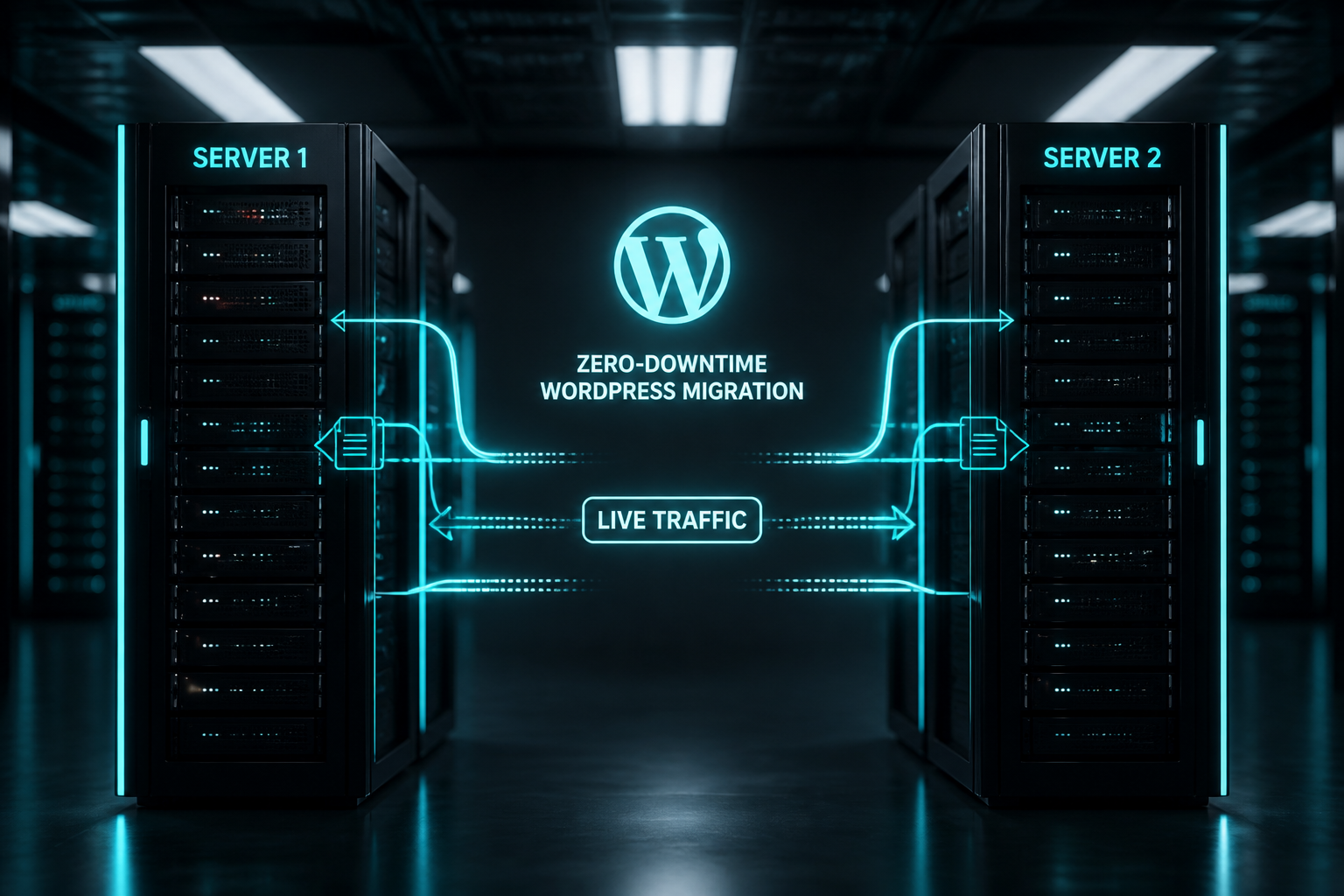
To migrate WordPress without downtime, build and fully test the site on the new host while the old host stays live, then switch traffic in one controlled step — using lowered DNS TTL, a reverse proxy, or database sync for the final delta. True zero downtime is achievable for most same-domain host moves. "Zero downtime" does not mean zero effort.
For most small business sites, 5–15 minutes of DNS propagation blur is acceptable and costs less than a full zero-downtime setup. This guide covers both minimal-downtime and zero-downtime methods so you can choose based on what an hour of outage actually costs you.
What "zero downtime" actually means
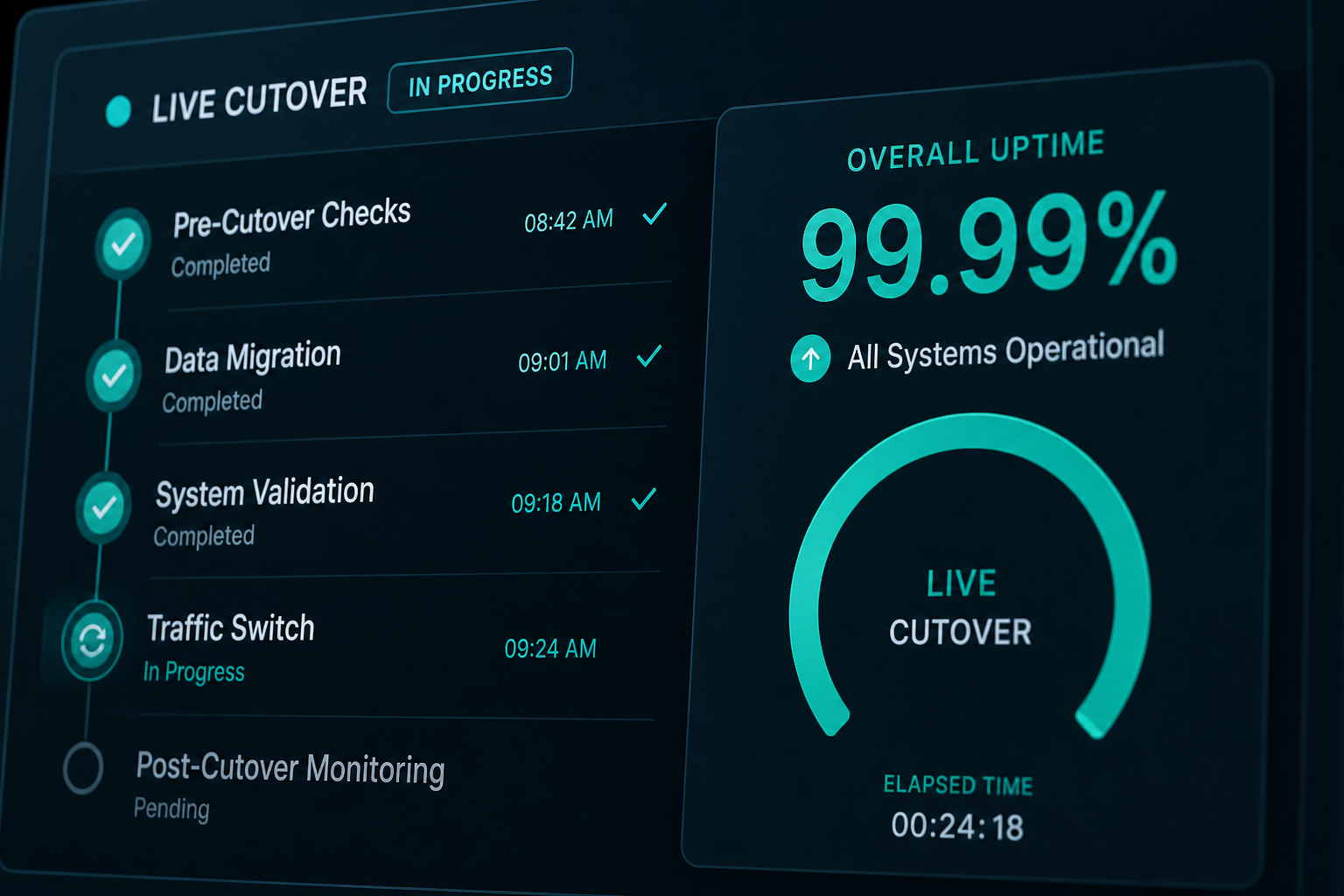
| Level | Definition | Typical duration |
|---|---|---|
| Acceptable blur | Some DNS resolvers still hit old host during propagation | 5 minutes – 4 hours |
| Minimal downtime | Maintenance page on old host during final sync | 1–10 minutes |
| True zero downtime | No visitor sees an error or maintenance page | Requires proxy or sync |
Ecommerce stores processing payments during cutover need true zero downtime or a maintenance window announced in advance. Brochure sites often tolerate acceptable blur.
Method 1: Standard cutover with TTL prep (minimal blur)
Best for: blogs, brochure sites, same domain, no live order stream during cutover window.
Steps
- 48 hours before: Lower DNS TTL to 300 seconds.
- Day before: Complete full migration to destination. Test via hosts file or temporary URL. Run the full migration checklist.
- Cutover window: Take a fresh database export from source (captures last-day content changes). Import delta to destination or run incremental sync.
- Switch DNS A record to new host IP.
- Monitor both hosts for 48 hours. Old host serves stragglers until TTL expires globally.
Effective downtime: zero for most users after propagation; brief window where content published during cutover may exist on only one host.
Limitation
Content or orders created on the old site after your final sync but before DNS fully propagates will not appear on the new site unless you run a second sync or freeze publishing during cutover.
Method 2: Maintenance mode with final sync (minimal downtime)
Best for: sites that can tolerate a labeled maintenance page for 5–10 minutes.
- Put old site in maintenance mode (plugin or server-level 503).
- Run final database and file sync to destination.
- Verify destination with checklist.
- Switch DNS.
- Remove maintenance mode on new host once DNS resolves.
Visitors see a maintenance page briefly — not a broken site. Honest and simple.
Method 3: Reverse proxy cutover (true zero downtime)
Best for: WooCommerce, membership sites, high-traffic publishers.
How it works
- Point DNS to a reverse proxy (Cloudflare, nginx, or a load balancer) instead of directly to either host.
- Proxy forwards traffic to the old origin (live site unchanged).
- Build and test the new host on a private IP or hosts file.
- At cutover: switch proxy origin from old IP to new IP in one action.
- No DNS change needed at registrar if Cloudflare already fronts the domain.
Cloudflare makes this accessible: update the origin server IP in the DNS dashboard (orange-cloud proxied records). Propagation is near-instant compared to registrar TTL.
Requirements
- Cloudflare or similar CDN/proxy in front of the domain, OR
- Load balancer capable of origin switching
- SSL configured on both origins and the proxy
WooCommerce note
Switch origins during lowest order volume. Test checkout on new origin before flipping. Update webhook URLs in Stripe/PayPal if the server IP is whitelisted (rare but check).
Method 4: Database replication / dual-write (advanced)
Best for: large stores where even minutes of order loss is unacceptable.
Run a period where both databases stay in sync — via replication, manual delta exports, or migration plugins with sync features. Cutover when databases match.
This is overkill for most WordPress sites. Use when revenue during the migration window exceeds $500–$1,000 (estimate for the extra engineering time).
Method 5: Migrate Guru / host live migration
Some tools (Migrate Guru, certain host importers) pull from live source to destination without taking the source offline. The source stays live during transfer.
Works for small-to-medium sites. Large sites may hit timeout limits. After transfer, you still need DNS cutover — the tool handles file copy, not traffic switching.
Compare approaches: All-in-One WP Migration vs manual.
Pre-cutover checklist for zero-downtime
- ] Destination fully tested — every item on the [checklist passes
- [ ] TTL at 300 seconds for 48+ hours (if not using Cloudflare origin switch)
- ] Rollback plan documented — old host stays online read-only ([rollback plan)
- [ ] Final sync procedure scripted or documented step-by-step
- [ ] Team roles assigned: who flips DNS, who monitors, who communicates
- [ ] Status page or social post drafted if maintenance mode is used
- [ ] Payment gateway and webhook URLs verified on destination
During cutover: monitoring
Watch these in real time for the first hour:
- HTTP response codes on top 20 URLs (200, not 301 loops or 502)
- Error rate in hosting dashboard
- WooCommerce new order notifications
- Form submission test every 15 minutes
- Google Analytics Real-Time — traffic flowing
- Server CPU/memory — new host handling load
When zero downtime is not worth the cost
Skip the complex setup if:
- Site gets under 1,000 sessions/day and no ecommerce
- Cutover happens at 3 AM in your lowest-traffic timezone
- Stakeholders accept a 10-minute maintenance page
- Budget is under $400 (estimate) for the entire migration
Standard host migration with TTL prep is fine.
When to hire for zero-downtime
Hire when:
- WooCommerce processes orders 24/7
- Membership site with active subscriptions
- Site is ad-supported with RPM sensitive to outage length
- Previous migration caused revenue loss
- You use Cloudflare but do not know how to switch origins safely
Zero-downtime planning adds $200–$500 to a standard migration estimate. See WordPress migration cost.
FAQs
Can I migrate without downtime using only a plugin?
Plugins copy the site but do not switch traffic. You still need a DNS or proxy cutover. Plugins reduce copy downtime, not traffic-switch downtime.
Does Cloudflare guarantee zero downtime?
Switching origin IP in Cloudflare is near-instant for proxied records. Your new origin must be fully tested before the switch — Cloudflare forwards traffic to whatever origin you point it at, broken or not.
What about email during migration?
Email uses MX records, not A records. Do not change MX during a web migration unless you are also moving email. Web cutover does not affect email if MX stays pointed at Google Workspace, Microsoft 365, or your mail host.
How do I handle orders during the sync window?
Option A: maintenance mode, final sync, cutover (simplest). Option B: note cutover time and manually reconcile any orders placed during the window. Option C: replication (complex). Most stores use Option A during lowest-traffic hours.
What if the new host fails under live traffic?
Execute rollback: switch DNS or Cloudflare origin back to old host. Old host was kept read-only online per the rollback plan. Fix new host offline, retry.
—
Zero-downtime cutovers need sequencing, not luck. WordPress migration services include cutover planning matched to your traffic and revenue profile.
Book a free 15-minute migration consult.
September 11, 2026
How to Migrate WordPress Multisite Networks
September 11, 2026



