

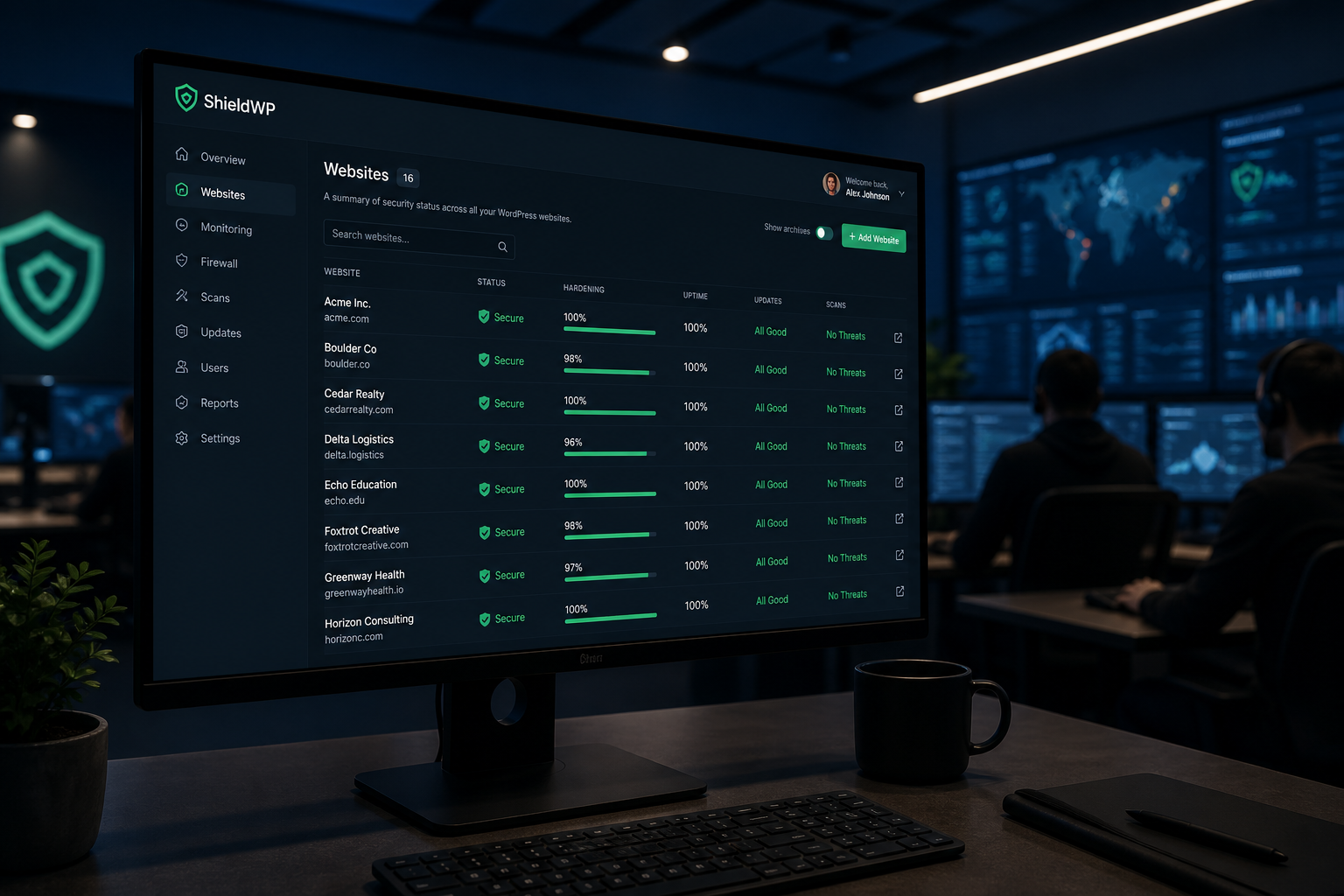
Agencies face a specific security problem: you manage dozens of client sites with different hosts, plugin stacks, and team access patterns — but you need one repeatable baseline, not a custom scramble after each incident.
A client site gets hacked on Friday evening. Without a standard hardening template, your developer spends the weekend diagnosing from scratch. With one, they run the checklist, apply the baseline, and move to cleanup or verification in hours instead of days.
This guide covers how to build, deploy, and maintain an agency-grade WordPress security baseline.
Why agencies need a security baseline
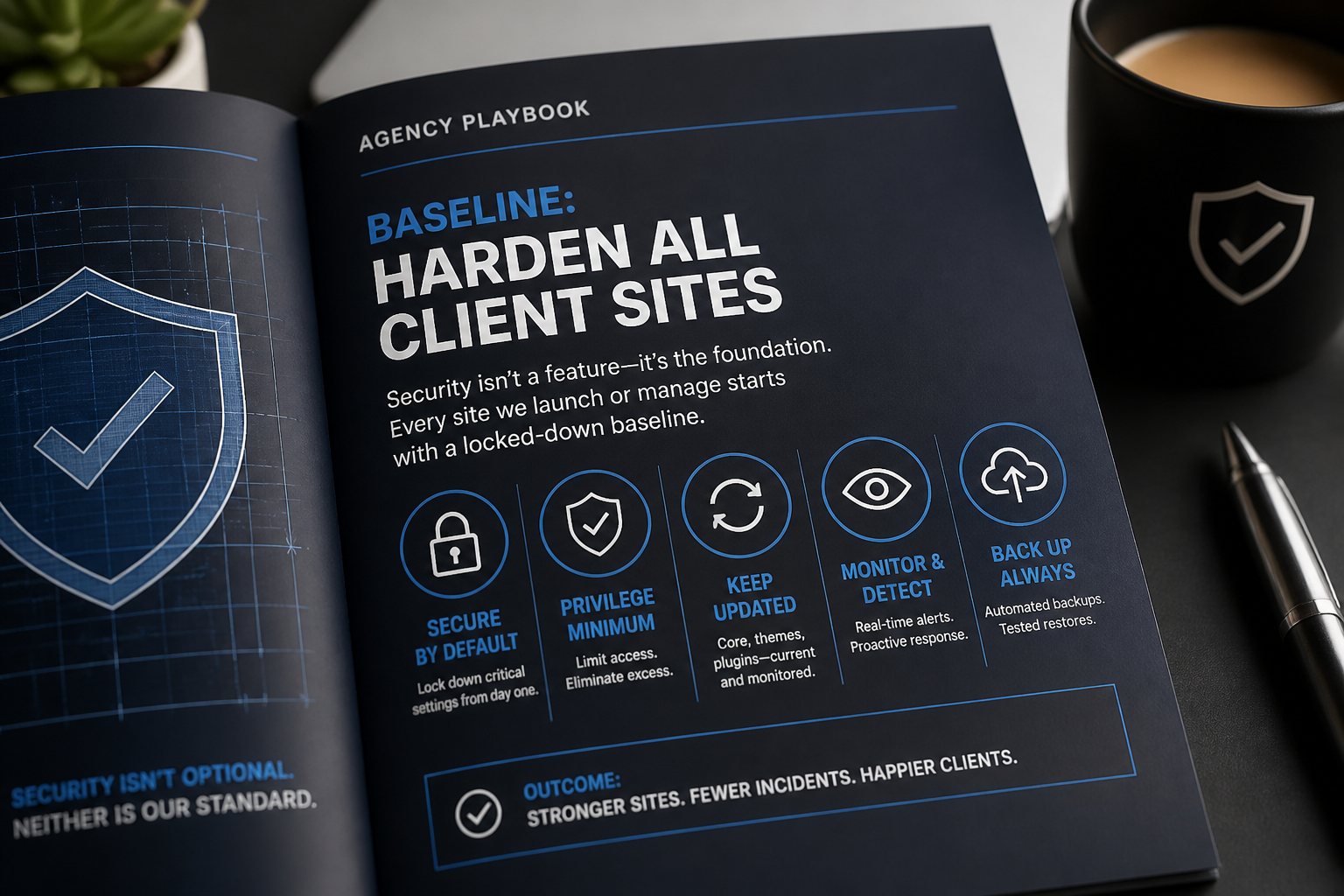
Volume. An agency with 30 client sites has 30x the exposure of a single business. One compromised site can spread reputational damage across your portfolio.
Inconsistent history. Client sites arrive with unknown security posture — stale admin accounts from previous developers, abandoned plugins, no backups, no 2FA. Every onboarding is a potential incident waiting to happen.
Contractor access. Agencies create and remove developer accounts constantly. Stale contractor admin access is one of the most common findings on client site audits.
Client expectations. Clients assume security is included. When a site gets hacked, the agency gets the call regardless of whose responsibility it technically is.
Liability. A store handling customer payments that gets compromised because the agency never configured basic hardening is a business relationship problem, not just a technical one.
Build your standard hardening template
Document a baseline configuration that applies to every client site at launch or onboarding. Use the WordPress security hardening checklist as the foundation.
Template components
wp-config.php constants (every site):
“`php
define('DISALLOW_FILE_EDIT', true);
define('FORCE_SSL_ADMIN', true);
define('WP_AUTO_UPDATE_CORE', 'minor');
define('WP_DEBUG', false);
define('WP_DEBUG_DISPLAY', false);
define('WP_DEBUG_LOG', false);
“`
Must-use plugin (every site):
Create `/wp-content/mu-plugins/agency-security-baseline.php` with:
- Disable XML-RPC (if not needed)
- Block REST API user enumeration
- Remove WordPress version from head
- Disable pingbacks
Must-use plugins load automatically and cannot be deactivated by clients — ideal for baseline rules.
Security plugin (standardize on one):
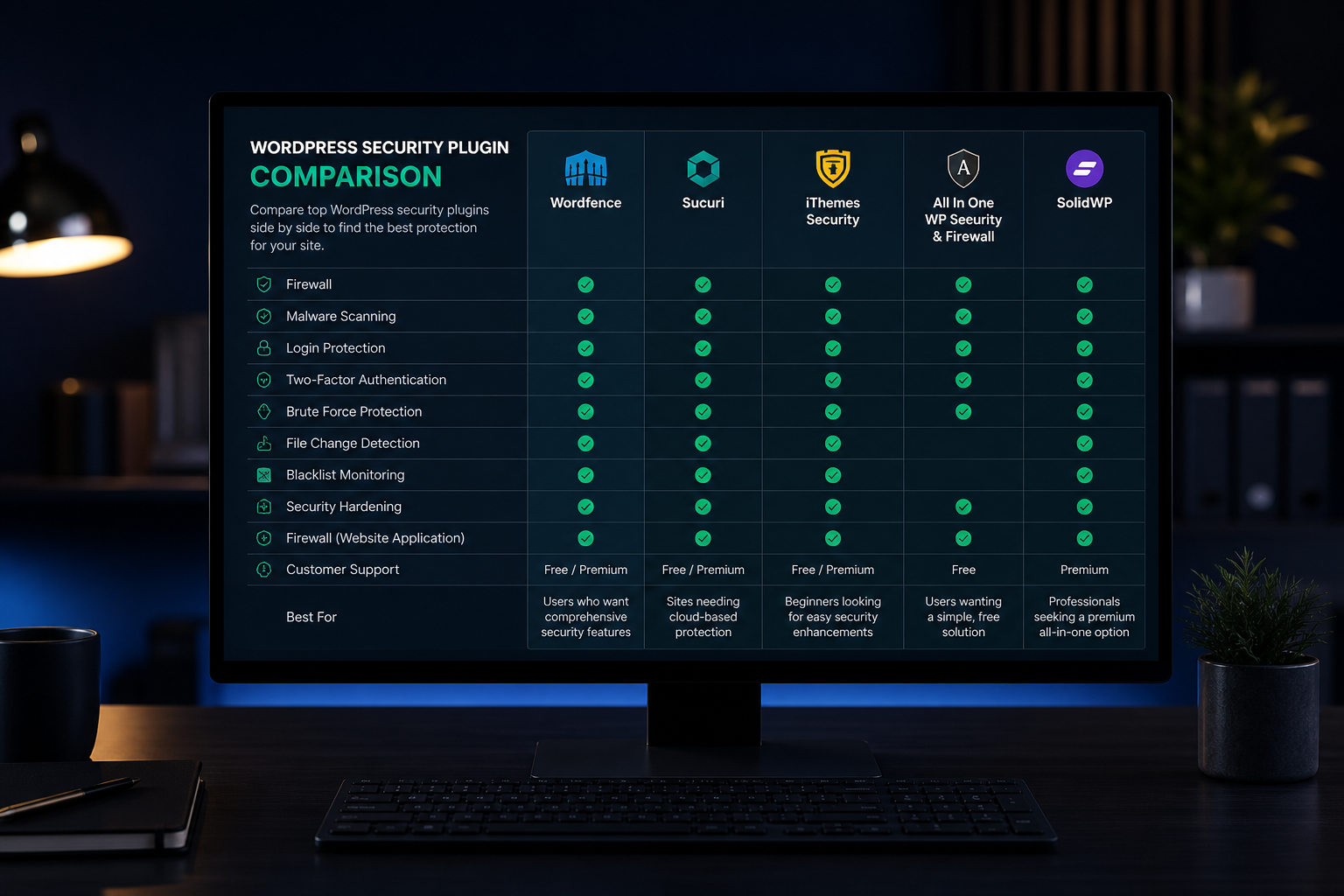
Pick one plugin for your agency — Wordfence, Solid Security, or All-In-One Security — and configure a standard template. Same settings on every site. Document the template so any team member can deploy it.
Cloudflare (every site):
Standard Cloudflare setup with your agency account or client account:
- Full (Strict) SSL
- Bot Fight Mode enabled
- xmlrpc.php blocked via WAF rule
- Login rate limiting
- wp-admin excluded from cache
User roles (every site):
- One agency admin account (named, not "admin")
- Client gets Editor or custom "Client" role — not Administrator unless they self-manage
- No shared accounts
- 2FA required for all Editor+ accounts
Backups (every site):
- Off-site storage configured (your agency S3 bucket or client's remote storage)
- Daily minimum, 30-day retention
- Restore tested on onboarding
Template documentation
Write it once. Include:
- Exact plugin list with standard configuration
- wp-config.php additions
- mu-plugin code
- Cloudflare rule set
- User role assignments
- Backup configuration
- Post-deployment verification steps
Any developer on your team should deploy the full baseline in under two hours using this document.
Agency onboarding security workflow
When a new client site enters your portfolio:
Phase 1: Audit (before changes)
| Check | Tool/method |
|---|---|
| WordPress, PHP, plugin versions | Admin dashboard, WP-CLI |
| Active user accounts and roles | Users panel |
| Existing security plugin | Plugins panel |
| SSL status | Browser check |
| Backup existence and location | Plugin/host panel |
| Signs of prior compromise | Sucuri SiteCheck, Wordfence scan |
| XML-RPC exposure | Visit /xmlrpc.php |
| REST API user enumeration | Visit /wp-json/wp/v2/users |
Document findings. Share with client if issues are found.
Phase 2: Apply baseline
Run your standard template. Staging first when available. Test critical paths — forms, checkout, login.
Phase 3: Verify
Run through your post-deployment checklist:
- HTTPS enforced
- 2FA active on agency and client accounts
- Firewall rules active
- Backups running to off-site storage
- No unrecognized admin accounts
- Security scan clean
Phase 4: Handoff documentation
Give the client a one-page summary:
- What was configured
- Their login credentials and 2FA setup
- What they should and should not change
- Who to contact for security issues
- Maintenance plan (if included in retainer)
Portfolio pricing models
Agencies need predictable costs for security work across their portfolio.
| Model | Estimated cost | Best for |
|---|---|---|
| Per-site hardening at onboarding | $300–$800 per site | Agencies adding new clients regularly |
| Portfolio hardening project | $200–$500 per site (volume discount) | Existing portfolio needing baseline applied retroactively |
| Monthly security retainer | $50–$150 per site/month | Ongoing updates, monitoring, backup verification |
| Incident response retainer | Custom | Priority cleanup access when compromises happen |
All figures are estimates. Volume pricing depends on site count, complexity, and whether WooCommerce is involved.
For a 20-site portfolio onboarding hardening at $400/site average: $8,000 total — versus one cleanup incident costing $1,000–$2,000 per site with reputational damage on top.
Client communication
Clients do not need a lecture on SQL injection. They need to understand:
What you did: "We configured security settings on your site — login protection, firewall, backups, and access controls."
What they need to do: "Use 2FA on your login. Do not install plugins without asking us. Tell us when staff leave so we can remove their accounts."
What is included in their plan: "Monthly updates, backup monitoring, and security scans are covered. Cleanup after a compromise caused by a plugin you installed without us is not."
What to do if something looks wrong: "Call us before clicking anything. Do not install 'security cleanup' plugins recommended by random emails."
Set expectations at onboarding, not after an incident.
Common agency security mistakes
| Mistake | Fix |
|---|---|
| Giving every client Administrator access | Custom "Client" role with edit-only permissions |
| Leaving contractor accounts active after project ends | Offboarding checklist that includes account removal |
| Different security plugin on every site | Standardize on one |
| No staging for client sites | Include staging in hosting recommendation or build process |
| Skipping hardening on "small" sites | Small sites get hacked too — apply the baseline everywhere |
| No backup verification | Test restores quarterly across the portfolio |
| Reactive-only security | Hardening at onboarding costs less than cleanup after |
Agency security baseline checklist
| Component | Standardized? | Documented? |
|---|---|---|
| wp-config.php security constants | ☐ | ☐ |
| Must-use plugin with baseline rules | ☐ | ☐ |
| Security plugin (one, standard config) | ☐ | ☐ |
| Cloudflare WAF rules | ☐ | ☐ |
| 2FA enforcement policy | ☐ | ☐ |
| User role policy (client vs agency access) | ☐ | ☐ |
| Backup configuration (off-site, daily, 30-day) | ☐ | ☐ |
| Onboarding audit workflow | ☐ | ☐ |
| Offboarding account removal workflow | ☐ | ☐ |
| Client handoff documentation template | ☐ | ☐ |
| Quarterly portfolio audit scheduled | ☐ | ☐ |
Frequently asked questions
Should we include hardening in our build price?
Yes. Baking $300–$500 of hardening into every project is cheaper than explaining to a client why their new site got hacked in the first month. It is a cost of doing business, like SSL certificates.
How do we handle a client who insists on admin access?
Give them a custom role that covers what they actually need — usually content editing. If they truly self-manage plugins and updates, admin is appropriate, but document that security maintenance is their responsibility.
Can we use one Cloudflare account for all clients?
Yes. Cloudflare supports multiple sites under one account. Use separate configurations per site. Alternatively, set up Cloudflare in the client's account and transfer management — better for offboarding.
What about white-label security services?
I work with agencies under white-label arrangements — your brand, my execution. Portfolio hardening, ongoing maintenance, and incident response scoped per agency.
How often should we audit the portfolio?
Quarterly automated scans across all sites (Wordfence, Sucuri, or monitoring service). Annual manual review of the baseline — plugin updates, Cloudflare rule changes, new WordPress security recommendations.
Get a free 15-minute security check
Send a client site URL. I will assess what is publicly visible and tell you whether it meets a baseline standard or needs work — useful for onboarding audits and portfolio reviews.
For agency portfolio hardening, see WordPress security hardening services and WordPress security maintenance plan for ongoing care.
September 2, 2026
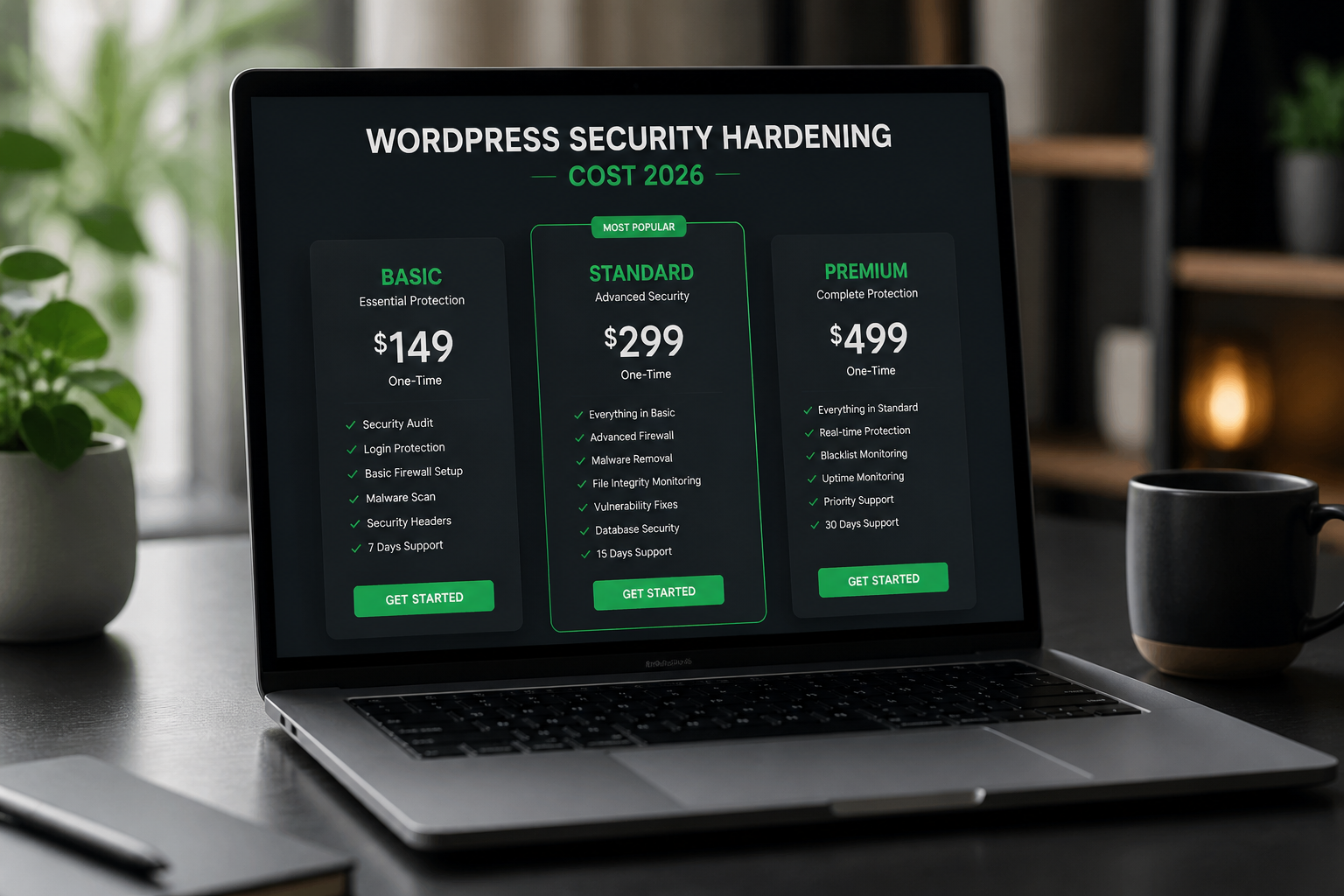
WordPress Security Hardening Cost (2026)
September 2, 2026



