

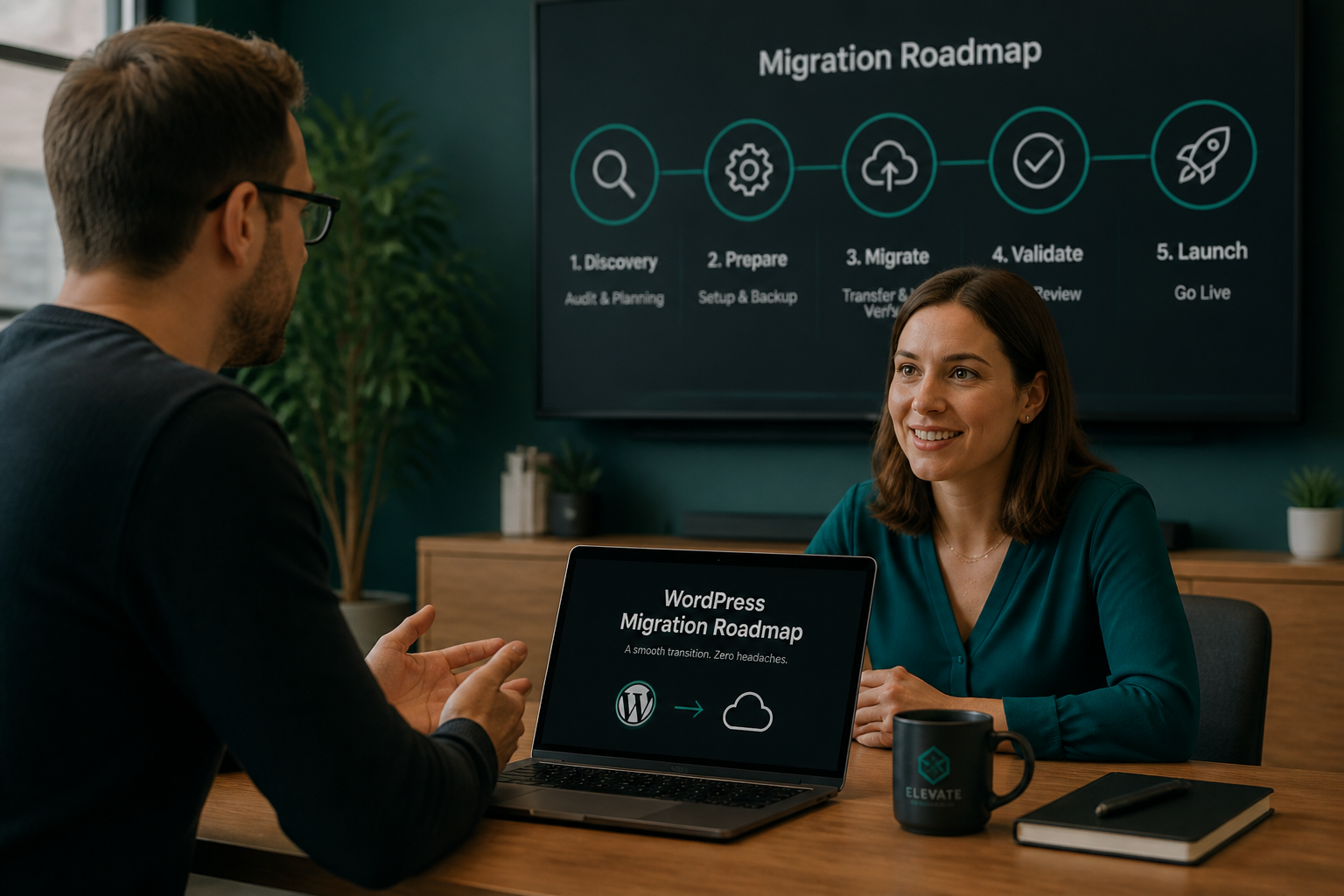
Hire WordPress migration help when the cost of a broken or slow move exceeds the migration fee — typically for WooCommerce stores, platform switches, domain changes with SEO dependency, multisite networks, or any site where you already tried once and something broke. DIY saves $250–$2,500 (estimate) in direct fees and costs more when checkout fails for six hours on a Friday.
This is a decision guide, not a sales pitch. Plenty of migrations are fine DIY. Here is how to tell which bucket yours falls in.
The core question
What does one hour of broken production cost you?
| Site type | Hour of downtime / broken checkout |
|---|---|
| Personal blog | Annoyance |
| Local service business | 1–5 missed lead forms |
| Content site (ad revenue) | $10–$500 depending on traffic |
| WooCommerce store | $500–$10,000+ depending on volume |
| Membership / SaaS billing | Failed renewals, support tickets, churn |
If the answer is "more than the migration estimate," hire. If the answer is "nothing critical," DIY with the checklist is reasonable.
Hire immediately if any of these apply
1. WooCommerce or transactional ecommerce
Checkout, payment gateways, webhooks, tax, shipping, and session handling break in subtle ways after migration. A cart that empties at checkout is not a configuration toggle — it is lost revenue.
Estimate: $600–$1,500 for store migration.
2. Platform switch (Wix, Squarespace, Webflow → WordPress)
Not a file copy. Content rebuild, URL mapping, redirect implementation, and SEO verification. Underestimating scope is the default failure mode.
Estimate: $800–$2,500.
Guides: Wix, Squarespace, Webflow.
3. Previous migration attempt failed
Repair jobs cost $300–$1,200 and take longer when corruption already exists. Hiring before the second attempt is cheaper than hiring after.
Symptoms: white screen, missing widgets, redirect loops, broken images. Guide: fix WordPress migration errors.
4. Domain change with organic traffic dependency
100+ indexed URLs, backlinks to protect, or 10k+ monthly organic sessions. Missing redirects cause permanent ranking loss, not temporary dips.
Estimate: $350–$800+ with redirect map.
Checklist: WordPress migration SEO.
5. WordPress multisite
Network table structure, domain mapping, wildcard DNS, sunrise.php. Plugin migrations fail or partially succeed.
Estimate: $1,000–$2,500.
Guide: migrate WordPress multisite.
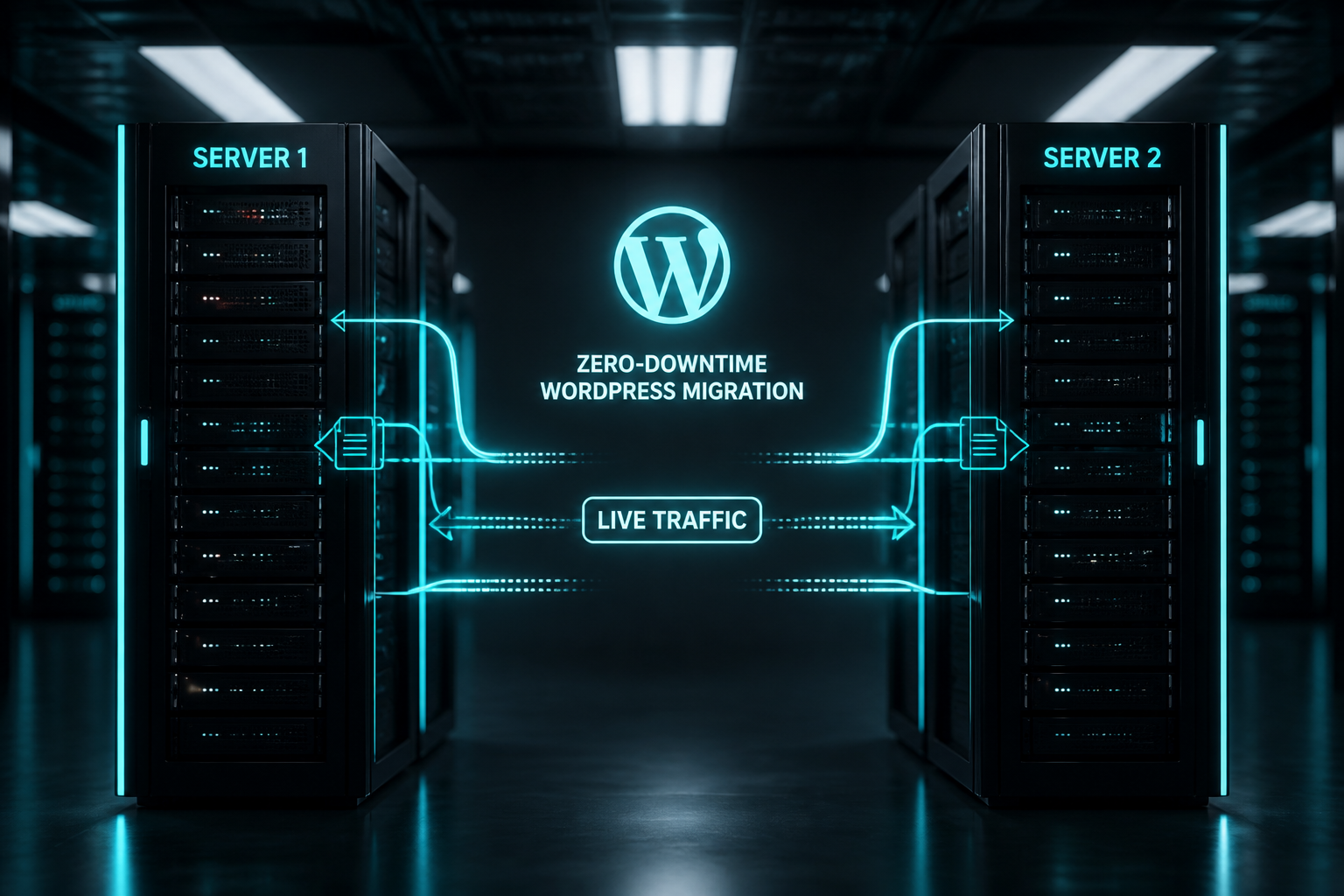
6. Zero-downtime requirement
Revenue-critical sites that cannot tolerate DNS propagation blur need reverse proxy cutover or sync sequencing.
Estimate: base migration + $200–$500.
Guide: migrate WordPress without downtime.
7. No technical access or backup discipline
If you lack SFTP, database access, or have never verified a backup restore, the migration tool is not your biggest risk — recovery is.
DIY is reasonable if all of these apply
- [ ] Single WordPress site (not multisite)
- [ ] Same domain — host change only
- [ ] No WooCommerce or transactional plugins
- [ ] Under 2GB total size, under 100MB database
- [ ] SSH or SFTP access on both hosts
- [ ] Verified backup exists and you tested opening it
- [ ] Staging or hosts-file testing available before DNS cutover
- ] You can follow the [checklist without skipping steps
- [ ] Low traffic or flexible maintenance window
- [ ] Comfortable with 4–8 hours of focused work
Method choice: All-in-One WP Migration vs manual.
Decision matrix
| Scenario | DIY | Hire |
|---|---|---|
| Blog, 30 posts, shared → managed host | ✓ | |
| Business site, contact form, same domain | Maybe | ✓ if no CLI access |
| 500+ posts, ad revenue | ✓ | |
| WooCommerce any size | ✓ | |
| Wix/Squarespace/Webflow switch | ✓ | |
| Domain rebrand with SEO traffic | ✓ | |
| Multisite 3+ subsites | ✓ | |
| Staging → production (file-only theme update) | ✓ | |
| Staging → production (WooCommerce DB push) | ✓ | |
| Failed plugin migration, site partially broken | ✓ now |
What you get when you hire
A scoped WordPress migration service engagement typically includes:
- Pre-migration inventory
- Verified backup before any changes
- Serialization-safe database handling
- Full testing before DNS cutover
- Form, checkout, and email verification
- Rollback plan before go-live
- Post-migration monitoring checklist
- Fixed fee quoted upfront
What you should NOT expect included unless scoped:
- Content rewriting or redesign
- Ongoing hosting management
- SEO content strategy beyond redirect mapping
- Headless / Next.js rebuild
How to evaluate a migration developer
Ask these before hiring anyone (including me):
- Do you use serialization-safe search-replace? (WP-CLI or equivalent — not raw SQL)
- Do you test before DNS cutover? (hosts file or staging URL — non-negotiable)
- What is your rollback procedure? (Should reference keeping old host alive)
- Fixed fee or hourly? (Fixed fee preferred for migrations)
- WooCommerce experience? (If applicable — ask for process, not portfolio fluff)
- Do you handle redirects for domain changes? (If applicable)
- What access do you need? (Should match: SFTP, DB, DNS contact, WP admin)
- What is excluded? (Honest scope boundaries)
Red flags:
- "We just use a plugin and switch DNS same day"
- No mention of backup verification
- Hourly open-ended billing with no scope document
- Cannot explain serialized data
- Guarantees "zero SEO impact" unconditionally
What to prepare before the consult
Speeds up scoping and lowers your fee:
- Live URL and destination host (if chosen)
- Screenshot of Plugins screen
- Approximate page/post count
- WooCommerce yes/no + monthly order volume
- Whether domain or URLs change
- Previous migration attempts and current errors
- DNS provider and hosting panel access ready
Cost reference (estimates)
| Migration type | Estimate (USD) |
|---|---|
| Simple host-to-host | $250–$600 |
| Domain change + redirects | $350–$800 |
| WooCommerce | $600–$1,500 |
| Platform switch | $800–$2,500 |
| Multisite | $1,000–$2,500 |
| Repair job | $300–$1,200 |
Full breakdown: WordPress migration cost.
Agency and in-house team scenarios
Hire external help when:
- Client site outside your team's WooCommerce or multisite experience
- Deadline is fixed and internal bandwidth is full
- Liability matters — client needs documented rollback and sign-off
Keep in-house when:
- Team has WP-CLI workflow and migration checklist discipline
- Standard host-to-host on familiar infrastructure
- Staging environment matches production stack
External migration should deliver a runbook your team can reuse.
FAQs
Is hiring worth it for a $15/month blog?
Probably not. DIY with All-in-One or manual migration and a good checklist. Hire if the failed migration would cost you more in stress and time than $250.
Can I hire someone only for the DNS cutover?
Yes — some clients handle file copy and want verification + cutover only. Scoped as partial migration; still needs fixed fee.
Should my host's free migration replace hiring a developer?
Host migration copies files. It rarely includes plugin reconfiguration, email testing, WooCommerce verification, or SEO redirect mapping. Treat it as step one, not finished delivery.
How fast can a professional migrate my site?
Simple host move: 1–3 calendar days. Platform switch: 2–5 weeks. Rush fees apply for same-day cutover requests.
What if I hire and something still breaks?
A scoped engagement includes rollback execution and fix-forward within the agreed window. That is why rollback plans exist before cutover — not after.
—
If your site matches the "hire" column, a 15-minute consult scopes the work and gives a fixed fee. WordPress migration services — no surprise invoices.
Book a free 15-minute migration consult.
September 11, 2026
How to Migrate WordPress Without Downtime
September 11, 2026



