

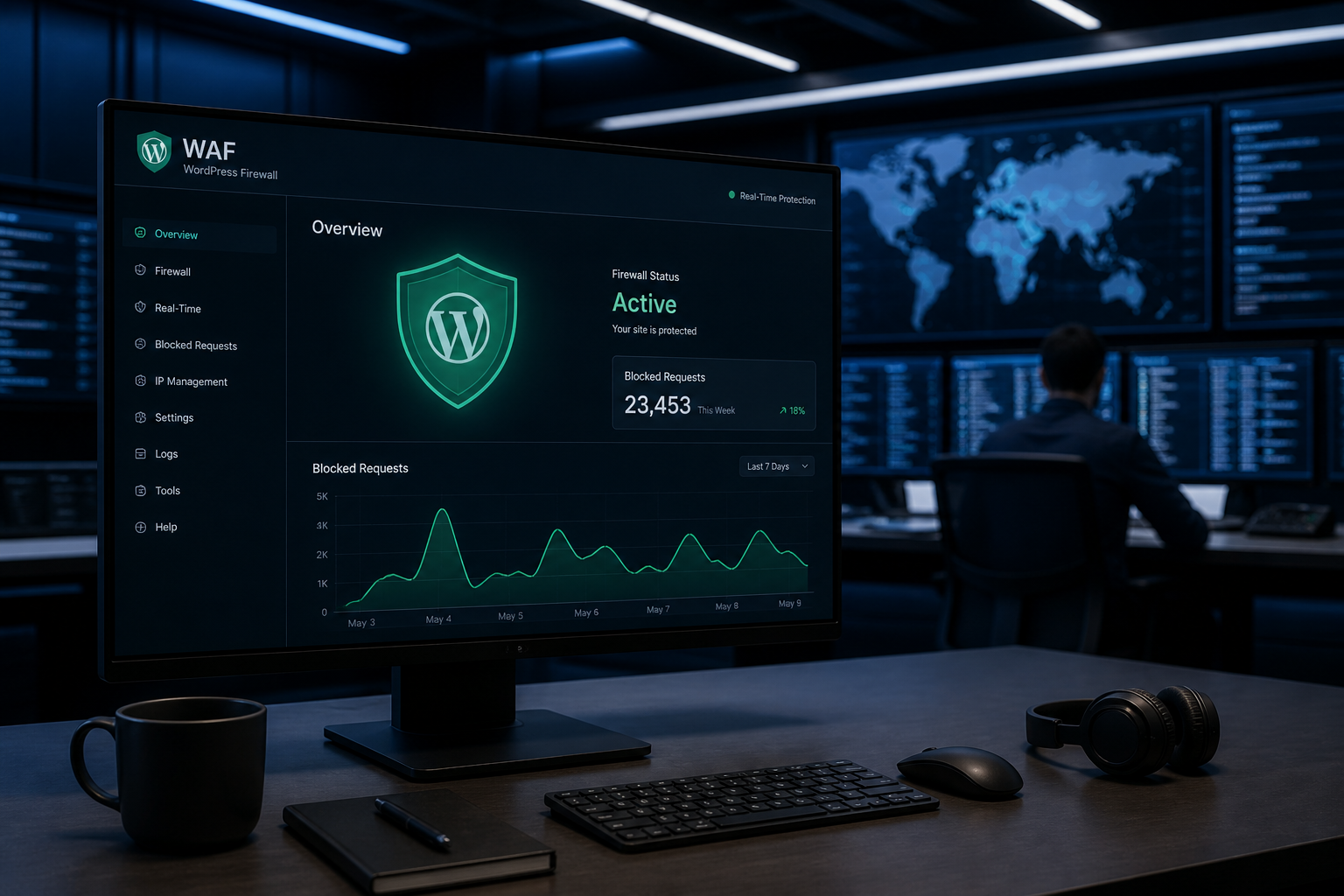
A web application firewall (WAF) filters HTTP requests before they reach your WordPress code. It blocks SQL injection attempts, cross-site scripting payloads, brute force login floods, and known exploit patterns — buying time between a vulnerability being published and your patch being applied.
WordPress sites can have firewalls at three levels: cloud, server, and plugin. Each operates at a different point in the request path. Understanding the difference helps you configure the right layers without breaking legitimate traffic.
How a WAF works
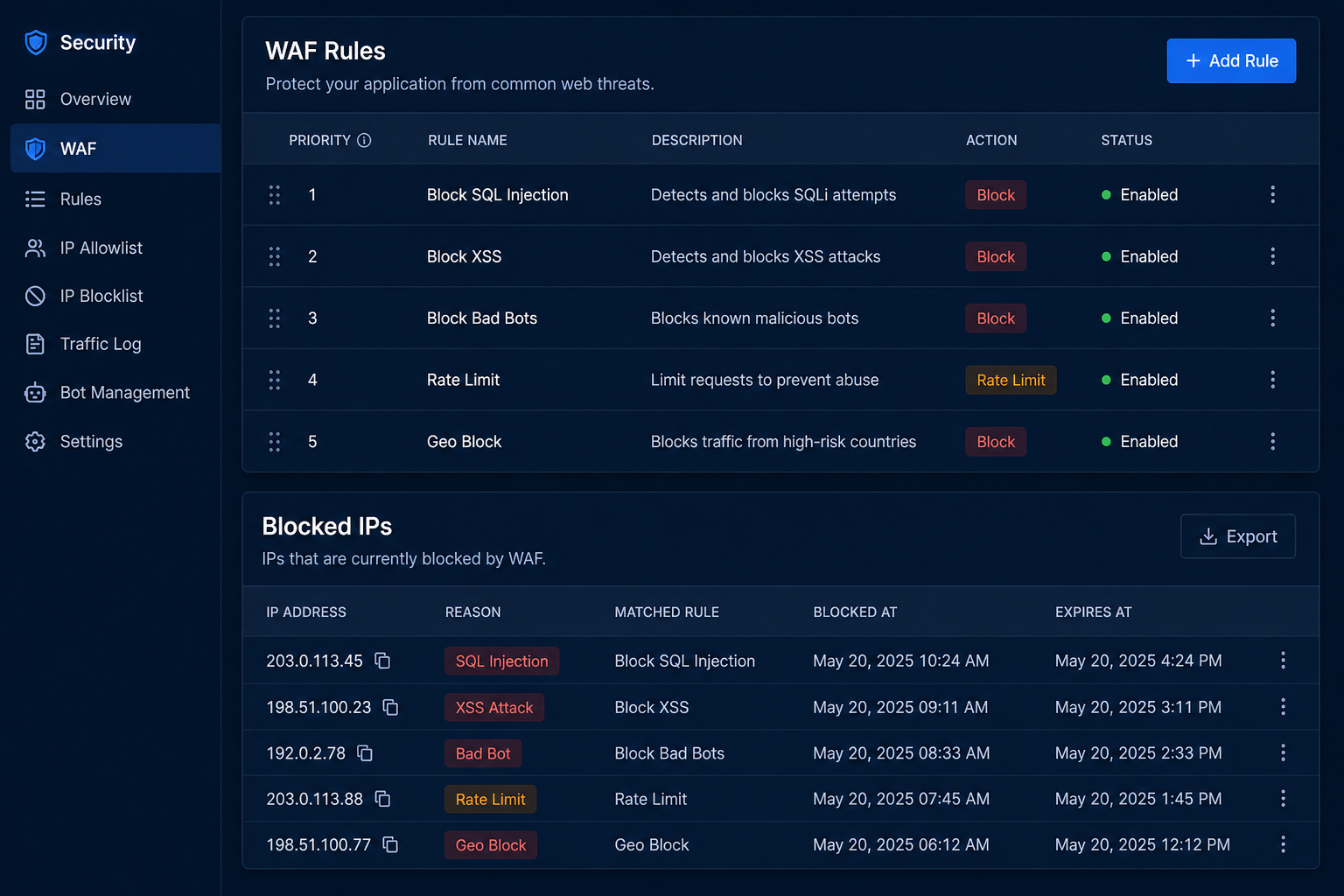
Every visitor request hits your server as an HTTP request containing a URL, headers, cookies, and sometimes a POST body. A WAF inspects these components against rules:
- Signature matching — known attack patterns (SQL injection strings, XSS payloads)
- Rate limiting — too many requests from one IP in a time window
- Geo blocking — deny traffic from countries you do not serve
- Bot management — challenge or block automated traffic
- Custom rules — block specific paths (like `xmlrpc.php`), restrict admin access by IP
When a request matches a block rule, the WAF returns an error (usually 403 Forbidden) without WordPress ever processing the request.
Three firewall layers for WordPress
Layer 1: Cloud WAF (strongest position)
A cloud WAF sits between the internet and your server, typically at the DNS level. Traffic passes through the WAF provider's network before reaching your host.
Providers: Cloudflare (free tier available), Sucuri WAF, AWS WAF, StackPath
How it works: You point your DNS to the WAF provider. All traffic routes through their edge network, gets filtered, then forwarded to your origin server.
What it blocks:
- DDoS attacks at network scale
- Known exploit signatures before they touch your server
- Brute force floods against login pages
- Bad bots and scrapers
- Requests to specific paths (block `xmlrpc.php` — see disable XML-RPC WordPress guide)
Advantages:
- Attacks never reach your server — zero PHP overhead
- DDoS mitigation included
- CDN caching often bundled (performance bonus)
- Free tier (Cloudflare) covers basic WAF rules
Disadvantes:
- Requires DNS change
- Cannot inspect WordPress-internal context (logged-in user behavior, plugin-specific logic)
- Misconfigured rules can block legitimate traffic (REST API, webhooks, admin from new IPs)
- Advanced rules often require paid plans
Layer 2: Server/host firewall
Managed WordPress hosts often include server-level firewalls and intrusion detection.
What it covers:
- Network-level port filtering
- IP blocklists updated by the host
- Rate limiting on login endpoints
- ModSecurity rules (on hosts that run it)
Examples: Kinsta, WP Engine, SiteGround, and Cloudways all include varying levels of server protection.
Advantages:
- Zero configuration — included with hosting
- Operates below PHP — no performance impact on WordPress
- Maintained by the host's security team
Disadvantages:
- You cannot customize rules on most managed hosts
- Host firewalls use generic rules — not WordPress-specific
- Does not replace application-level controls
Layer 3: Plugin firewall
Security plugins like Wordfence and Solid Security include firewalls that run inside WordPress via PHP.
How it works: Every request loads WordPress, the plugin inspects the request against its rule set, then allows or blocks.
What it blocks:
- WordPress-specific attack patterns (plugin vulnerabilities, theme exploits)
- Login brute force with WordPress-context rate limiting
- File modification attempts
- Suspicious admin actions
Advantages:
- WordPress-context awareness — knows about admin, AJAX, REST API
- Easy to configure from the WordPress dashboard
- No DNS changes required
- File-integrity monitoring bundled
Disadvantages:
- Request already reached your server and loaded PHP before filtering
- Adds overhead to every request
- Can conflict with caching plugins, CDNs, and other security plugins
- Effectiveness depends on rule update frequency
See best WordPress security plugins compared for plugin-specific details.
Which layers do you need?
| Site type | Recommended layers |
|---|---|
| Brochure site, low traffic | Cloud WAF (Cloudflare free) + host firewall |
| Business site with forms | Cloud WAF + one security plugin |
| WooCommerce store | Cloud WAF + security plugin + host firewall |
| High-traffic or high-risk | All three layers configured and tuned |
At minimum, use a cloud WAF. It is the best protection-per-effort ratio available.
Configuring Cloudflare WAF for WordPress
Cloudflare's free plan includes basic WAF rules. Setup:
- Add your site to Cloudflare and update nameservers
- Set SSL mode to Full (Strict)
- Enable Bot Fight Mode (free plan) or Super Bot Fight Mode (Pro)
- Create custom rules:
Block XML-RPC:
- Field: URI Path contains `/xmlrpc.php`
- Action: Block
Rate limit login:
- Field: URI Path contains `/wp-login.php`
- Action: Rate limit (5 requests per minute)
Challenge suspicious countries (optional):
- Field: Country is not in [your target countries]
- Action: Managed Challenge
- Verify WordPress works: admin login, REST API, contact forms, webhooks
- Add Page Rules or Cache Rules to exclude `/wp-admin/` and `/wp-login.php` from caching
Common breakage points:
- REST API blocked by aggressive rules — add exception for `/wp-json/`
- Payment webhooks blocked — whitelist gateway IP ranges
- Admin locked out from new IP — use Cloudflare Access or IP allowlist
Configuring a plugin firewall
If using Wordfence or similar:
- Enable the firewall in "Extended Protection" mode (requires `.htaccess` modification or PHP auto-prepend)
- Run a compatibility test — some plugins and themes trigger false positives
- Set login rate limiting: 5 attempts, 15-minute lockout
- Whitelist your IP and any monitoring services
- Schedule scans during off-peak hours
- Review the live traffic log weekly for the first month to tune rules
WAF is a supplement, not a substitute
A firewall protecting an unpatched site is a delaying tactic. The WAF blocks known exploit signatures, but:
- Zero-day vulnerabilities may not have signatures yet
- Application logic flaws (insecure direct object references, broken access control) pass through WAF rules
- A compromised admin account operates inside the firewall — legitimate requests, malicious intent
The WAF buys time. Updates, 2FA, and least privilege actually close the holes.
Firewall configuration checklist
| Task | Layer | Done? |
|---|---|---|
| Cloud WAF active (Cloudflare or similar) | Cloud | ☐ |
| SSL set to Full (Strict) on Cloudflare | Cloud | ☐ |
| xmlrpc.php blocked | Cloud or server | ☐ |
| Login rate limiting configured | Cloud or plugin | ☐ |
| wp-admin excluded from cache | Cloud | ☐ |
| Security plugin firewall enabled | Plugin | ☐ |
| False positive review completed | All | ☐ |
| Payment webhooks whitelisted | Cloud | ☐ |
Frequently asked questions
Is Cloudflare free WAF enough?
For most small to medium WordPress sites, yes. The free plan includes basic bot management, DDoS protection, and custom firewall rules. Pro ($20/month) adds more WAF rules and better bot detection.
Will a WAF break my contact forms or checkout?
It can, if rules are too aggressive. Test all forms and payment flows after enabling. Whitelist webhook endpoints for payment gateways. Most breakage is fixable with a targeted allow rule.
Do I need a plugin firewall if I have Cloudflare?
Recommended but not strictly required. Cloudflare handles network-level threats; a plugin adds WordPress-specific monitoring (file integrity, admin-side alerts) that Cloudflare cannot provide.
Can a WAF prevent all hacks?
No. It reduces automated attack volume and blocks known patterns. It does not patch vulnerable plugins, enforce 2FA, or prevent a legitimate admin account from being compromised via phishing.
Does a WAF slow down my site?
Cloud WAF typically speeds up the site via CDN caching. Plugin firewalls add PHP overhead on every request. Prefer cloud-level filtering when possible.
Get a free 15-minute security check
Send your URL. I will check whether a cloud WAF is active, whether common attack paths like XML-RPC are exposed, and what firewall layers your site currently has.
WAF configuration is standard in WordPress security hardening projects — typically $300–$1,200.
September 1, 2026
WordPress Crash After Plugin Update: Recovery Checklist

September 1, 2026



