

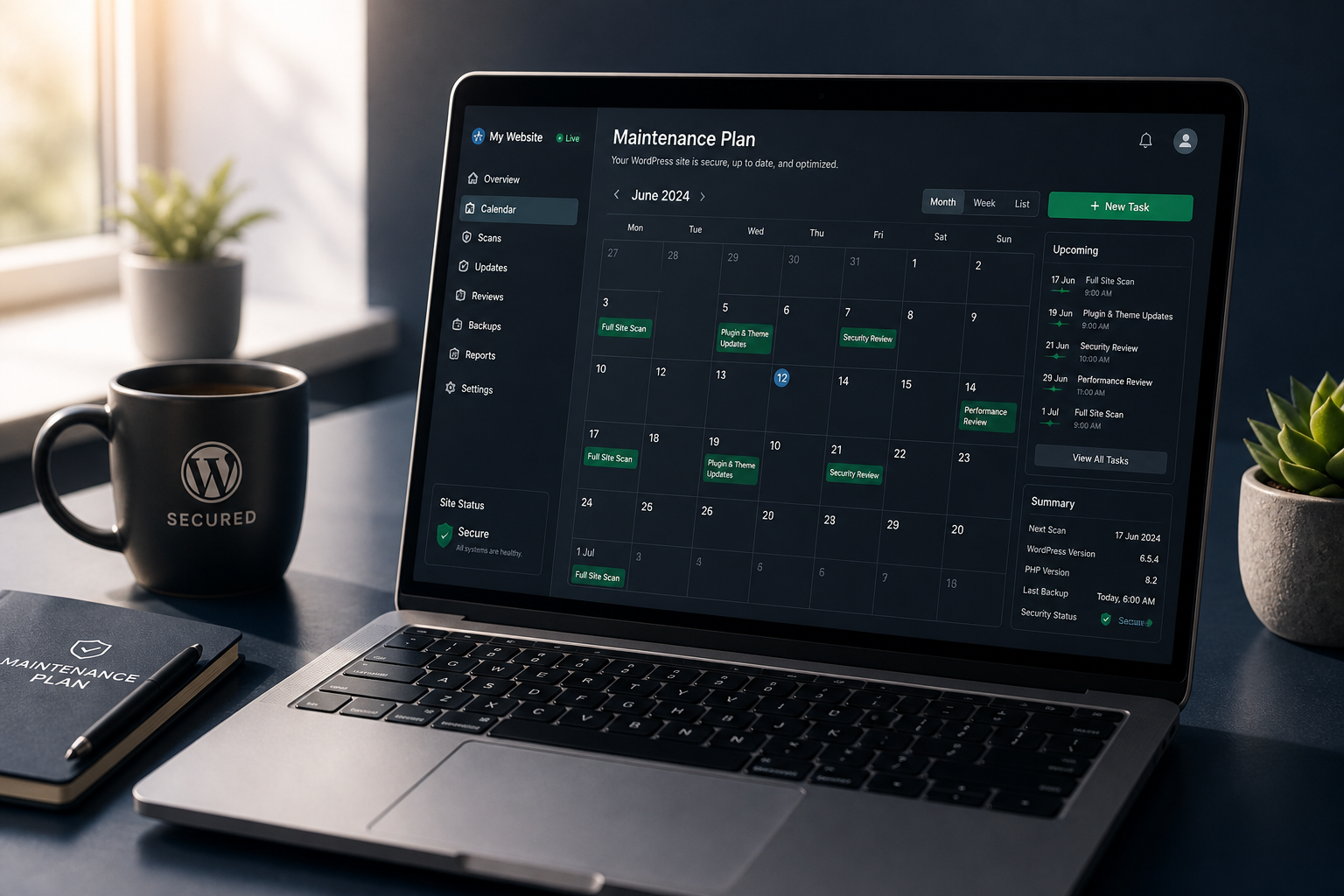
Hardening configures your site correctly once. Maintenance keeps it secure as plugins update, users come and go, vulnerabilities get published, and configurations drift. Without maintenance, a hardened site gradually becomes an unhardened site — usually without anyone noticing until an incident.
This plan covers what to do daily, weekly, monthly, and quarterly after initial WordPress security hardening is complete.
Why maintenance matters
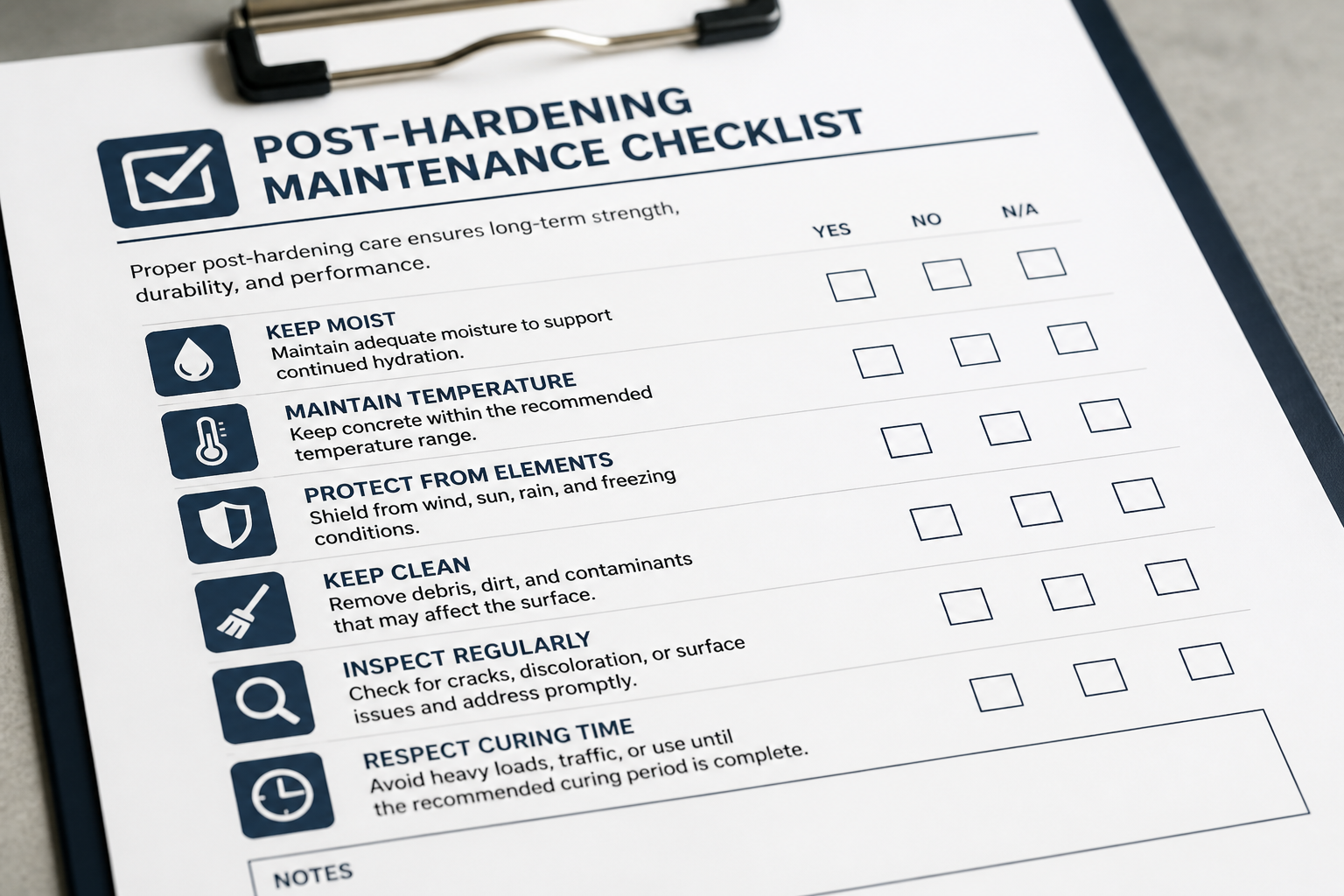
WordPress security is not a state — it is a process. Here is what changes after hardening:
- Plugins release updates — including security patches you need to apply
- New vulnerabilities get published — for plugins you currently run
- Users join and leave — accounts accumulate, roles drift upward
- Backup jobs fail silently — disk fills, API keys expire, cron stops running
- Firewall rules need tuning — new services, new webhooks, new false positives
- Certificates expire — auto-renewal fails on some hosts
- Developers add plugins — without security review, undoing your hardening work
The WordPress security hardening checklist is the starting point. This is the recurring schedule that keeps it true.
Monthly tasks
Run these every month at minimum. Pick a consistent day — first Monday, last Friday, whatever your team will actually follow.
Plugin and theme updates
| Task | Details |
|---|---|
| Update WordPress core (if not auto-updated) | Minor releases auto-update; major releases need testing |
| Update all plugins | Staging first for stores and complex sites |
| Update active theme | Check changelog for security notes |
| Delete inactive plugins | Not just deactivate — delete |
| Test critical paths after updates | Login, forms, checkout, search |
Process for stores and high-traffic sites:
- Apply updates on staging
- Test checkout, payment, forms, and admin login
- Push to production during low-traffic window
- Monitor for 24 hours
Process for simple brochure sites with daily backups:
- Apply updates on production
- Verify site loads and forms work
- Rollback from backup if broken
Backup verification
| Task | Details |
|---|---|
| Confirm backup job ran successfully | Check plugin dashboard or host panel |
| Verify remote storage received the backup | Spot-check S3/Drive bucket |
| Check backup file size (sudden shrinkage = problem) | Compare to previous weeks |
| Review backup error logs | Fix any reported failures immediately |
You do not need a full restore test monthly — that is quarterly. But confirm the job ran and the output looks reasonable.
Security scan review
| Task | Details |
|---|---|
| Review security plugin scan results | Address any flagged files or changes |
| Check firewall block log | Look for unusual patterns or targeted attacks |
| Review failed login attempts | Spike may indicate targeted attack |
| Verify file-integrity alerts | Investigate any unexpected file modifications |
Quarterly tasks
Run these every three months. Calendar them — they are the tasks most likely to be skipped and most valuable when done.
Backup restore test
- Restore most recent backup to staging (or local environment)
- Verify site loads, admin login works, content is present
- For stores: verify products, recent orders, and checkout function
- Document restore time and any issues
- Fix backup configuration if restore revealed problems
An untested backup is a guess. Quarterly testing turns it into a verified recovery capability.
User account audit
- Export user list from WordPress admin
- Remove accounts for people who left
- Downgrade unnecessary Administrators to Editor
- Verify 2FA is enabled on all Editor+ accounts
- Check for unrecognized accounts
- Confirm no shared/generic accounts exist
See least privilege WordPress user roles for role guidance.
Plugin health review
- Check last update date for every active plugin
- Flag plugins not updated in 6+ months
- Research whether flagged plugins have maintained alternatives
- Plan replacement for abandoned plugins before they become vulnerabilities
- Remove plugins that are active but unused
Full checklist review
Walk through the complete WordPress security hardening checklist and verify each item is still in place. Configurations drift — someone disables a firewall rule to fix a false positive and forgets to re-enable it.
Annual tasks
| Task | Details |
|---|---|
| SSL certificate audit | Verify auto-renewal works; check expiry dates |
| Security key rotation | Regenerate wp-config.php salts (logs everyone out) |
| Review and update firewall rules | New threats, new services, new false positives |
| Evaluate security plugin | Still the best fit? Still maintained? |
| Review hosting security features | Host may have added new protections |
| Update incident response plan | Contacts, procedures, backup locations |
| Full hardening re-assessment | Re-scope if site has grown significantly |
Incident response plan
Maintenance includes knowing what to do when something goes wrong. Document this before you need it.
If you suspect compromise
- Do not panic-delete. Backup the current state first.
- Change all passwords — WordPress, hosting, FTP, database.
- Regenerate wp-config.php security keys — forces all sessions offline.
- Scan with Wordfence and Sucuri SiteCheck.
- Check for unrecognized admin accounts.
- Assess whether clean restore from backup is possible.
- Call for help if the scope exceeds your capability.
See how to tell if WordPress site is hacked for diagnostic steps.
If backup restore is needed
- Identify the earliest clean backup (predating the incident)
- Restore to staging and scan
- Restore to production
- Patch the entry point that caused the breach
- Re-apply any hardening changes lost in the restore
See WordPress backup strategy for security.
Maintenance plan by site type
| Site type | Monthly | Quarterly | Recommended support |
|---|---|---|---|
| Brochure site | Updates, backup check, scan review | Restore test, user audit, plugin review | DIY or basic care plan |
| Business site with forms | Updates on staging, backup check, scan review | Full quarterly audit | Basic care plan |
| WooCommerce store | Updates on staging, backup check, checkout test, scan review | Full quarterly audit + checkout restore test | Full care plan |
| Agency portfolio (per site) | Same as site type above | Portfolio-wide audit | Agency retainer |
DIY vs managed maintenance
| Factor | DIY | Managed care plan |
|---|---|---|
| Cost | Your time | $75–$300/month (estimate) |
| Update testing | You handle staging | Done for you |
| Backup monitoring | You check manually | Monitored with alerts |
| Incident response | You diagnose and fix | Priority support included |
| Consistency | Depends on your schedule | Scheduled and documented |
| Best for | Technical owners with time | Business owners, agencies, stores |
Managed maintenance costs less than one cleanup incident ($500–$2,000+). If you will not run the monthly checklist yourself, pay someone who will.
Maintenance calendar template
| Month | Monthly tasks | Quarterly tasks |
|---|---|---|
| January | Updates, backup check, scan | Restore test, user audit, plugin review |
| February | Updates, backup check, scan | — |
| March | Updates, backup check, scan | — |
| April | Updates, backup check, scan | Restore test, user audit, plugin review |
| May | Updates, backup check, scan | — |
| June | Updates, backup check, scan | — |
| July | Updates, backup check, scan | Restore test, user audit, plugin review |
| August | Updates, backup check, scan | — |
| September | Updates, backup check, scan | — |
| October | Updates, backup check, scan | Restore test, user audit, plugin review |
| November | Updates, backup check, scan | — |
| December | Updates, backup check, scan | Annual re-assessment |
Adjust frequency upward for stores and high-traffic sites.
Frequently asked questions
Is maintenance really necessary after hardening?
Yes. Hardening is a snapshot. Plugins update, vulnerabilities get published, and configurations drift. Without maintenance, you are slowly undoing the hardening work. The monthly checklist takes 30–60 minutes — far less than a cleanup incident.
Can I automate everything?
Mostly, but not completely. Automatic updates handle core patches. Backup plugins run on schedule. Security plugins scan automatically. What cannot be automated: judging whether a plugin update breaks checkout, deciding to replace an abandoned plugin, and responding to active incidents.
What if I miss a month?
One missed month is not catastrophic if backups are running and no critical security release was skipped. Two or three missed months and you are back to pre-hardening risk levels. Set calendar reminders and stick to them.
How much does managed maintenance cost?
Basic care plans run $75–$150/month for a single site. Full plans with staging updates, backup verification, and priority support run $150–$300/month. Agency portfolio pricing is custom. See WordPress security hardening cost for context.
Should I re-harden annually?
A full re-hardening project is usually unnecessary if maintenance is consistent. The annual re-assessment checks whether the site has outgrown its current configuration — new WooCommerce launch, major plugin additions, hosting migration. Re-scope if the site has changed significantly.
Get a free 15-minute security check
Send your URL. I will assess whether your current maintenance appears consistent with your hardening configuration — or whether gaps are forming.
If you would rather this ran on a schedule than sat on your list, that is what maintenance plans cover. Hardening first ($300–$1,200), then ongoing care to keep it that way.
August 29, 2026
How to Hire a WordPress Developer: Questions and...
August 29, 2026



