

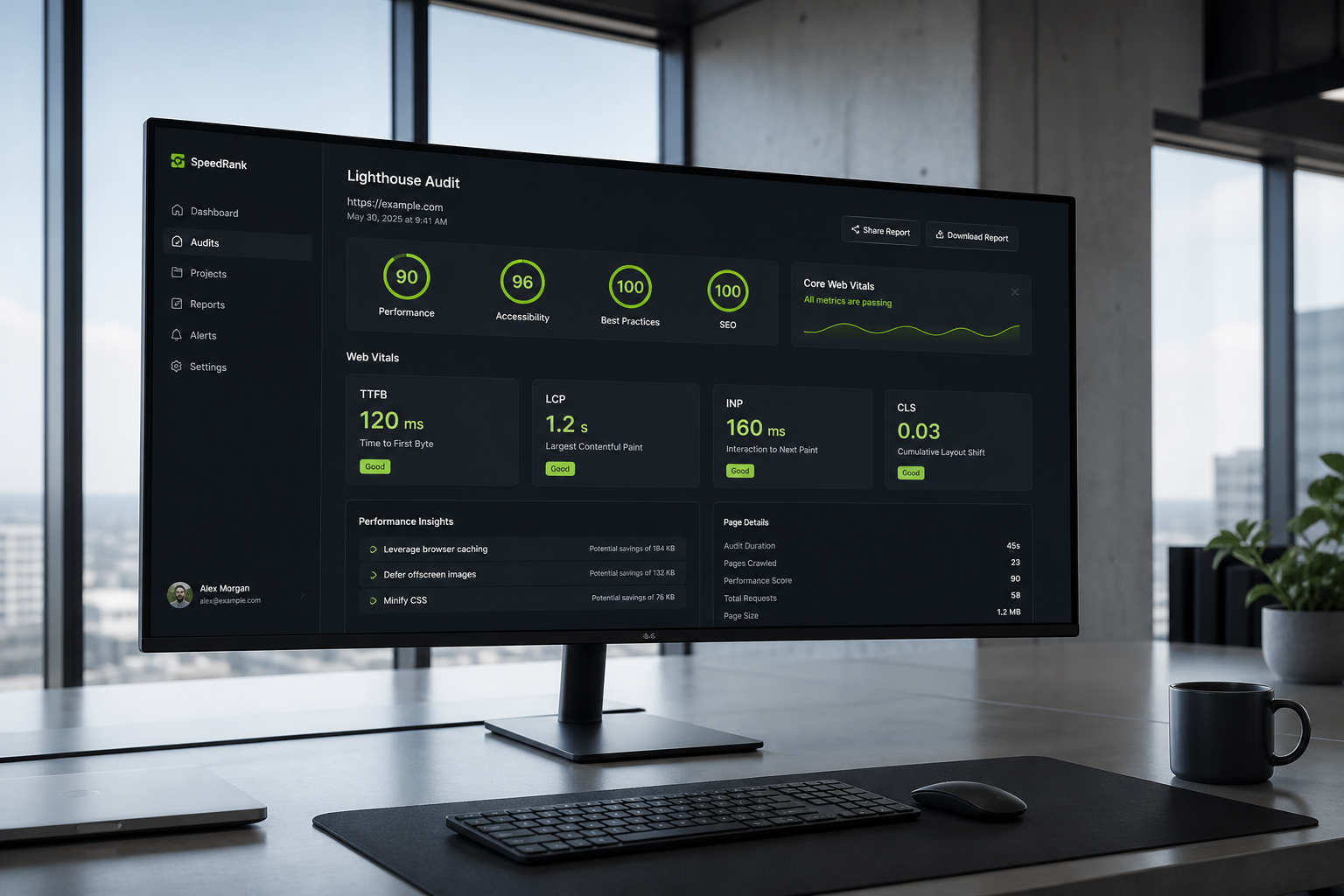
A website performance audit is a structured diagnosis of why your site loads slowly, ranks poorly on Core Web Vitals, or feels sluggish on mobile — and which fixes will actually change those numbers. It is not a screenshot of a PageSpeed score. It is a prioritized action list built from lab tests, real-user data, and a review of your hosting, code, and third-party scripts.
If you've run Lighthouse and ended up with 40 warnings and no idea where to start, that's exactly the gap an audit fills. Most warnings are low impact. Three or four usually account for most of the delay.
What problem does a performance audit solve?
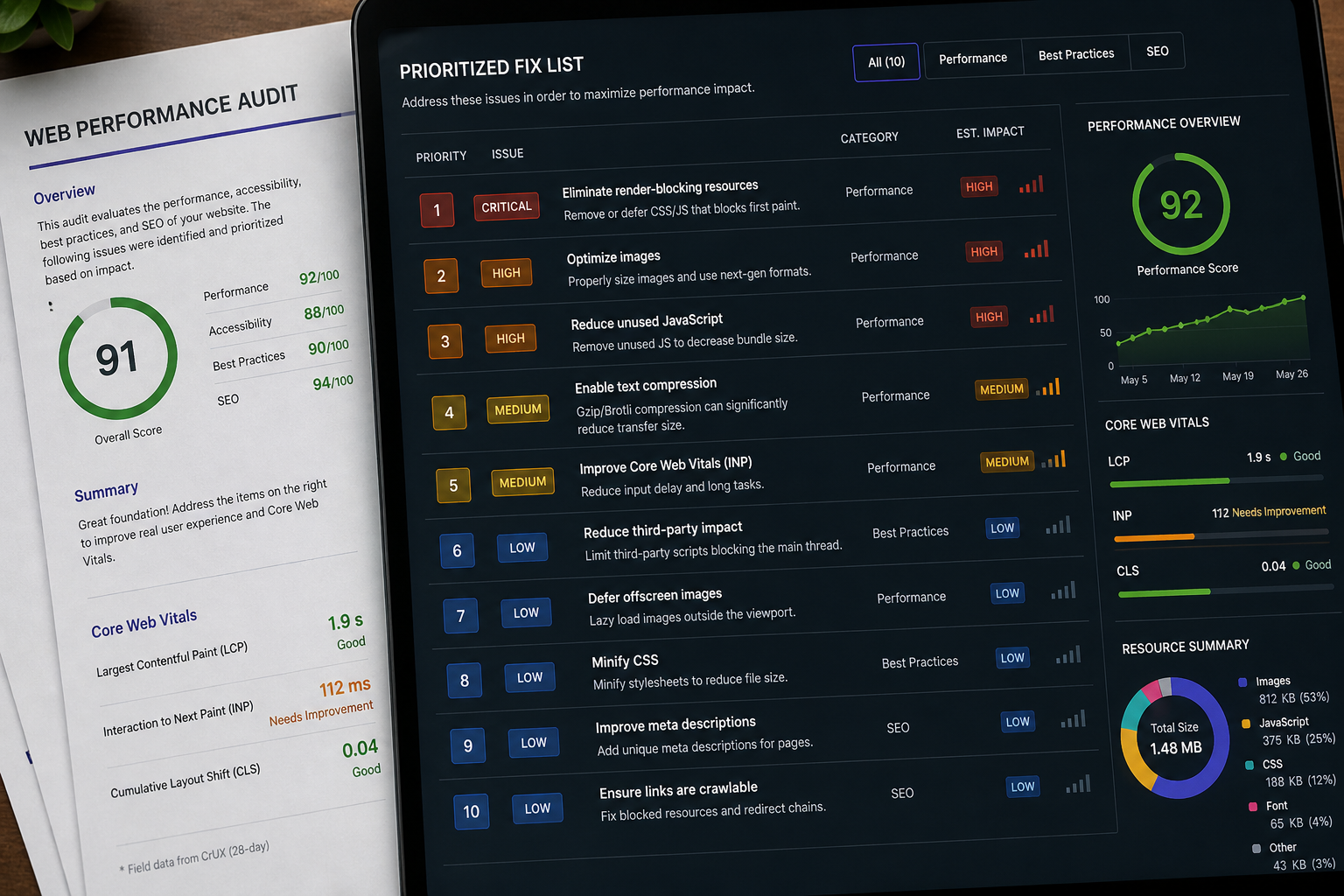
Slow sites lose visitors before content renders. Paid traffic converts worse when landing pages take four seconds to show a headline. Google uses page experience signals as a tiebreaker in search — not the top ranking factor, but one you have no reason to lose.
Without an audit, teams chase the wrong fixes: installing another caching plugin when images are uncompressed, or deferring JavaScript when TTFB is the real bottleneck. An audit maps cause to effect so effort goes where it matters.
What gets checked in a performance audit
A thorough audit covers five layers. Not every site needs every layer, but skipping one is how blind spots happen.
1. Core Web Vitals (field and lab)
Google tracks three metrics on real visits:
| Metric | Measures | Good threshold |
|---|---|---|
| LCP | Main content render time | ≤ 2.5s |
| INP | Interaction responsiveness | ≤ 200ms |
| CLS | Layout stability | ≤ 0.1 |
The audit identifies failing URLs, whether failures show in Search Console field data or lab tests only, and the specific element behind each failure. See the Core Web Vitals audit checklist for a DIY starting point.
2. Server response (TTFB)
Time to First Byte measures how long the server takes before sending HTML. High TTFB means every other optimization fights uphill. On WordPress, common causes include missing page cache, bloated autoloaded database options, and underpowered hosting.
3. Front-end weight
CSS, JavaScript, fonts, and images dominate load time on most sites. The audit maps what loads on critical pages, flags unused assets, and notes render-blocking resources in the document head.
4. Third-party scripts
Analytics, ads, chat widgets, heatmaps, and A/B testing tools add requests and main-thread work. An audit lists third-party domains, where they load, and whether they belong on every page or only specific templates.
5. Platform-specific configuration
On WordPress, that means plugins, theme overhead, caching plugin settings, and page builder asset loading. On headless setups, it means API response times, hydration cost, and image delivery from the CDN.
Performance audit vs other reviews
| Review type | What it focuses on | What it misses |
|---|---|---|
| PageSpeed Insights run | Lab score + some field data | Prioritization, stack context |
| Uptime monitoring | Server availability | Load speed, interactivity |
| SEO audit | Content, links, indexing | TTFB, script weight, LCP element |
| Security scan | Vulnerabilities, malware | Performance bottlenecks |
| Performance audit | Speed, vitals, fix priority | Content strategy, link building |
A performance audit can overlap with SEO and security findings, but the goal is speed and user experience — not keyword gaps or firewall rules.
Who runs performance audits?
Three common paths:
- In-house developer — Works if someone knows Lighthouse, Search Console, and your CMS. Risk: bias toward familiar tools over root cause.
- Agency retainer — Often bundled with SEO or maintenance. Confirm performance is a deliverable, not a checkbox.
- Specialist consultant — Fixed-scope audit with a written report. Typical paid range: $150–$500 (estimate), depending on site complexity.
The website performance audit hub covers free vs paid tiers and what each includes.
What you receive after an audit
Deliverables vary by scope, but a paid audit should include:
- URLs tested and tools used
- Lab vs field data comparison
- Prioritized fix list with effort estimates (quick / medium / structural)
- Clear call on optimize vs redesign
- Optional walkthrough call
A free 15-minute audit gives you the top 3–5 issues verbally — enough to decide whether a deep dive is worth it.
When you need one
Run an audit when:
- Search Console shows Core Web Vitals in "Poor" or "Needs improvement"
- Mobile scores lag desktop by a wide margin
- You're about to spend on ads or a redesign
- A speed plugin didn't move the numbers
- You inherited a site with unknown plugin and script history
Skip or delay if the site is a placeholder, under active development with no traffic yet, or scheduled for a full rebuild within weeks.
DIY vs professional audit
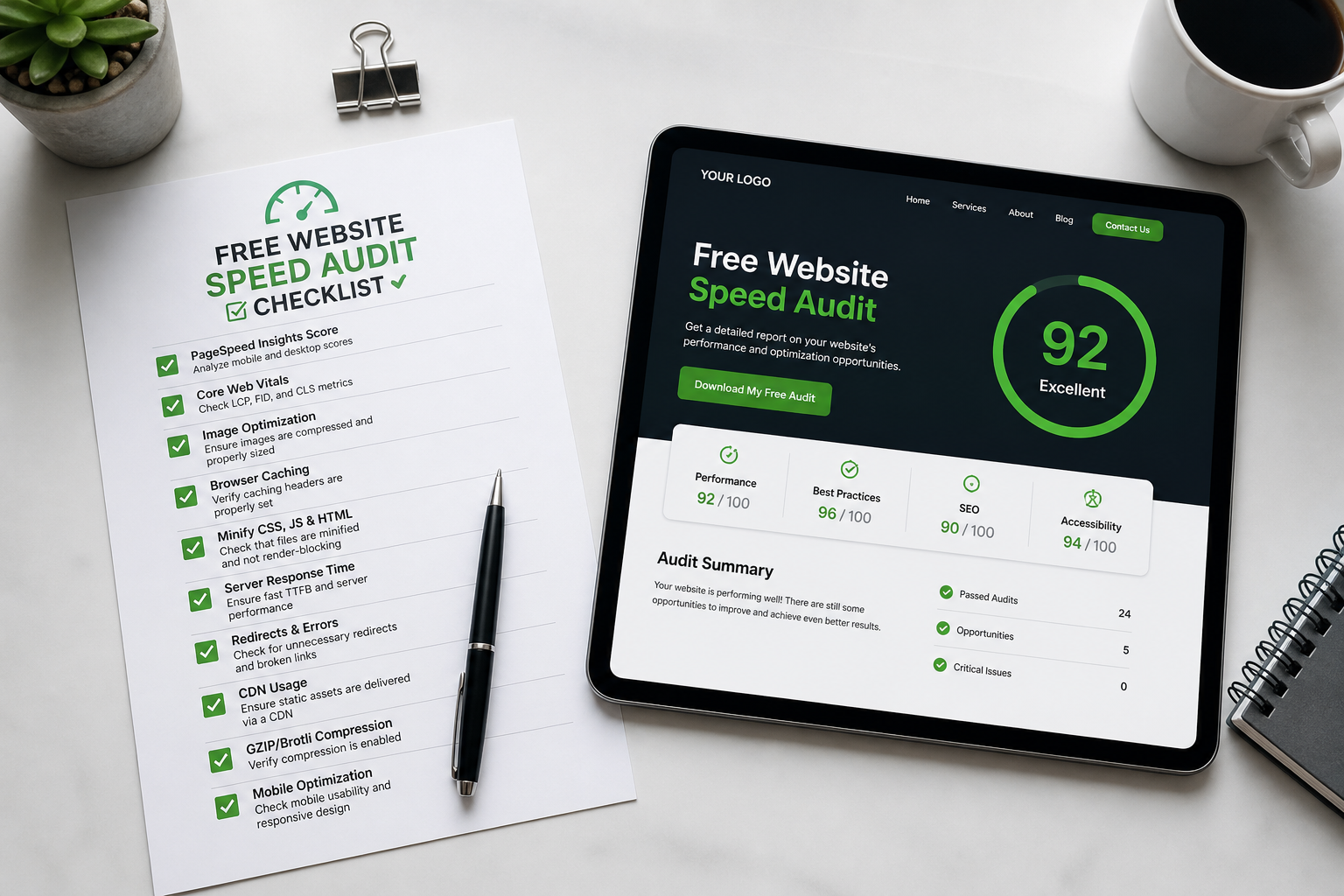
You can self-audit with a free website speed audit checklist if you have time and basic familiarity with DevTools. Hire when:
- Failures persist after checklist fixes
- The stack is WooCommerce, multilingual, or heavily customized
- You need a written report for stakeholders or developers
- You want a neutral opinion on optimize vs rebuild
Frequently asked questions
Is a website performance audit the same as a Lighthouse audit?
No. Lighthouse is one input. A performance audit combines Lighthouse, PageSpeed Insights field data, Search Console, waterfall analysis, and CMS-specific review into a prioritized plan.
How long does a performance audit take?
A paid audit typically delivers in 3–5 business days. A free 15-minute review happens on a single call.
Does an audit include fixing the issues?
Audits are diagnostic. Implementation is quoted separately. Some consultants bundle audit + fixes; confirm scope before you pay.
Can a performance audit hurt SEO?
The audit itself is read-only. Implementing fixes correctly (proper redirects, preserved URLs, no broken structured data) supports SEO. Breaking things during sloppy fixes is a separate risk — use staging.
Do I need developer access for an audit?
Helpful but not always required. Public-facing URLs can be tested without login. WordPress plugin lists and hosting details speed up CMS-specific findings.
Book a free 15-minute site audit
Want a clear answer on what's slowing your site — not another generic plugin recommendation? Start with a free 15-minute audit. I'll review your priority URL and point you to the website performance audit hub if you need the full process.
August 5, 2026



