

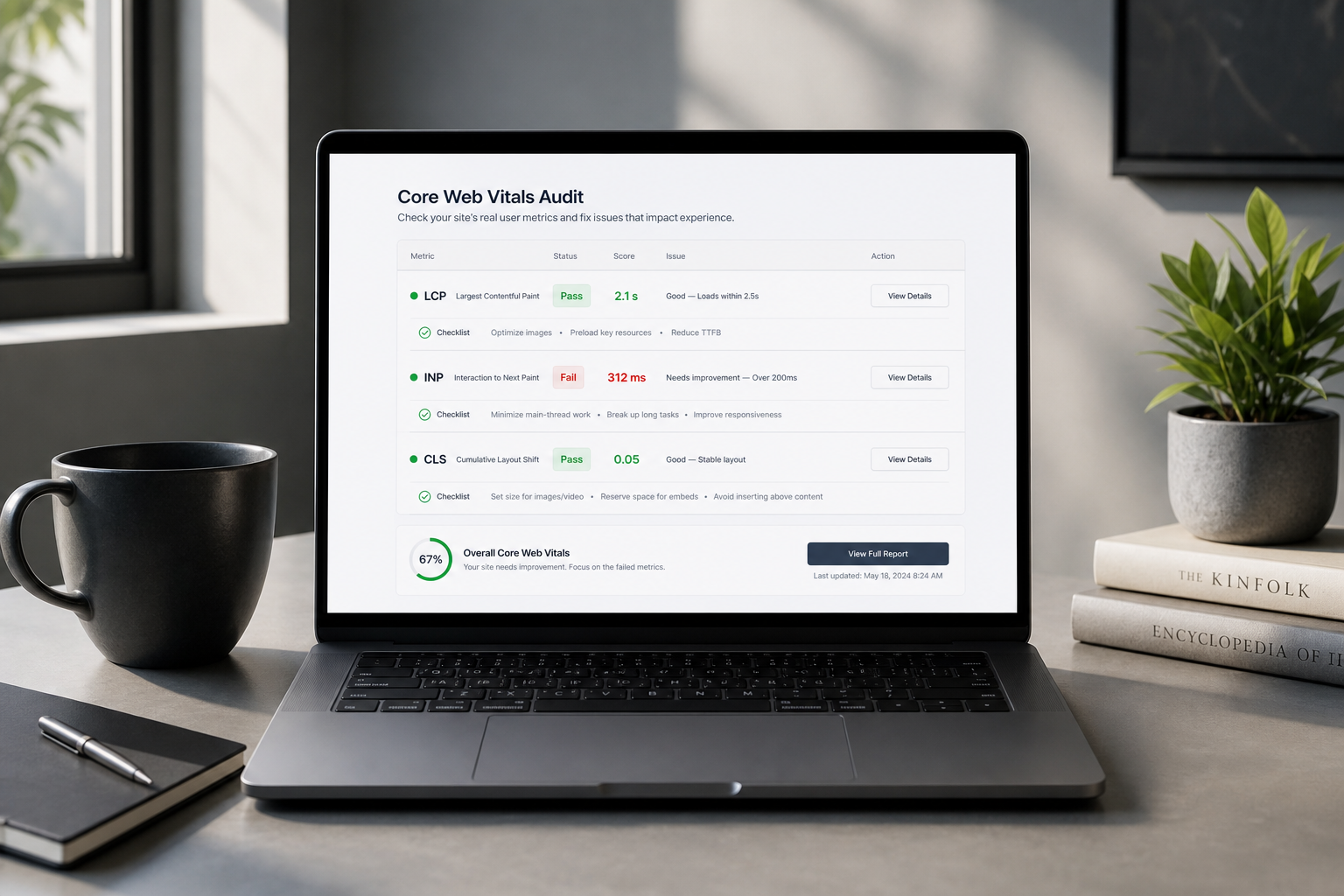
This Core Web Vitals audit checklist walks you through testing and fixing LCP, INP, and CLS — the three metrics Google uses for page experience. Run it on your homepage plus any URL flagged in Search Console's "Poor" bucket. Field data from real visitors beats lab scores every time.
Core Web Vitals pass at the 75th percentile: 75% of visits must hit "Good" thresholds. That leaves room for slow outliers — but if you're in "Poor," a quarter or more of visits are actively bad.
Thresholds reference
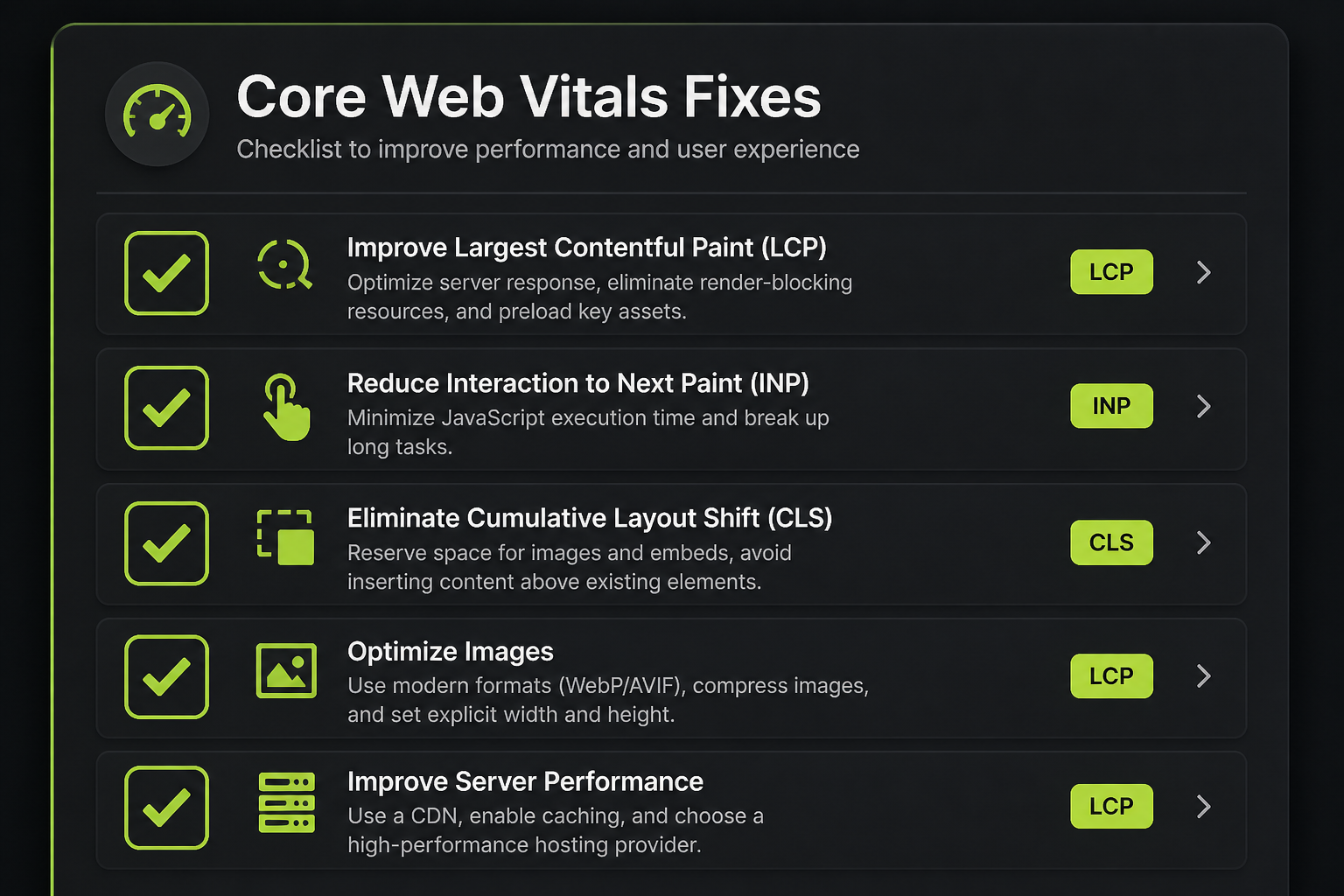
| Metric | Good | Needs improvement | Poor |
|---|---|---|---|
| LCP (Largest Contentful Paint) | ≤ 2.5s | 2.5–4.0s | > 4.0s |
| INP (Interaction to Next Paint) | ≤ 200ms | 200–500ms | > 500ms |
| CLS (Cumulative Layout Shift) | ≤ 0.1 | 0.1–0.25 | > 0.25 |
Test mobile and desktop separately. Most WordPress sites fail mobile first.
Phase 1: Collect data (before changing anything)
| Step | Tool | Record |
|---|---|---|
| Export Poor URLs from Search Console | Experience → Core Web Vitals | URL list + failing metric |
| Run PageSpeed Insights on top 5 Poor URLs | pagespeed.web.dev | Field + lab vitals per URL |
| Confirm CrUX data exists | PSI top section | Note "No Data" URLs separately |
| Screenshot baseline | — | Date-stamp for before/after comparison |
If Search Console shows no issues but PSI field data is Poor, wait — CrUX may not have propagated yet, or URL grouping differs. Trust Search Console for indexing-related decisions.
Phase 2: LCP audit checklist
LCP measures when the largest visible content element renders.
| Check | Pass? | Notes |
|---|---|---|
| LCP element identified in Lighthouse | ☐ | Image, text block, or video? |
| LCP element visible above the fold | ☐ | |
| Hero image compressed (WebP/AVIF) | ☐ | Target under ~200KB where possible |
| Hero image correctly sized (not 4000px for 800px display) | ☐ | |
| LCP image NOT lazy-loaded | ☐ | lazy loading delays LCP |
| LCP image preloaded (`<link rel="preload">`) | ☐ | |
| TTFB under ~800ms | ☐ | High TTFB caps LCP regardless of images |
| No render-blocking CSS delaying LCP element | ☐ | |
| Font loading doesn't block LCP text | ☐ | font-display: swap |
| Server/CDN cache hit on HTML | ☐ |
Fix guide: LCP audit — how to fix Largest Contentful Paint.
Phase 3: INP audit checklist
INP replaced FID in March 2024. It measures worst-case interaction latency across the page lifecycle — clicks, taps, key presses.
| Check | Pass? | Notes |
|---|---|---|
| INP failing in field data (not just lab TBT) | ☐ | |
| Total JavaScript transfer reasonable on mobile | ☐ | Log transfer size from Network tab |
| No long tasks > 50ms blocking main thread | ☐ | DevTools Performance trace |
| Third-party scripts deferred or delayed | ☐ | Chat, analytics, heatmaps |
| Event handlers not doing heavy sync work on click | ☐ | |
| jQuery migrate or unused libraries removed | ☐ | |
| Page builder frontend JS scoped per page | ☐ | |
| WooCommerce cart fragments not polling excessively | ☐ |
Test interactions manually on mobile throttling (DevTools → Performance → CPU 4x slowdown):
- Main navigation toggle
- Add to cart button
- Accordion/FAQ tabs
- Search overlay
Fix guide: INP audit — fix Interaction to Next Paint.
Phase 4: CLS audit checklist
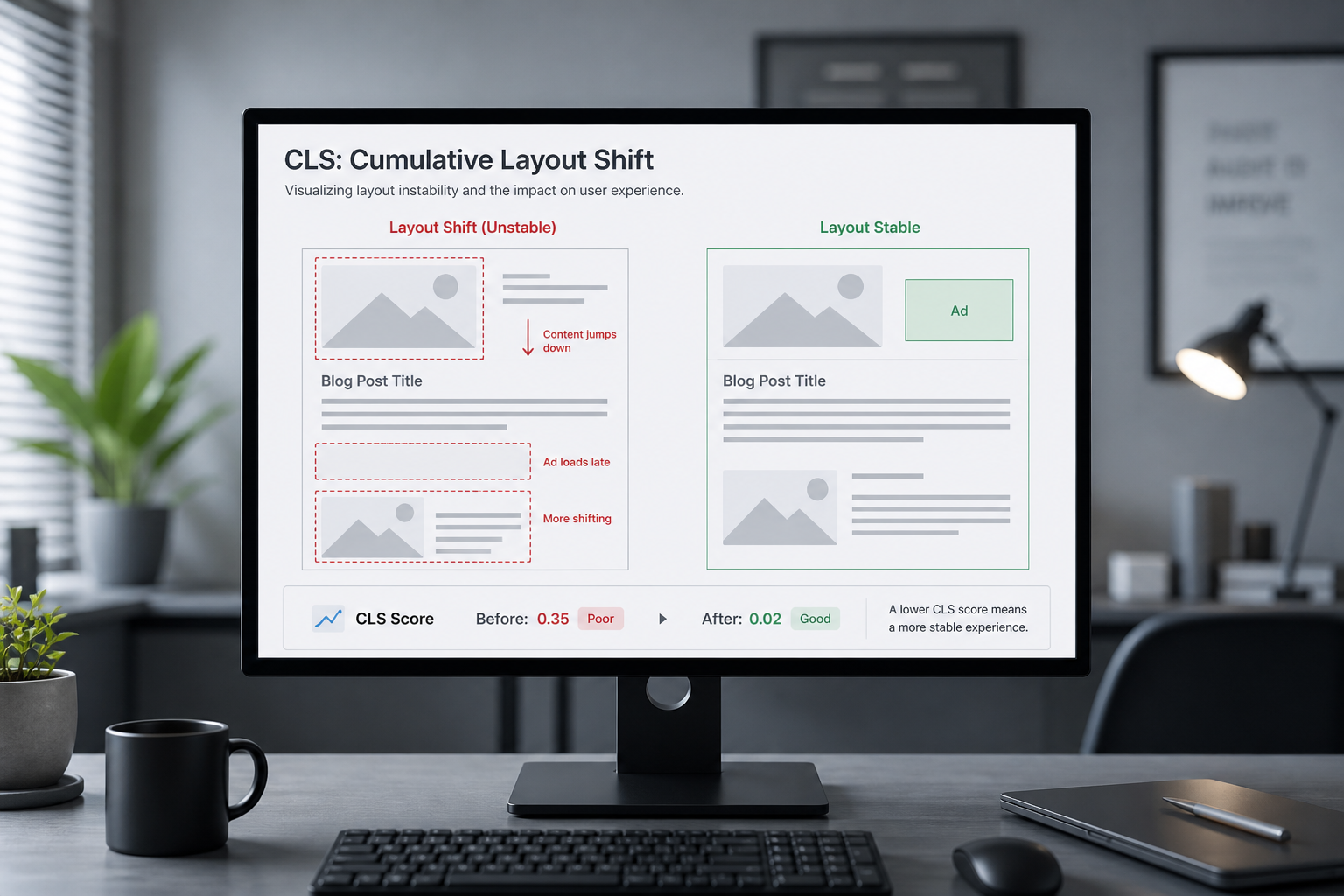
CLS measures unexpected layout movement during load.
| Check | Pass? | Notes |
|---|---|---|
| All `<img>` tags have width and height attributes | ☐ | |
| CSS aspect-ratio set for responsive images | ☐ | |
| Ad slots have reserved min-height | ☐ | |
| Embeds (YouTube, maps) use placeholder dimensions | ☐ | |
| Web fonts use font-display: swap or optional | ☐ | |
| No content injected above existing content after load | ☐ | Banners, cookie bars |
| Cookie/consent banner doesn't shift page content | ☐ | Use overlay, not push-down |
| Dynamic content (related posts, reviews) reserves space | ☐ |
Fix guide: CLS audit — fix Cumulative Layout Shift.
Phase 5: Cross-cutting checks
These affect multiple vitals:
| Check | Affects | Action |
|---|---|---|
| Page cache enabled and working | LCP, INP | Configure cache plugin or host cache |
| CDN active for static assets | LCP | Cloudflare or host CDN |
| Third-party script audit complete | INP, LCP | GTM and third-party scripts |
| Mobile-specific image sizes served | LCP | srcset + sizes attributes |
| No duplicate optimization plugins | All | One cache, one optimizer |
Phase 6: Validate fixes
| Step | When | Tool |
|---|---|---|
| Re-run PSI lab test | Immediately after deploy | pagespeed.web.dev |
| Re-run on staging first | Before production | Same |
| Monitor Search Console | 28 days after deploy | CrUX update cycle |
| Check real device | Day 1 | Mid-range Android phone |
Field data won't update overnight. Lab improvements confirm direction; Search Console confirms real-user impact.
Priority matrix
When multiple vitals fail, fix in this order unless business context says otherwise:
| Priority | Condition | Start here |
|---|---|---|
| 1 | High TTFB (>800ms) | Server cache, hosting, TTFB audit |
| 2 | Poor LCP + image LCP element | Images, preload, lazy-load removal |
| 3 | Poor CLS | Dimensions, font loading, embed placeholders |
| 4 | Poor INP | JavaScript reduction, third-party deferral |
| 5 | Needs improvement (not Poor) | Polish after Poor URLs cleared |
Ecommerce: prioritize checkout and cart URLs even if homepage scores higher.
When checklist isn't enough
Escalate to a professional website performance audit when:
- Poor URLs remain after two fix cycles
- LCP element is text blocked by page builder CSS you can't isolate
- INP spikes only on specific WooCommerce flows
- You need stakeholder documentation with effort estimates
Paid audits typically run $150–$500 (estimate).
Frequently asked questions
Do Core Web Vitals affect rankings?
They're a page experience signal — a tiebreaker, not the primary ranking factor. Passing removes a disadvantage; failing doesn't automatically drop you to page ten.
How many URLs should I audit?
All URLs in Search Console's Poor bucket, plus your top 5 traffic pages even if they're "Needs improvement."
Can I pass lab tests but fail field data?
Yes. Common on sites where lab tests hit a fast CDN edge but real users on mobile networks see slower LCP and higher INP.
Does AMP help Core Web Vitals?
AMP can produce good vitals for AMP URLs, but maintaining AMP adds complexity. Fixing the canonical site is usually the better long-term path.
How often should I re-run this checklist?
After every major deploy, plugin change, or new marketing tag. Quarterly minimum for stable sites.
Book a free 15-minute site audit
Not sure which vital to fix first on your URL list? Book a free 15-minute audit. I'll map your Search Console exports against this checklist and point you to the full website performance audit if needed.
August 5, 2026
CLS Audit: Fix Cumulative Layout Shift
August 5, 2026



