

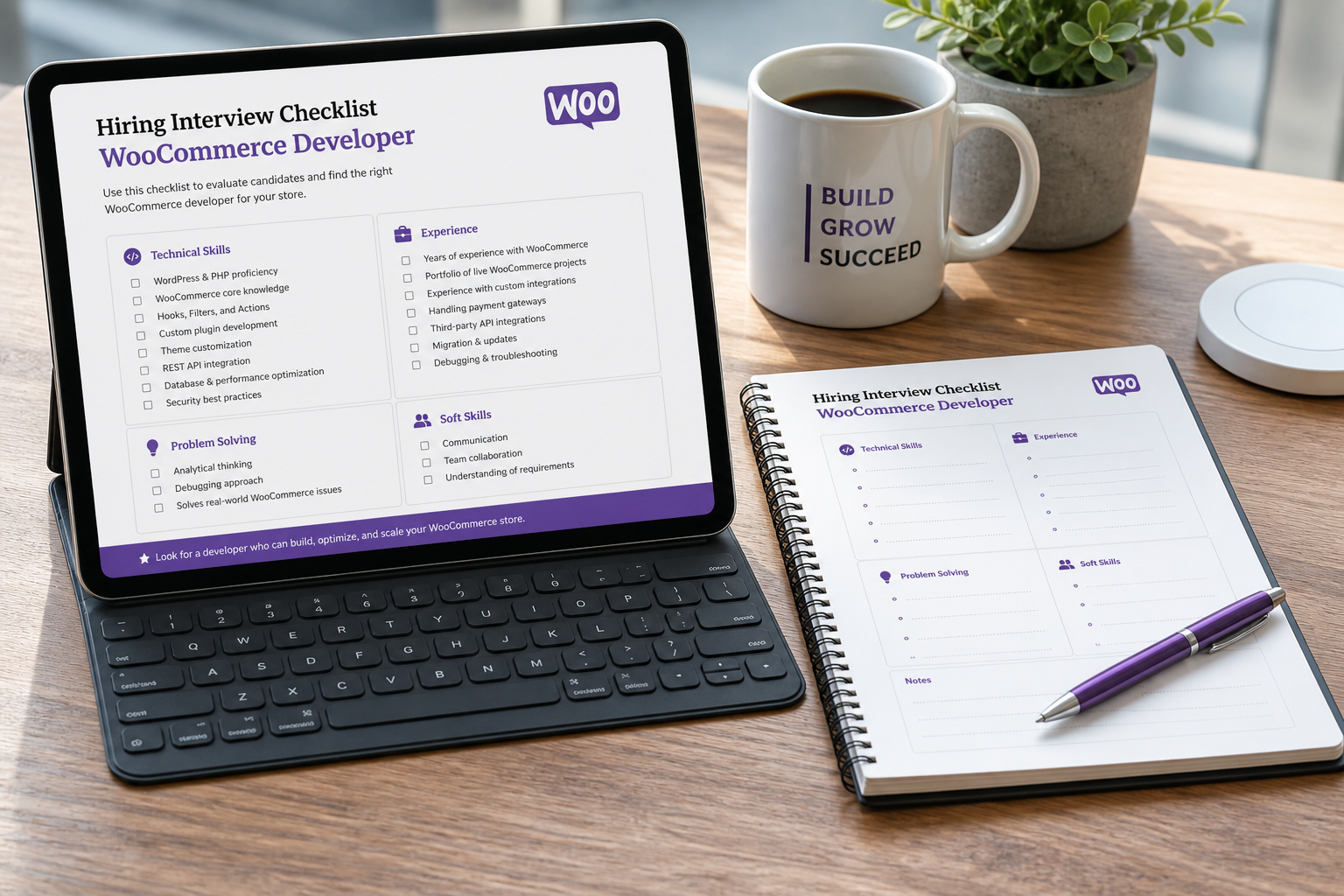
To hire a WooCommerce developer who will actually deliver, look for someone with proven checkout customization experience, a staging-first workflow, and clear fixed-fee scoping — not the cheapest hourly rate on a freelance marketplace. A bad WooCommerce hire costs you twice: once for the failed build, once for someone to untangle it.
Most store owners search for "hire WooCommerce developer" when something is already broken — checkout errors, payment failures, a theme that fights the cart page, or a plugin stack held together with hope. The hiring decision matters because WooCommerce is not a simple CMS. It is an ecommerce engine where a misconfigured shipping zone or a caching plugin breaking cart fragments can silently kill revenue for weeks before anyone notices.
What a WooCommerce developer actually does
The title covers a wide range. Clarify which bucket your project falls into before you start interviewing.
| Role focus | Typical work |
|---|---|
| Store builder | Theme setup, product catalog, payment/shipping config, launch |
| Customizer | Checkout fields, cart UX, template overrides, CSS/JS tweaks |
| Integration specialist | Payment gateways, ERP/inventory sync, REST API, webhooks |
| Performance engineer | Speed optimization, caching, database cleanup, Core Web Vitals |
| Migration specialist | Platform moves (Shopify, Magento), data mapping, URL redirects |
A generalist WordPress developer who has installed WooCommerce once is not the same as someone who has debugged subscription renewal failures at 2 AM. Ask specifically about the work that matches your project.
What to look for in a candidate
WooCommerce-specific experience, not just WordPress
WordPress theme development and WooCommerce store development overlap but are not the same skill set. WooCommerce adds cart sessions, order data models, tax calculation hooks, shipping zone logic, and payment gateway callbacks. Ask candidates to describe the last three WooCommerce projects they shipped and what specifically they customized.
Staging-first workflow
Any developer who edits your live store directly is a risk. The standard should be: local or staging environment, version control for custom code, test orders before production deployment, and a rollback plan. If they cannot explain their deployment process in two minutes, keep looking.
Fixed-fee scoping ability
Hourly billing incentivizes slow work. Fixed-fee proposals force the developer to understand scope before starting — which protects you. Expect a paid or free discovery phase, then a written proposal with deliverables, timeline, and price. See typical WooCommerce development cost ranges so you know when a quote is reasonable.
Plugin discipline
The best WooCommerce developers install fewer plugins, not more. Ask how they decide between a plugin and custom code. Red flag: someone who defaults to installing a premium plugin for every requirement without evaluating whether WooCommerce hooks handle it natively.
Communication and documentation
You will need to update products, manage orders, and eventually hand the store to another developer. Ask what documentation they deliver at project end: plugin inventory, custom code locations, caching config, and admin workflow notes.
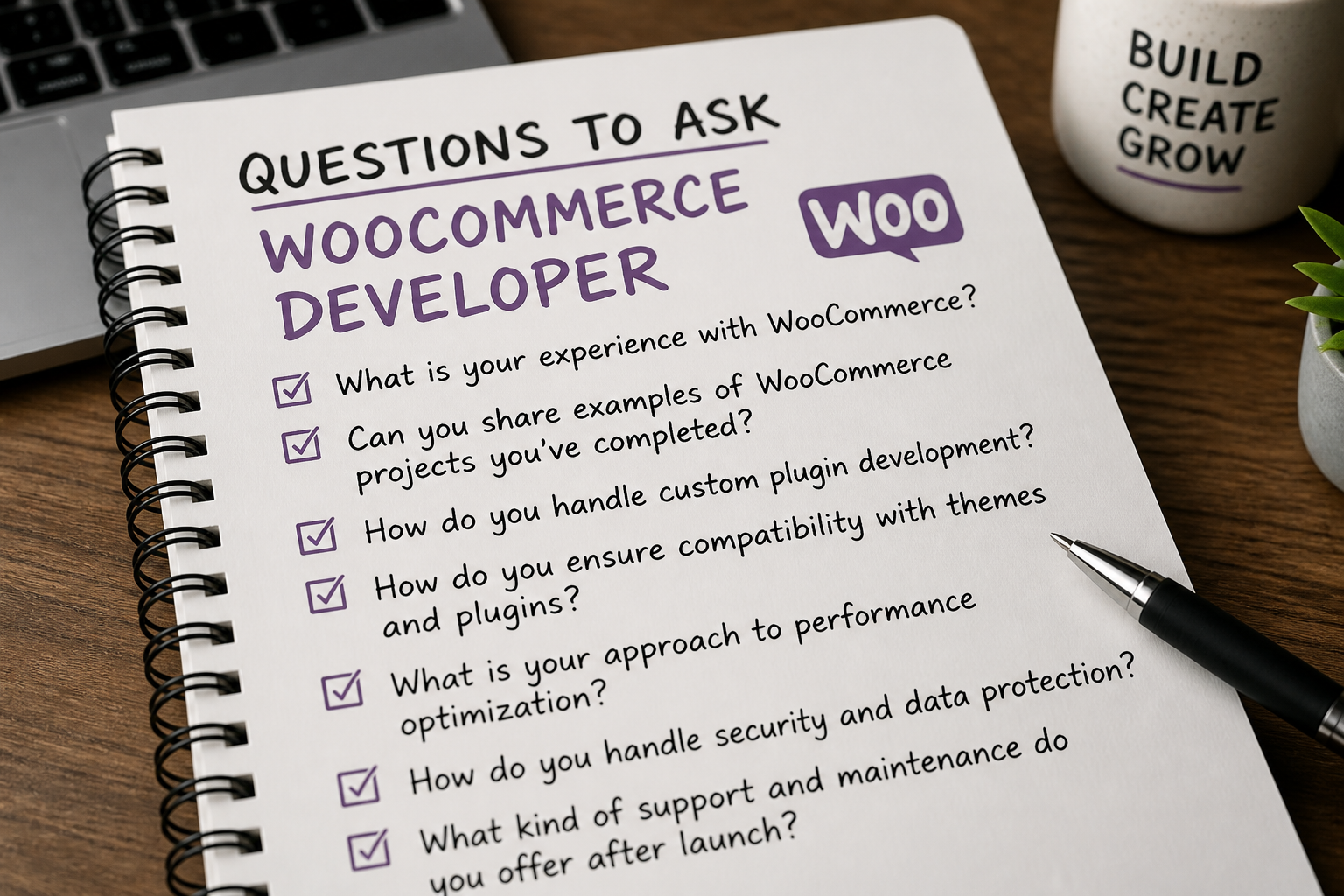
Questions to ask before hiring
- Walk me through your last WooCommerce checkout customization. What hooks did you use? Did you override templates or use filters?
- How do you handle caching on WooCommerce stores? What pages do you exclude and why?
- What is your process for payment gateway testing? How do you verify webhooks work in production?
- Show me a store you built that is still running. Can I test the checkout myself?
- What happens when a WooCommerce update breaks something? How do you manage compatibility?
- Do you use a child theme or a custom plugin for modifications? (Correct answer: never edit parent theme or WooCommerce core files directly.)
- What is included in your post-launch support period?
Red flags that should stop the hire
- No WooCommerce-specific portfolio. WordPress blog sites do not count.
- Quotes under $1,500 for a "custom store." You will get a theme demo with your logo, not a working ecommerce operation.
- Recommends 30+ plugins before understanding your requirements. Plugin bloat is the number one cause of slow, unstable WooCommerce stores.
- Cannot explain cart fragment caching or why checkout must not be page-cached. Basic WooCommerce architecture knowledge.
- No mention of staging, backups, or rollback plans.
- Guarantees a specific PageSpeed score. Performance depends on hosting, catalog size, and third-party scripts — not developer promises.
- Pushes a page builder (Elementor, Divi) for every project. Page builders add 200–500KB of CSS/JS per page. Fine for marketing sites. Problematic for product catalog pages where speed converts.
Where to find WooCommerce developers
| Source | Pros | Cons |
|---|---|---|
| Referrals from other store owners | Pre-vetted, real results | Limited pool |
| WooCommerce community / Automattic partners | Platform-specific expertise | Premium pricing |
| Specialized freelance platforms | Wide selection | Requires heavy vetting |
| General freelance marketplaces | Low hourly rates | High failure rate for ecommerce |
| Agencies | Team capacity, project management | $150–$250+/hour effective rate |
I work remotely as an independent developer — not an agency with account managers markup. That keeps project costs in the $3,000–$12,000+ range for custom builds rather than agency-tier pricing. Those are estimates; your scope determines the actual quote.
Freelance vs agency vs in-house
Freelance developer fits defined projects: a build, a migration, checkout customization, or a speed optimization sprint. Best when you have a clear scope and can communicate requirements in writing.
Agency fits ongoing multi-channel ecommerce with design, development, marketing, and support under one contract. You pay for coordination overhead. Worth it at scale; overkill for a 200-SKU store.
In-house hire fits businesses doing $1M+ in annual online revenue with daily store changes, constant A/B testing, and integration maintenance. Below that threshold, a retainer with a freelance specialist is usually cheaper and more flexible.
How to scope your project before contacting developers
The clearer your brief, the more accurate the quotes. Include:
- Product count and types (simple, variable, subscription, digital)
- Payment methods needed
- Shipping regions and methods
- Existing platform (new build vs fix vs migration)
- Must-have integrations (CRM, ERP, email platform)
- Design status (ready mockups vs need design help)
- Timeline and budget range
Developers who ask good clarifying questions during discovery are usually better hires than ones who quote instantly.
What good delivery looks like
When the project ends, you should have:
- A staging-tested store processing real payment methods in test mode
- Custom code in a child theme or custom plugin — not scattered in the theme editor
- Documentation of the plugin stack and why each plugin exists
- Cache configuration that excludes cart, checkout, and my-account pages
- A maintenance plan for WooCommerce and plugin updates
- Admin training or a recorded walkthrough for your team
If any of those are missing, the project is not finished.
FAQs
How much does it cost to hire a WooCommerce developer?
Custom WooCommerce builds typically run $3,000–$12,000+ depending on catalog size, checkout complexity, and integrations. Hourly rates for experienced WooCommerce freelancers range from $75–$150/hour in 2026. Fixed-fee projects are usually more predictable than open-ended hourly engagements.
Should I hire a WooCommerce developer or use a theme demo?
If you have fewer than 20 simple products, no custom checkout needs, and one payment method, a quality theme with WooCommerce's setup wizard may be enough. Hire a developer when you need custom checkout logic, B2B pricing, subscriptions, API integrations, or when your current store has performance or stability problems.
Can a general WordPress developer handle WooCommerce?
For basic setup, yes. For checkout customization, payment gateway debugging, subscription billing, or REST API integrations, you want someone with dedicated WooCommerce experience. The gap shows up under load — failed orders, broken cart updates, and shipping calculation errors that a WordPress generalist may not diagnose quickly.
How long should a WooCommerce project take?
Four to eight weeks for a typical custom build. Two to three weeks for focused work like checkout customization or speed optimization. Migrations and B2B setups run six to ten weeks. Anyone promising a full custom store in one week is cutting corners.
What is the difference between a WooCommerce developer and a Shopify developer?
Different platforms, different architectures. WooCommerce runs on WordPress with full code and hosting ownership. Shopify is hosted SaaS with limited backend access. A Shopify developer cannot automatically work on WooCommerce — the templating, hooks, and deployment models are different.
Next step
If you are evaluating developers for a WooCommerce project, start with a scoped conversation about what is actually broken or missing. I offer a free 15-minute audit — findings only, no pitch.
Book a free 15-minute WooCommerce audit →
For the full scope of WooCommerce development services, see the pillar guide. For the theme vs custom build decision, that comparison will save you money before you hire anyone.
September 4, 2026
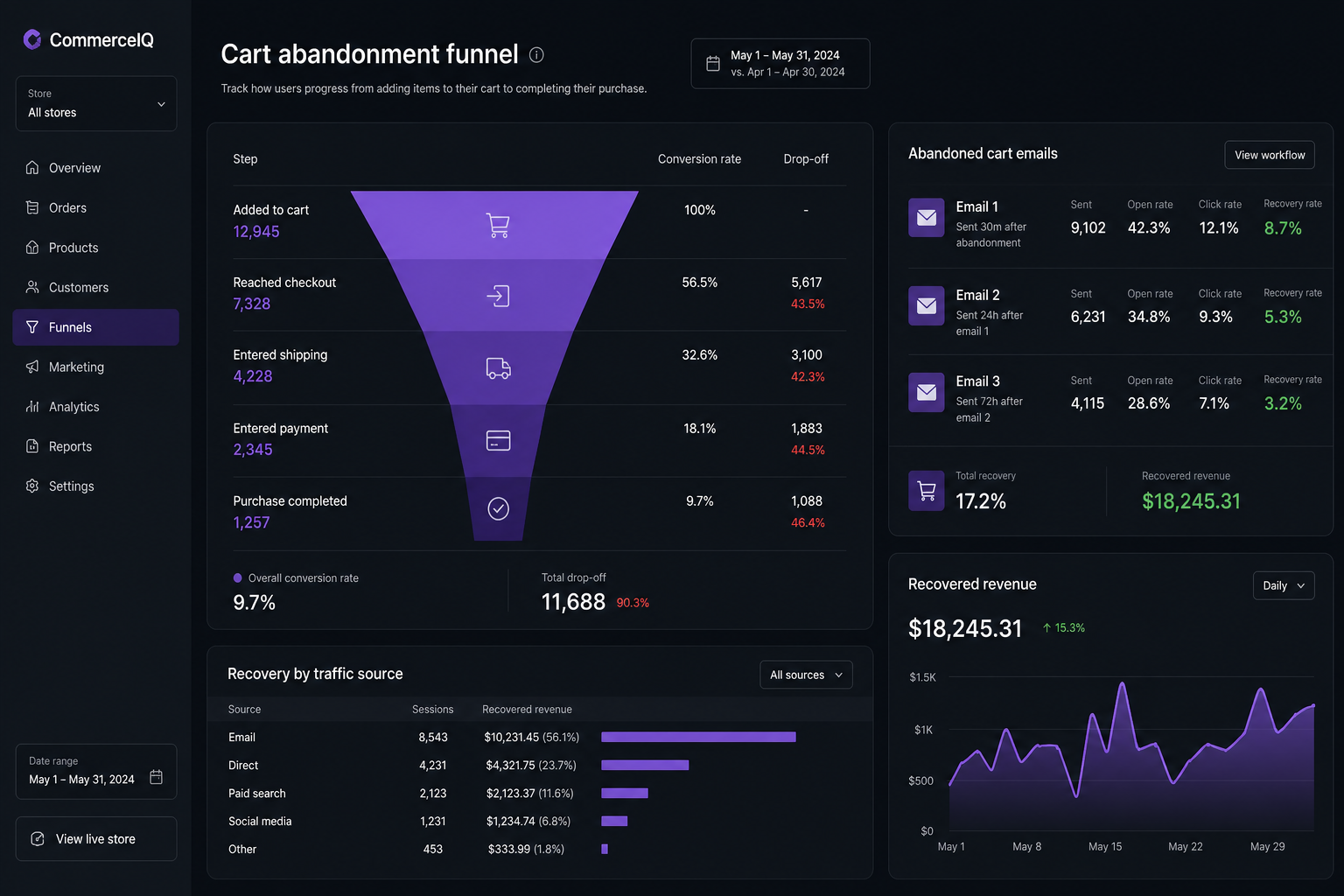
How to Reduce WooCommerce Cart Abandonment (Practical Fixes)
September 4, 2026



