

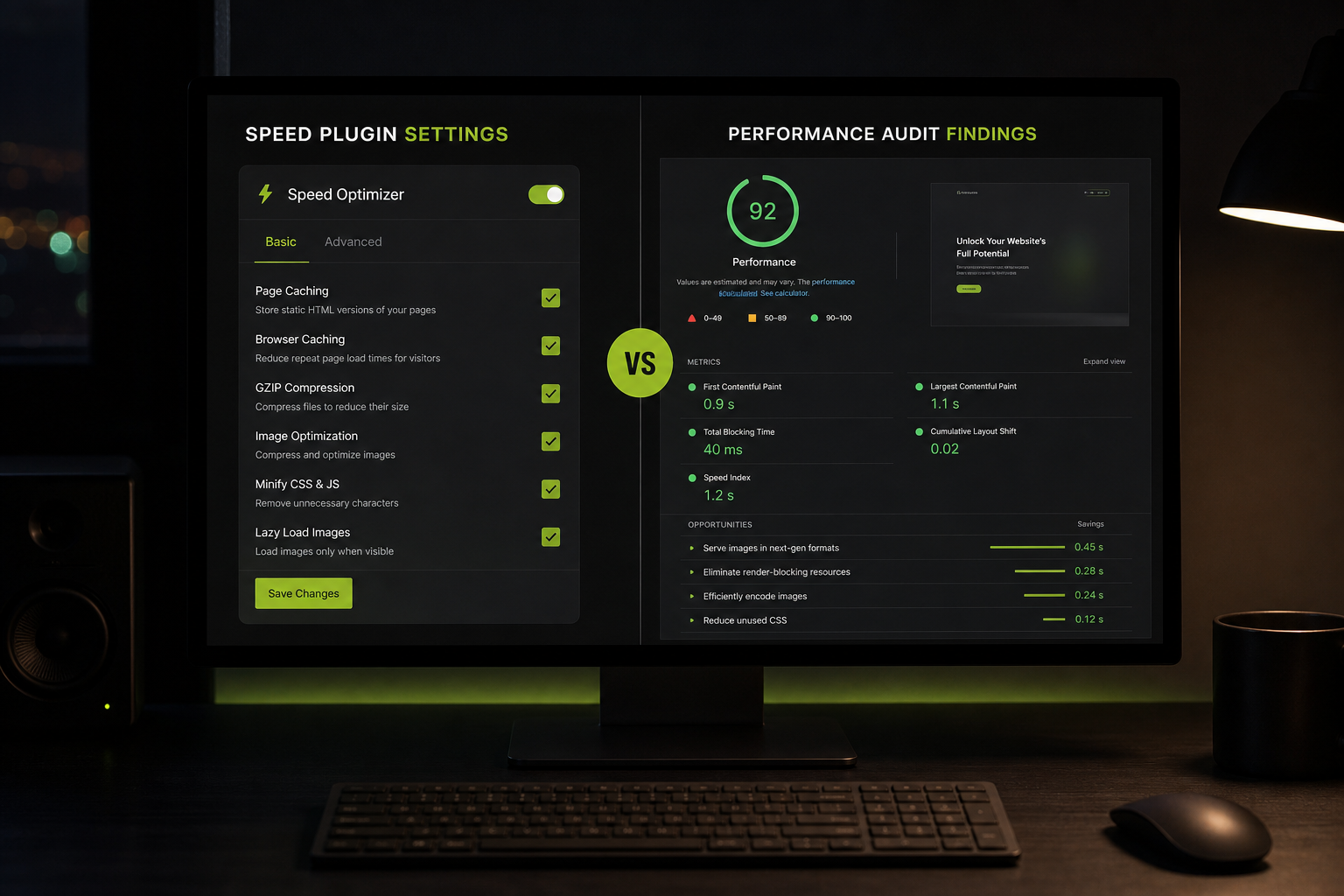
A WordPress performance audit vs speed plugin comparison comes down to diagnosis versus treatment. An audit finds why your site is slow — which URLs fail, which metric, which element or script. A speed plugin applies a standard bundle of optimizations (cache, minify, defer, lazy load) whether or not those match your actual bottleneck.
Plugins aren't useless. WP Rocket, FlyingPress, LiteSpeed Cache, and similar tools solve real problems on many sites. They're the wrong *first* step when you don't know what's broken — and they're the wrong *only* step when the problem is structural.
What a speed plugin does
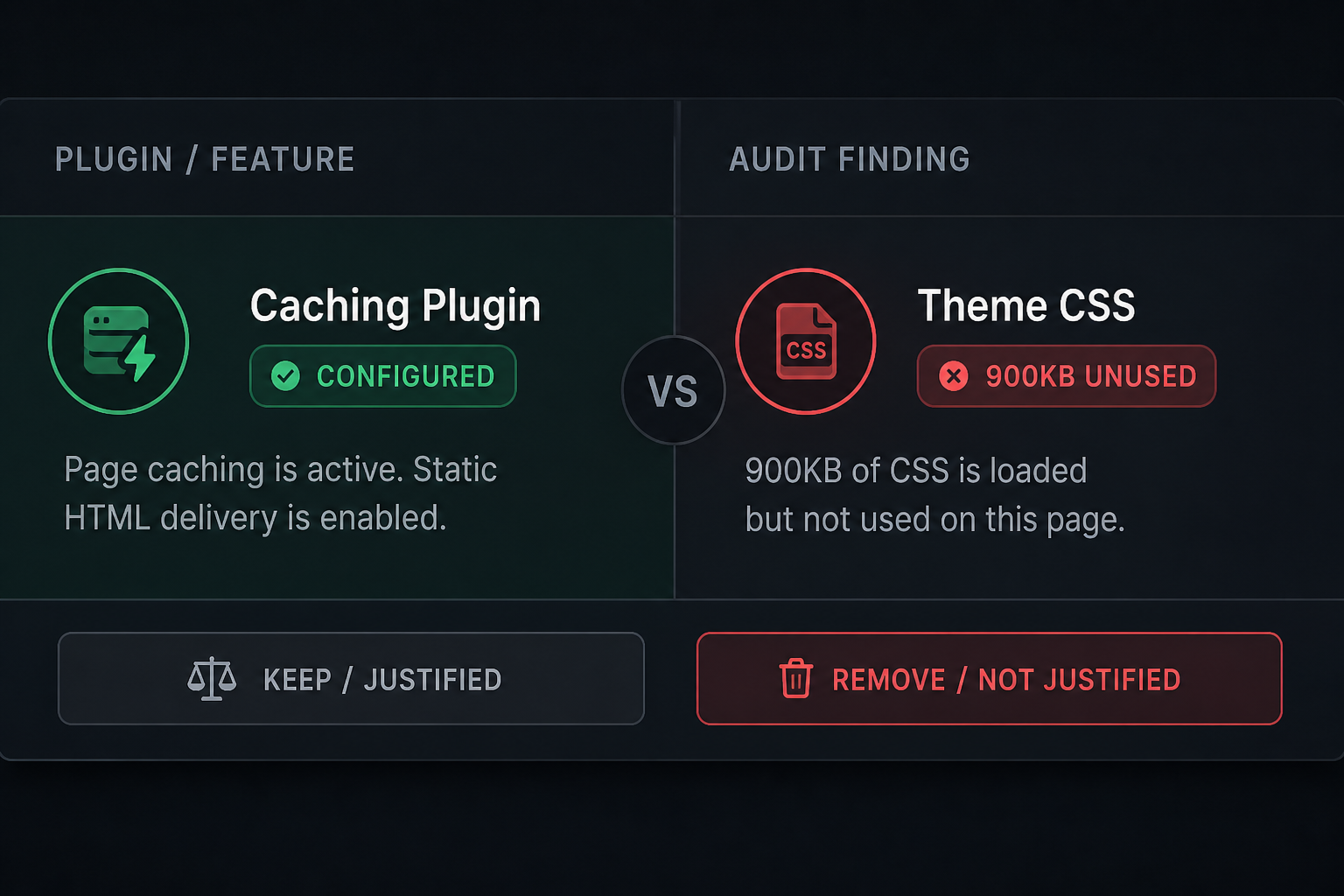
Typical feature set across premium WordPress cache plugins:
| Feature | What it helps | What it doesn't fix |
|---|---|---|
| Page caching | TTFB on repeat visits | Uncached dynamic pages; bad hosting |
| CSS/JS minification | Transfer size | 400KB of unused page builder CSS |
| JavaScript defer/delay | INP, render blocking | Broken checkout when deferred wrong |
| Lazy load images | Below-fold load time | Above-fold LCP if misconfigured |
| Critical CSS (some plugins) | Render blocking | Page builder generating infinite CSS |
| Database cleanup | Minor DB overhead | Massive autoload from orphan plugins |
| CDN integration | Static asset latency | Slow origin PHP |
| Remove unused CSS (premium) | Dead CSS rules | CSS needed on other pages loaded globally |
Plugins apply rules globally. WordPress sites vary per template — shop pages, checkout, landing pages with 15 GTM tags. One-size configuration creates false confidence.
What a performance audit does
| Audit output | Plugin equivalent |
|---|---|
| Identifies LCP element per URL | Generic "optimize images" toggle |
| Compares field vs lab data | Lab score only |
| Maps third-party scripts to INP cost | "Delay JS" blanket rule |
| Reviews cache HIT/MISS on key URLs | Assumes cache works |
| Flags page builder asset bloat | Minify bloat |
| Recommends optimize vs rebuild | No scope boundary |
| Prioritized fix list with effort | Feature checklist |
An audit may *recommend* a specific plugin configuration — but configuration follows diagnosis, not the reverse.
When a plugin alone is enough
| Scenario | Likely outcome |
|---|---|
| No caching plugin installed | Huge win from install + basic config |
| Hero images uncompressed at 3000px | Plugin image optimization + manual hero fix |
| Simple brochure site, <15 plugins, decent host | Plugin covers 80% of issues |
| Lazy load on by default delaying LCP | Disable lazy on hero — plugin setting or filter |
Run the free website speed audit checklist first. If P1 issues are all plugin-addressable, try that before paying for an audit.
When a plugin won't fix it
Speed plugin installed, Core Web Vitals still Poor
Common root causes plugins miss:
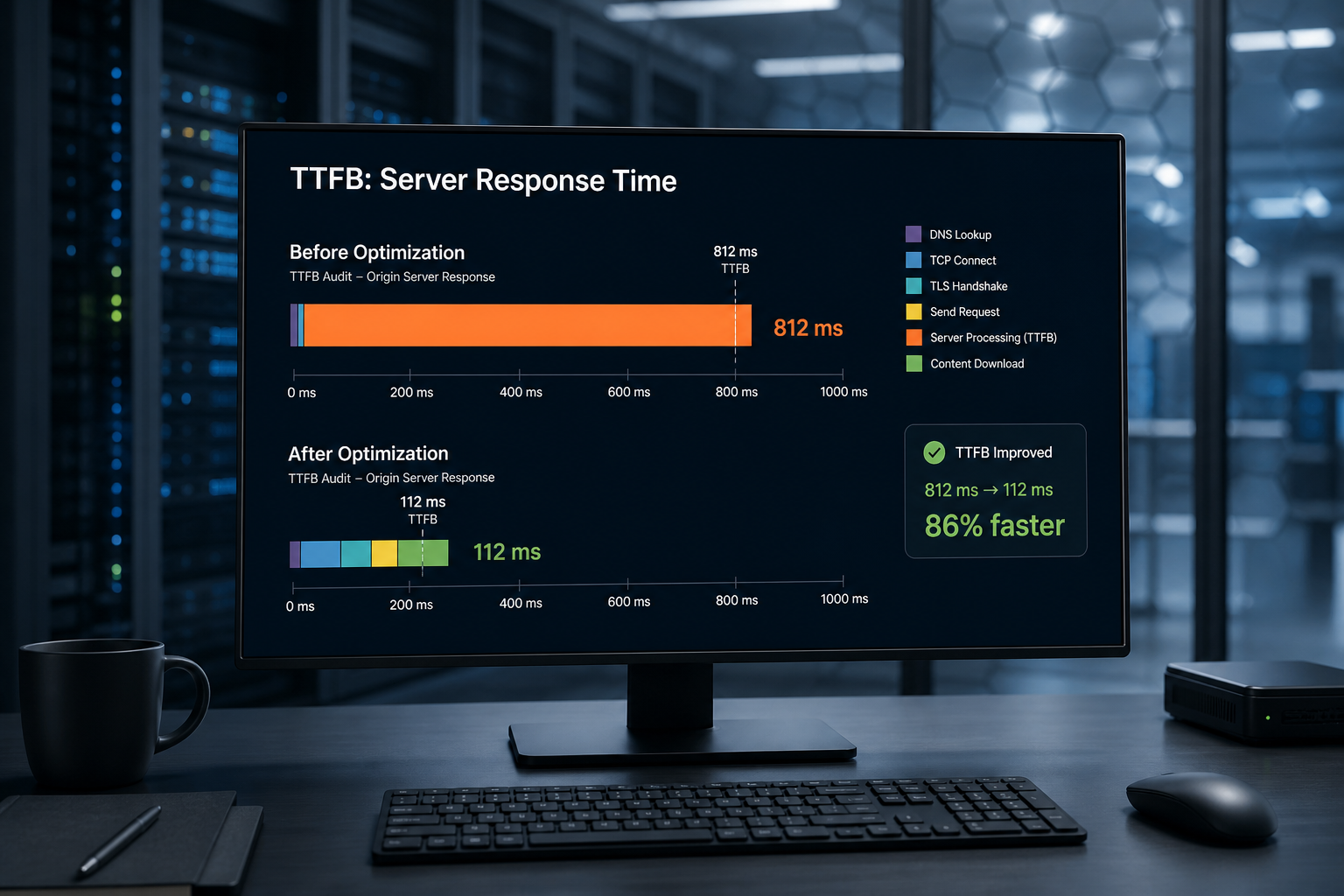
- TTFB over 800ms on cached pages → hosting or cache not hitting
- Page builder loading full CSS/JS on every page → structural
- GTM firing 12 tags on landing pages → third-party script audit
- WooCommerce checkout broken by aggressive JS delay → config error, not lack of plugin
- Database autoload over 2MB from dead plugins → manual cleanup
Multiple optimization plugins active
WP Rocket + Autoptimize + Smush + SG Optimizer simultaneously causes conflicts, double lazy loading, and broken scripts. An audit includes plugin hygiene review.
INP failing with "delay JS" enabled
Delay JavaScript improves lab TBT but breaks interactions if critical scripts are delayed too long. Audit identifies which scripts must load before first tap.
Mobile fails, desktop passes
Plugins apply same rules to all devices. Mobile INP and image sizing need targeted fixes beyond default plugin config — see mobile vs desktop PageSpeed gap.
Side-by-side comparison
| Speed plugin | Performance audit | |
|---|---|---|
| Cost | $0–$249/year (plugin license) | $0–$500 (estimate for audit) |
| Time to deploy | Hours | 3–5 business days for paid audit |
| Diagnosis | No | Yes |
| Written report | No | Yes (paid tier) |
| Fixes hosting issues | No | Identifies; doesn't change host |
| Fixes third-party tags | Partial (delay) | Maps and recommends removal/delay |
| Risk of breaking site | Medium if misconfigured | Low (read-only) |
| Optimize vs rebuild call | No | Yes |
Recommended sequence
- Baseline — Run PageSpeed Insights + Search Console
- Quick wins — Checklist fixes (images, cache on/off verification)
- Plugin — Install *one* reputable cache plugin; configure properly
- Re-test field data — Wait 28 days or check lab direction immediately
- Audit — If still Poor, hire audit before buying more plugins or "optimization packages"
- Implement — Audit fix list in-house or with consultant
- Plugin supports maintenance — Keep cache plugin after fixes; tune ongoing
Skipping step 5 and jumping to "try a different plugin" is the most common waste cycle I see.
Popular plugins: realistic expectations
| Plugin | Strength | Won't fix alone |
|---|---|---|
| WP Rocket | General-purpose cache + delay JS | Page builder bloat; bad TTFB |
| FlyingPress | Aggressive front-end optimization | Misconfigured WooCommerce exclusions |
| LiteSpeed Cache | Excellent on LiteSpeed servers | Non-LiteSpeed hosts (limited mode) |
| W3 Total Cache | Free, flexible | Complex; easy to misconfigure |
| SiteGround Optimizer | Integrated on SiteGround | Locked to SG hosting |
No plugin replaces correct image dimensions, GTM hygiene, or upgrading from $5 shared hosting.
Cost comparison (estimates, USD)
| Path | Year 1 cost (estimate) | Outcome certainty |
|---|---|---|
| Plugin only | $0–$249 | Low if root cause non-obvious |
| Audit only | $150–$500 | High diagnosis; you implement |
| Audit + implementation | $650–$3,500 | High diagnosis + done-for-you |
| Plugin + audit + fixes | $800–$4,000 | Best of both — plugin maintains after fixes |
Frequently asked questions
Should I install a plugin before or after an audit?
Before, if you have zero caching — it's a obvious gap. After audit, if you're unsure what's wrong — audit first prevents misconfiguration.
Can WP Rocket replace a developer?
For simple sites, often yes for maintenance. For WooCommerce, page builders, or custom code — plugin is one tool, not the whole job.
Why did my score drop after installing a plugin?
Misconfiguration: double minification, lazy load on hero, JS delay breaking render, cache serving stale broken assets. Roll back settings methodically.
Do free cache plugins work?
Yes — LiteSpeed Cache (on LiteSpeed), Cache Enabler, and host-built-in caches work when configured well. Premium plugins add convenience, not magic.
Will an audit recommend a specific plugin?
A good auditor recommends configuration for your stack, not affiliate-driven plugin picks.
Book a free 15-minute site audit
Plugin installed, vitals still red, not sure why? Book a free 15-minute audit. I'll tell you whether you're one setting away from a fix or need a full website performance audit — before you buy another plugin license.
August 5, 2026
TTFB Audit: Slow Server Response on WordPress
August 5, 2026



