

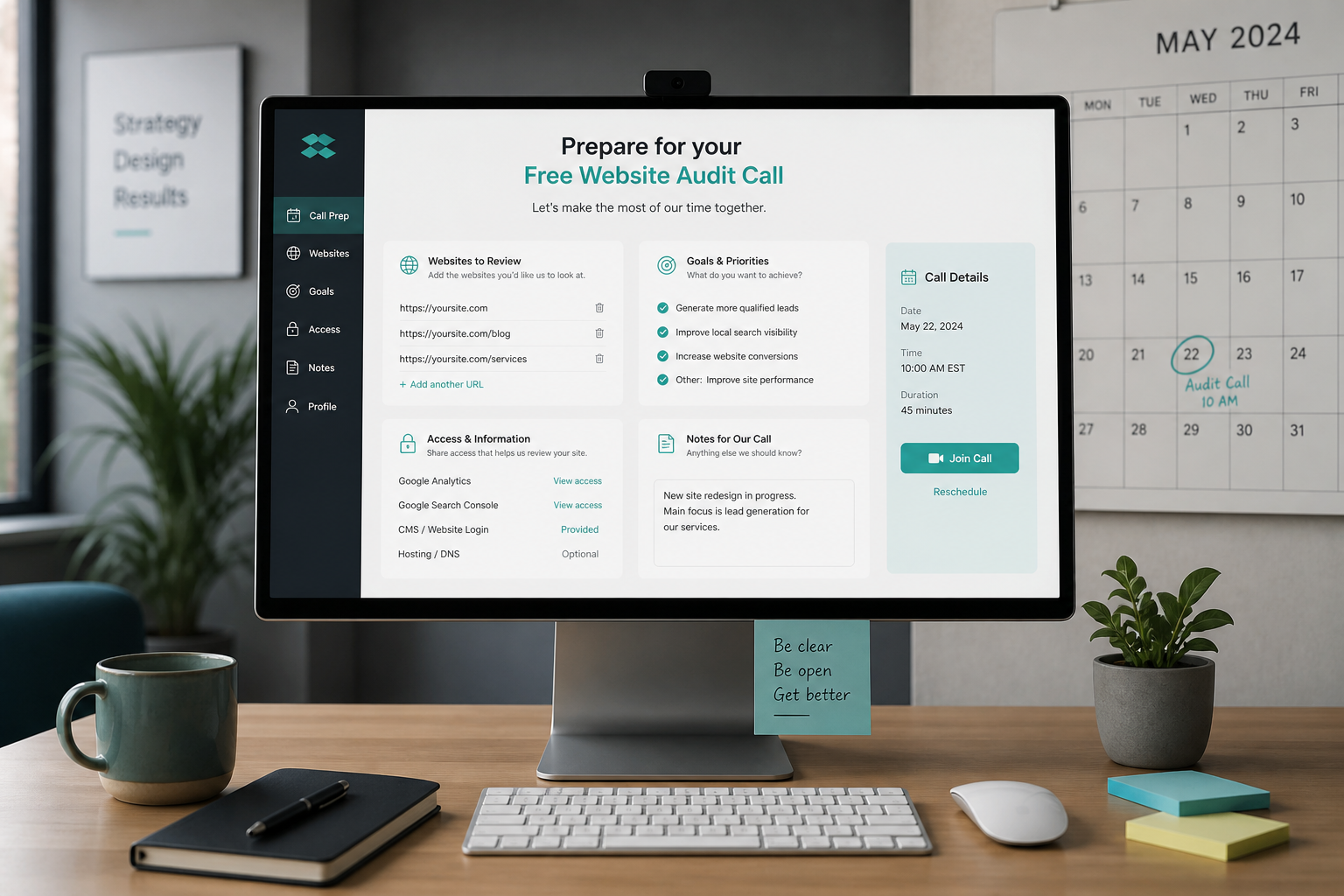
To prepare for a website audit call, gather your site URL, one priority page, Search Console Core Web Vitals status, and a sentence on what "slow" means for your business — all before the 15 minutes start. Preparation turns a generic "your score is 54" conversation into actionable findings you can act on the same day.
The free audit is scoped: one URL deep-dive plus context on your stack. It's enough to decide whether DIY fixes, a paid deep dive, or a redesign conversation is next. Without prep, half the call burns on basics you could've sent ahead.
What the free 15-minute audit covers
| Included | Not included |
|---|---|
| Review of 1 priority URL in PSI | Full written report |
| Top 3–5 issues ranked by impact | Multi-template ecommerce sweep |
| Optimize vs rebuild gut check | GTM container deep dive |
| Recommendation on next step | Implementation or plugin install |
| Q&A on your specific symptoms | Guaranteed score targets |
Paid deep dives ($150–$500 estimate) cover what the free call intentionally skips. See website performance audit cost.
Before the call: gather these items
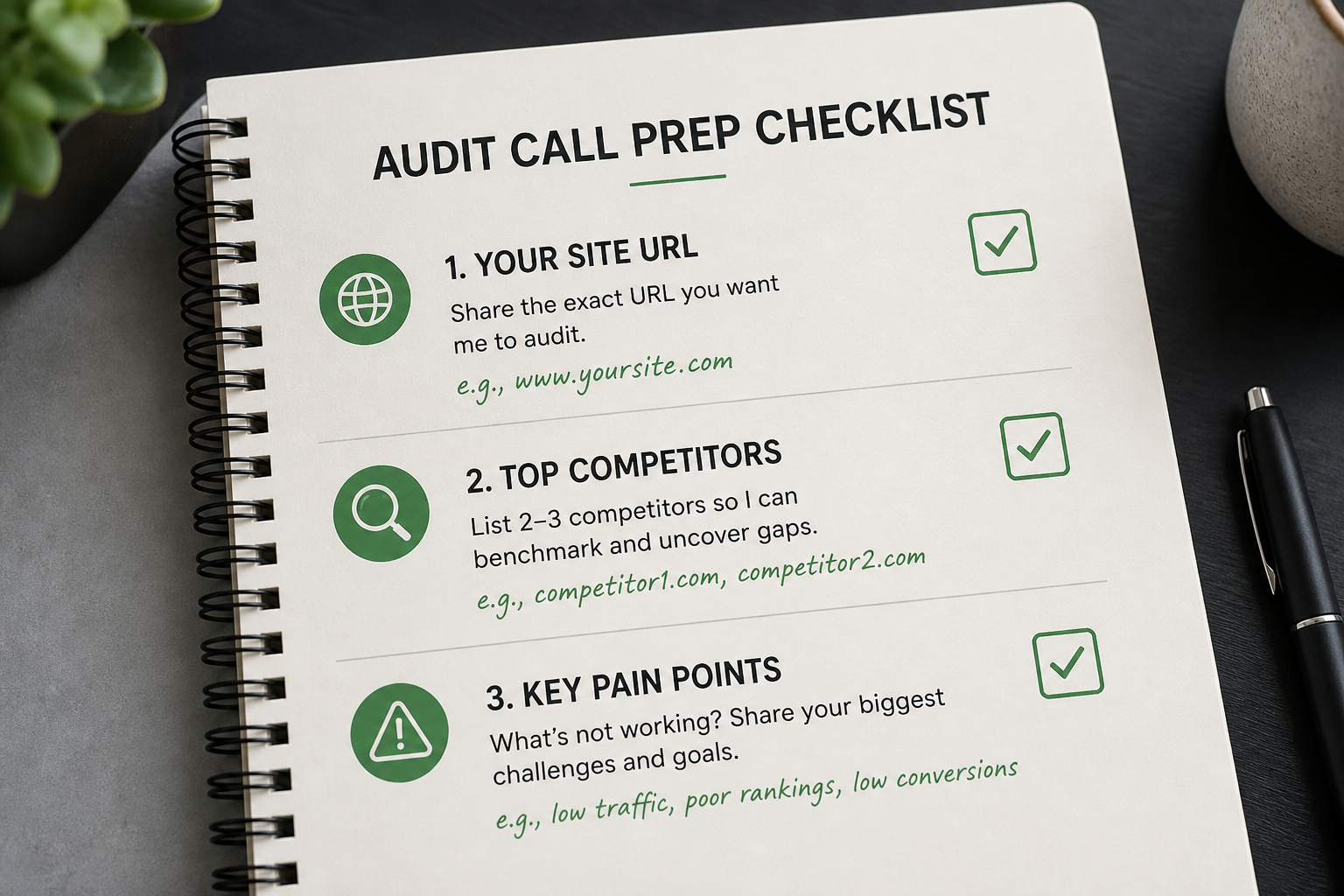
1. Site URL and priority page
| Provide | Why |
|---|---|
| Primary domain | Baseline |
| One URL that matters most | Homepage OR top landing page OR top product |
| Second URL (optional) | If problem is page-specific |
Pick the page where slowness hurts revenue or leads — not necessarily the homepage.
2. Content management system and hosting
| Detail | Example |
|---|---|
| CMS | WordPress, Shopify, Webflow, headless Next.js |
| Hosting provider | Kinsta, SiteGround, GoDaddy, Cloudways |
| Page builder (if WP) | Elementor, Divi, none |
| Ecommerce (if any) | WooCommerce, Shopify native |
This determines which fixes are realistic in 15 minutes of discussion.
3. Search Console snapshot
If you have access, check Experience → Core Web Vitals before the call:
- Any URLs in Poor bucket?
- Mobile or desktop or both?
- Which metric fails — LCP, INP, or CLS?
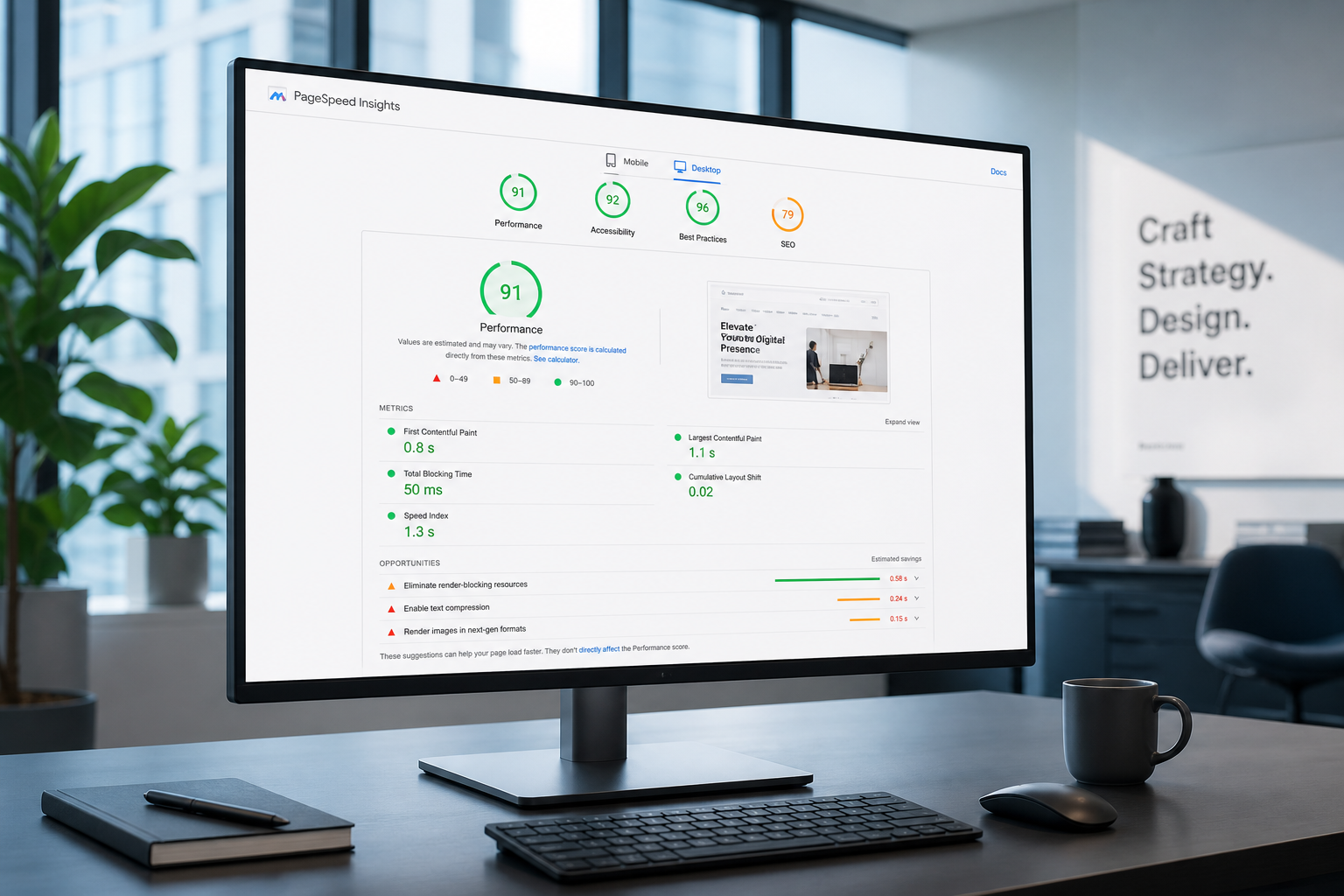
Screenshot or note counts. No Search Console access? Run PageSpeed Insights on your priority URL and note mobile + desktop scores. Field data may be missing on low-traffic sites — that's useful context too.
Guide: how to read PageSpeed Insights report.
4. What you've already tried
| Already tried? | Note result |
|---|---|
| Caching plugin installed | Which one; configured or default |
| Image compression plugin | Smush, ShortPixel, etc. |
| CDN (Cloudflare) | Active or DNS only |
| Removed plugins | Which; did speed change |
| Agency/freelancer work | When; outcome |
Prevents repeating recommendations you already attempted.
5. Business context (two sentences max)
Useful framing:
- "We run Google Ads to `/landing/offers` and bounce rate spiked."
- "WooCommerce checkout feels laggy on iPhone."
- "Boss wants redesign because PSI is red."
- "Inherited site; no documentation."
No long backstory needed. Tie speed to a decision or symptom.
Optional but helpful access
Not required for free call; speeds up paid audit if you proceed:
| Access | Purpose |
|---|---|
| WordPress admin (read-only or editor) | Plugin list review |
| Search Console (viewer) | Field data confirmation |
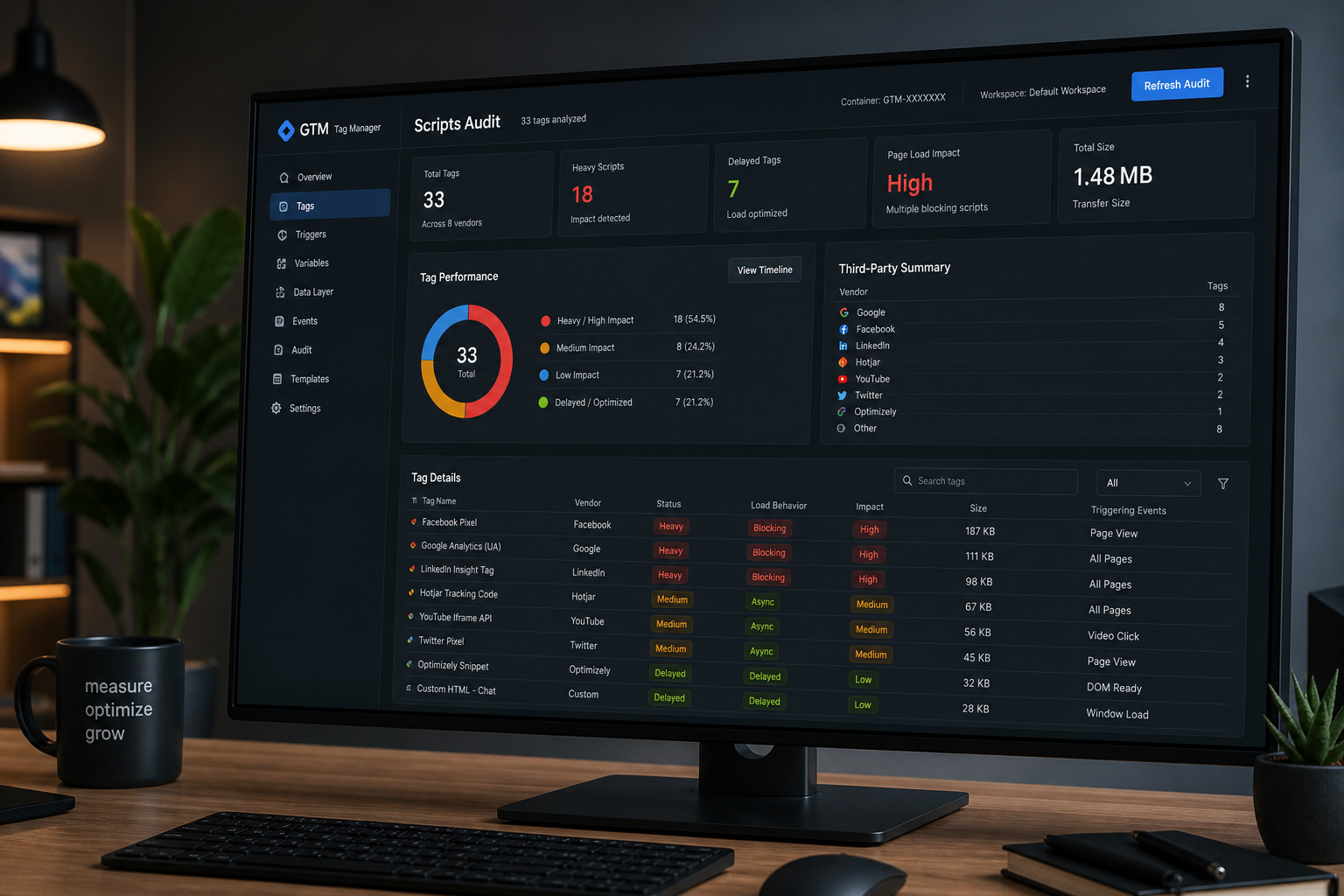
| GTM container name | Third-party script context |
| Hosting panel | Cache and PHP version check |
Never share passwords in email body — use a password manager share or grant temporary user accounts.
Pre-call DIY (15 minutes)
Run the first three sections of the free website speed audit checklist:
- PSI baseline on priority URL
- TTFB check in Network tab or WebPageTest
- Note LCP element from Lighthouse
Bring your notes to the call. Comparing your findings to a fresh expert read catches misinterpretation early.
Questions worth asking on the call
Use your minutes deliberately:
- What's the single highest-impact fix for my URL?
- Is this a hosting, image, script, or theme problem?
- Should I optimize or plan a redesign?
- Would a paid audit add value over what we covered today?
- What should I not waste time on from my PSI report?
- If I fix only one thing this week, what is it?
Write down answers. Free calls without notes get forgotten by Friday.
What to avoid on the call
| Don't | Do instead |
|---|---|
| Ask for guaranteed PageSpeed 100 | Ask which Core Web Vital to fix first |
| Expect full WooCommerce checkout review in 15 min | Book paid audit for ecommerce templates |
| Share 10 URLs | Pick one priority; mention others exist |
| Apologize for non-technical background | Describe symptoms in business terms — that's enough |
| Commit to paid audit on the call | Ask for scope and deliverable first |
After the call: next steps
| Outcome | Action |
|---|---|
| Clear quick wins | Implement; re-test in 2 weeks |
| Needs deeper diagnosis | Book paid website performance audit |
| Redesign recommended | Read performance audit before redesign |
| DIY sufficient | Finish checklist; monitor Search Console |
| Implementation help needed | Request fix quote scoped from call notes |
Send a follow-up email summarizing agreed priorities — keeps accountability on both sides.
Intake template (copy-paste)
“`
Site URL:
Priority URL to review:
CMS + hosting:
Page builder (if WP):
Ecommerce? (Y/N):
Search Console vitals status (Poor/OK/unknown):
Caching plugin (if any):
Main symptom (1-2 sentences):
Already tried:
Goal for call (optimize / redesign decision / other):
“`
Fill this before booking or paste into booking form notes field.
Frequently asked questions
Do I need to be technical on the call?
No. Describe what you see — "mobile homepage takes 5 seconds," "checkout button freezes." I'll translate to metrics.
Can I record the call?
Ask the auditor. Most allow it for internal sharing.
What if I only have a staging URL?
Production preferred for real CrUX context. Staging works for stack review if production isn't live yet.
Should marketing and dev both join?
Helpful when recommendations affect GTM, plugins, or hosting budget. One decision-maker is minimum.
Is the free audit a sales pitch?
It should end with honest next-step guidance — including "you don't need to hire anyone." Walk away if you only get a plugin affiliate link.
Book a free 15-minute site audit
Ready to run the call with context instead of cold discovery? Book a free 15-minute site audit, paste the intake template into the notes, and we'll use the full time on your URL — not on basics. Full process and related guides live on the website performance audit hub.
August 5, 2026
GTM and Third-Party Scripts Audit
August 5, 2026



