

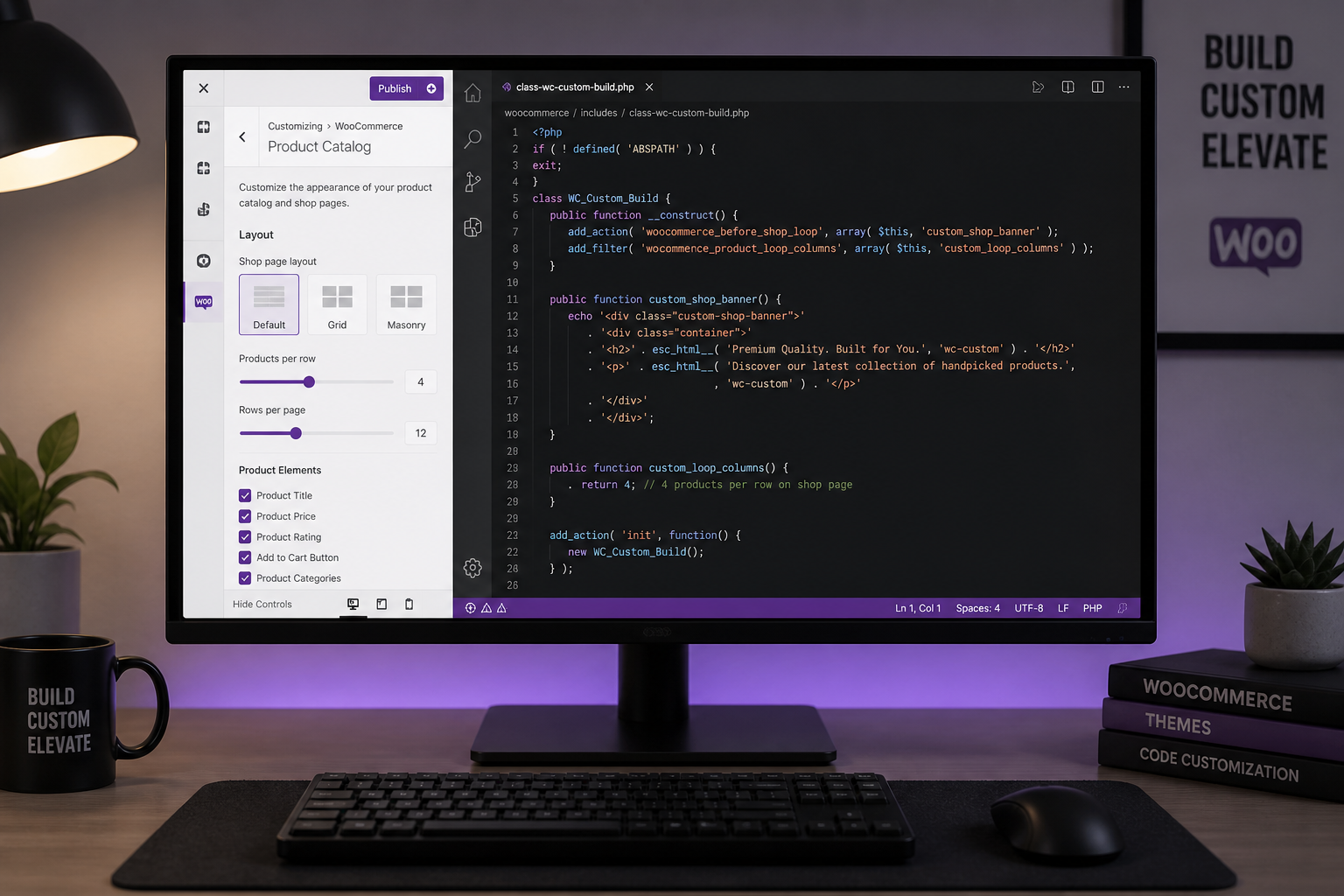
Most WooCommerce stores do not need a custom-built theme. A lightweight base theme with targeted customization delivers 90% of the result at 30% of the cost. Custom theme development makes sense when you have strict performance requirements, a headless architecture, or brand/design needs that no existing theme can accommodate without heavy page builder bloat.
This is the most common overspend I see in WooCommerce projects: a store owner pays $8,000–$15,000 for a "custom build" that could have been a $3,000–$5,000 theme customization with the same buyer-facing result. Conversely, I see stores struggling with page builder themes that load in six seconds when a custom front-end would have cost less than two years of lost conversion revenue.
The three approaches
| Approach | Cost (estimate) | Timeline | Performance | Flexibility |
|---|---|---|---|---|
| Pre-built theme (minimal changes) | $1,000–$3,000 | 1–3 weeks | Good (if theme is lightweight) | Limited |
| Theme customization (child theme + hooks) | $3,000–$6,000 | 3–6 weeks | Good–Excellent | High |
| Custom theme build (from scratch or headless) | $6,000–$15,000+ | 6–12 weeks | Excellent | Full |
Approach 1: Pre-built theme with minimal changes
What it is: Install a WooCommerce-ready theme, configure colors/fonts/logo, import demo content, add products.
Best themes for WooCommerce (2026):
| Theme | Type | WooCommerce support | Performance |
|---|---|---|---|
| GeneratePress + GP Premium | Lightweight | Good (native + addon) | Excellent |
| Kadence | Lightweight | Excellent (native) | Excellent |
| Blocksy | Lightweight | Good (native) | Excellent |
| Flatsome | WooCommerce-focused | Excellent (built for WC) | Good |
| Storefront | WooCommerce official | Good (official) | Good |
| Astra | Lightweight | Good (addon) | Excellent |
Avoid for performance-critical stores: Divi, Elementor-based themes, WPBakery themes. These page builders load 200–500KB of CSS/JS per page. Fine for marketing sites. Problematic for product catalog pages where speed converts.
When this works:
- Under 100 products, standard checkout
- Brand requirements met by theme customization options
- Budget under $3,000
- No custom product page layouts needed
When this fails:
- You need product page layouts the theme does not support
- Performance targets below 2.5 seconds on mobile
- Custom checkout design requirements
- B2B pricing display that themes do not handle natively
Approach 2: Theme customization (recommended for most stores)
What it is: Start with a lightweight base theme. Customize via child theme, WooCommerce template overrides, CSS, and hooks. No page builder.
What gets customized:
- Product page layout (gallery, tabs, related products, custom sections)
- Shop/category page grid (columns, filters, sorting)
- Cart and checkout styling (not logic — that is separate)
- Header/footer with cart widget, search, navigation
- Custom product badges, labels, and promotional banners
- Brand colors, typography, spacing
Technical approach:
- Child theme for template overrides (`woocommerce/` folder)
- Hooks for adding/removing elements (`remove_action`, `add_action`)
- Custom CSS (not inline — enqueued properly)
- Custom plugin for store-specific functionality (keeps child theme clean)
When this works:
- 90% of WooCommerce stores
- Custom product page layouts needed but standard checkout is fine
- Performance is a priority
- Budget $3,000–$6,000
- You want maintainability — future developers can read the code
Cost breakdown:
- Theme selection and setup: $500–$1,000
- Product page customization: $1,000–$2,000
- Shop/category page customization: $500–$1,500
- Cart/checkout styling: $500–$1,000
- Header/footer/branding: $500–$1,000
- Total: $3,000–$6,000
Approach 3: Custom theme build
What it is: Theme built from scratch (or block theme with full custom templates) with no dependency on a third-party theme framework. Sometimes paired with a headless front-end (Next.js, React) pulling data via WooCommerce REST API.
When this makes sense:
- Headless architecture (React/Next.js front-end, WooCommerce backend)
- Performance target under 2 seconds on mobile with full product catalog
- Design system that no existing theme can implement without page builder bloat
- Multi-brand or multi-store with shared component library
- You have a design team delivering Figma mockups for every page template
When this does NOT make sense:
- Standard product catalog with brand colors and logo
- Budget under $6,000
- No design mockups exist yet
- Store owner expects to self-manage layout changes later (custom themes require developer for layout changes)
- Timeline under six weeks
Cost breakdown:
- Design-to-code (if mockups exist): $3,000–$6,000
- Custom theme development: $4,000–$8,000
- WooCommerce template integration: $1,000–$3,000
- Testing and responsive QA: $1,000–$2,000
- Total: $6,000–$15,000+
Headless (Next.js + WooCommerce REST API) adds $5,000–$10,000 on top for the front-end application.
Decision framework
Answer these questions in order:
- Do you have complete design mockups? No → start with theme customization, not custom build
- Is mobile load time under 3 seconds a business requirement? Yes → avoid page builder themes; use lightweight theme or custom build
- Do you need a React/Next.js front-end? Yes → headless custom build
- Is your budget under $5,000? Yes → theme customization
- Will you need to change layouts frequently without a developer? Yes → page builder theme (accept speed trade-off) or block theme with patterns
- Do you have 500+ products with complex filtering? Maybe → custom shop page templates (still theme customization, not full custom build)
If you answered "theme customization" to four or more → go with theme customization.
Performance comparison
Real-world load time ranges (mobile, product page):
| Setup | Typical mobile load time |
|---|---|
| Divi/Elementor theme | 4–8 seconds |
| Flatsome (optimized) | 2.5–4 seconds |
| GeneratePress/Kadence (customized) | 1.5–3 seconds |
| Custom theme (no page builder) | 1.5–2.5 seconds |
| Headless (Next.js + WooCommerce API) | 1–2 seconds |
Speed directly affects conversion. A store doing $30K/month that improves load time from 5 seconds to 2.5 seconds typically sees 5–15% conversion improvement — $1,500–$4,500/month in recovered revenue. See WooCommerce speed optimization for the full guide.
Maintainability matters
The hidden cost of a custom build is maintenance. Every WooCommerce update, every new feature request, every "can we move the add-to-cart button" ticket requires a developer who understands your custom codebase.
Theme customization on a popular base theme (GeneratePress, Kadence) means:
- Any WordPress developer can pick up the project
- Theme updates provide security patches and compatibility fixes
- WooCommerce template overrides follow documented patterns
- You are not locked into one developer
Custom builds mean:
- Only the original developer (or someone they document for) can maintain efficiently
- No automatic security updates for custom code
- Every WooCommerce major version requires compatibility testing
- Higher maintenance retainer costs
What I recommend for most projects
Under $5K budget: GeneratePress or Kadence + child theme customization. Best performance-to-cost ratio.
$5K–$8K budget: Theme customization with custom product page templates, optimized shop page, and styled checkout. Add speed optimization.
$8K–$12K budget: Theme customization plus checkout customization, B2B features, or subscription setup. Still not a full custom theme unless design requirements demand it.
$12K+ budget: Custom build or headless only if design mockups exist and performance requirements justify the investment.
FAQs
Can I start with a theme and upgrade to custom later?
Yes, but you will rebuild most of the front-end. Theme customization code (child theme overrides) does not transfer to a custom theme. Starting with the right approach saves money — not starting cheap and upgrading.
Which WooCommerce theme is fastest?
GeneratePress, Kadence, and Blocksy consistently score highest on Core Web Vitals for WooCommerce stores. Speed depends more on configuration (image sizes, plugin count, caching) than theme choice alone — but starting with a 50KB theme instead of a 500KB page builder theme gives you a head start.
Do I need a designer AND a developer?
For theme customization: a developer can work from your brand guidelines (colors, fonts, logo). For custom builds: you need design mockups before development starts. Paying a developer to "design as they go" produces inconsistent results.
Is a page builder ever the right choice for WooCommerce?
If your team needs to change layouts weekly without developer help, and you accept the speed trade-off, a page builder (Elementor Pro with Hello theme, or Bricks) can work. Budget extra for speed optimization and expect 3–5 second mobile load times instead of 1.5–2.5.
How does theme choice affect SEO?
Indirectly. Faster themes rank better (Core Web Vitals). Cleaner HTML structure helps crawlability. Theme choice does not directly affect SEO — content, schema markup, and site architecture matter more. See WooCommerce SEO best practices for the full picture.
Next step
If you are deciding between theme customization and a custom build, a 15-minute audit clarifies which approach fits your requirements and budget.
Book a free 15-minute WooCommerce audit →
For development cost estimates and full WooCommerce development services, see the related guides.
September 8, 2026
WooCommerce Subscriptions Setup Guide (Step by Step)
September 8, 2026



