

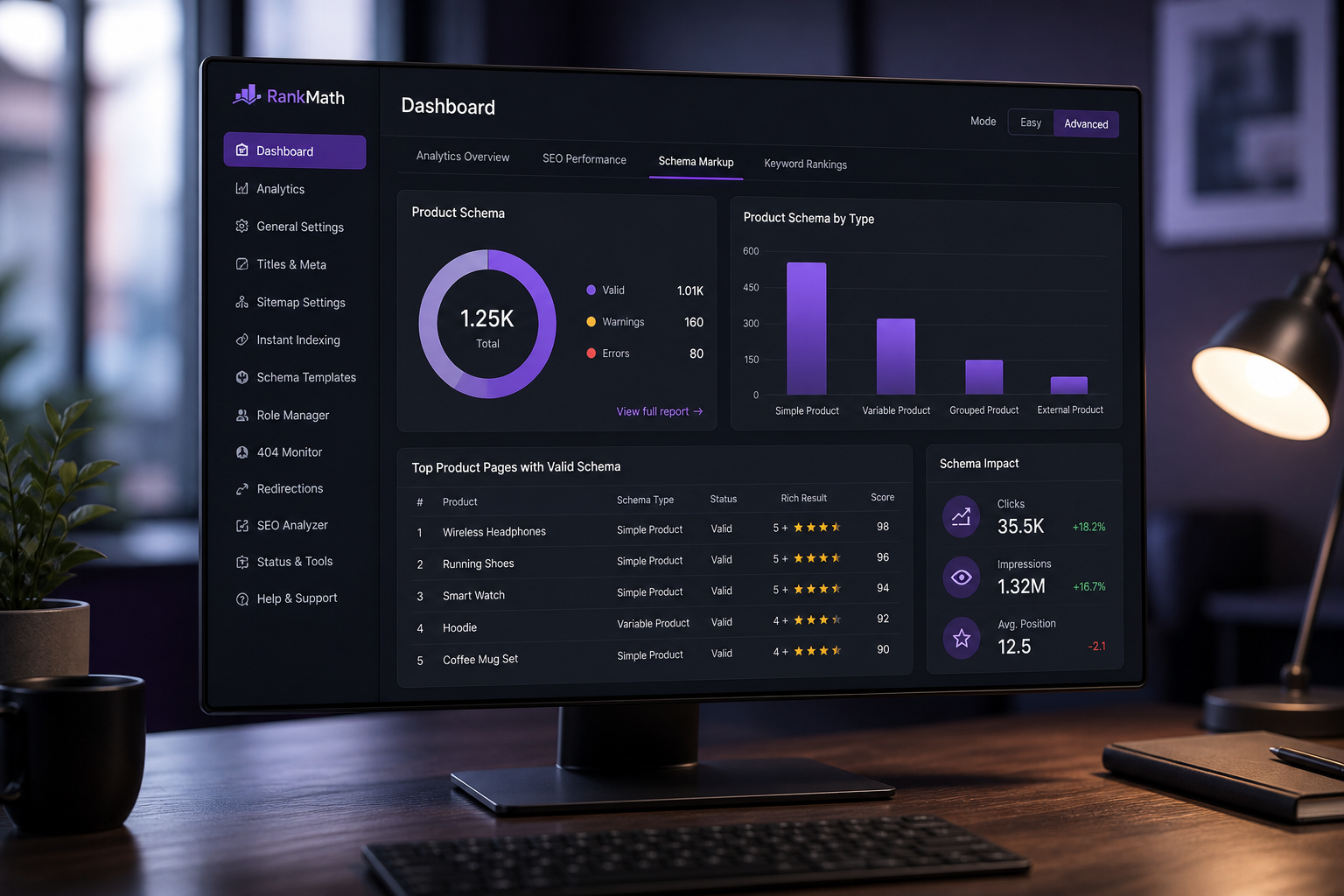
WooCommerce SEO best practices come down to five areas: product page optimization, category architecture, technical SEO (schema, URLs, crawlability), site speed, and content that targets buying-intent keywords. WooCommerce ships with basic SEO capability, but the defaults — generic product titles, missing schema, bloated category URLs — leave ranking potential on the table.
SEO for ecommerce is not the same as SEO for blogs. Product pages compete on commercial intent keywords ("buy organic coffee beans online") not informational queries ("how to brew coffee"). Category pages target broader terms ("organic coffee beans"). Blog content captures top-of-funnel traffic and links to product pages. All three layers need attention.
1. Product page SEO
Each product page is a landing page. Optimize individually.
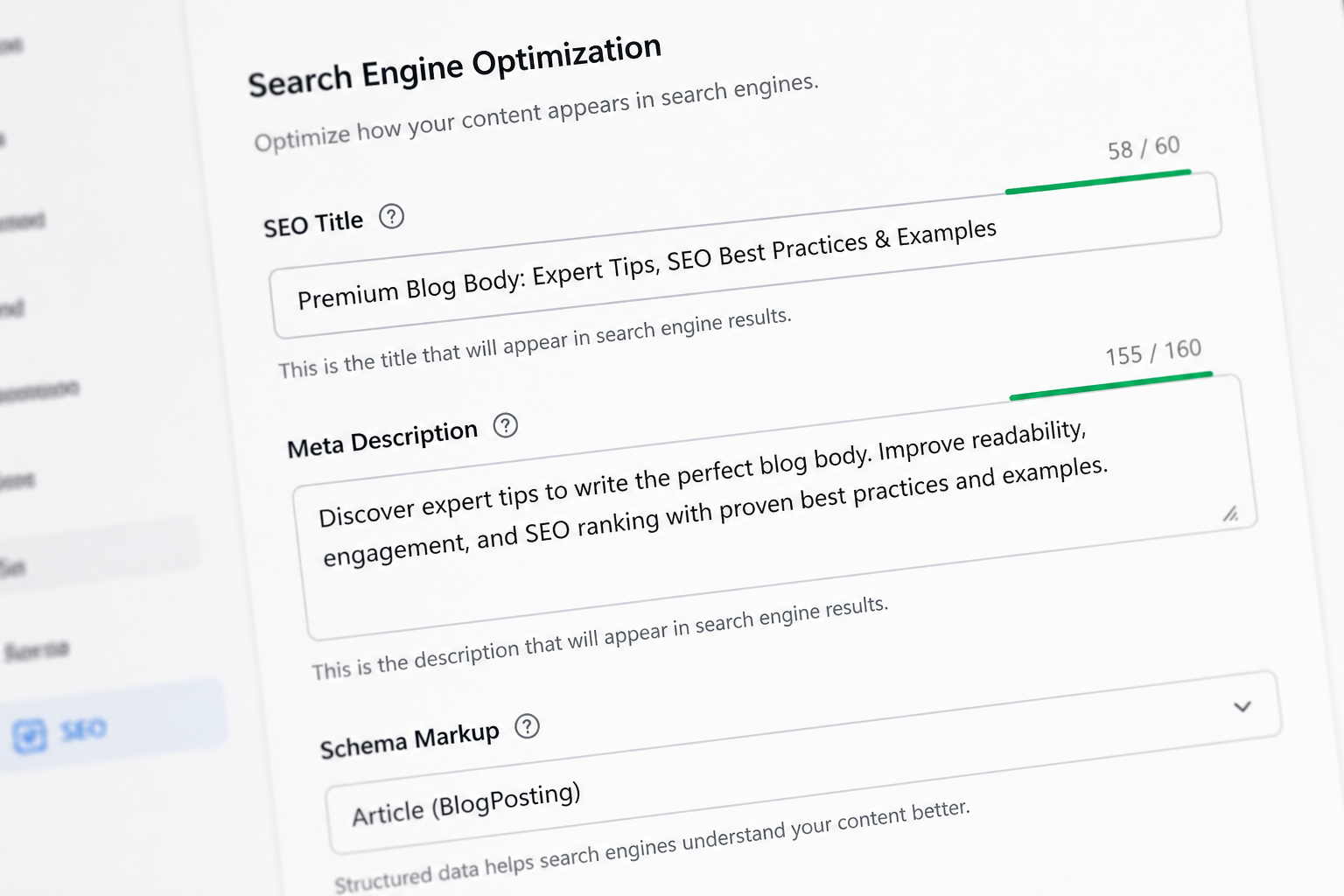
Title tags
Format: `Primary Keyword | Brand Name` or `Product Name – Key Attribute | Brand`
- Include primary keyword naturally
- Keep under 60 characters
- Unique per product — no duplicate titles across catalog
- WooCommerce SEO plugins (Rank Math, Yoast) add title fields per product
Examples:
- Good: `Organic Dark Roast Coffee Beans 12oz | Hammadcraft Coffee`
- Bad: `Product #4827` or `Coffee | Shop`
Meta descriptions
- 150–155 characters
- Include primary keyword, a benefit, and implicit call to action
- Unique per product — do not auto-generate identical templates for 500 products
Product descriptions
- Minimum 150 words of unique content per product page
- Do not copy manufacturer descriptions verbatim (duplicate content)
- Include: what it is, who it is for, key features, specifications, use cases
- Structure with H2/H3 subheadings for scannability and keyword coverage
- Add FAQ section at bottom (targets "People Also Ask" queries)
Product images
- Descriptive file names: `organic-dark-roast-coffee-12oz.jpg` not `IMG_4827.jpg`
- Alt text with product name and key attribute
- Compressed and properly sized (see speed optimization guide)
- Multiple angles and lifestyle images increase engagement signals
Product URL slugs
- Short, keyword-rich: `/product/organic-dark-roast-coffee/`
- Not: `/product/organic-fair-trade-single-origin-dark-roast-coffee-beans-12oz-bag/`
- Set slug at product creation — changing later requires redirects
2. Category page SEO
Category pages often outrank individual product pages for broad terms.
Category structure
- Logical hierarchy: `/shop/coffee/dark-roast/` not flat `/shop/product-4827/`
- 5–15 products minimum per category (thin categories with 1–2 products do not rank)
- Unique category descriptions (100+ words) above the product grid
- Category title tags targeting the category keyword
Faceted navigation and crawl budget
Product filters (color, size, price range) generate URL parameters that create duplicate content:
“`
/shop/coffee/?filter_color=red
/shop/coffee/?filter_color=red&filter_size=large
/shop/coffee/page/2/?filter_color=red
“`
Fix:
- Set canonical URLs on filtered pages pointing to the base category
- Use `noindex` on filter parameter pages via SEO plugin
- Or use AJAX filters that do not change the URL
Without this, Google crawls thousands of duplicate category pages instead of your product pages.
3. Schema markup (structured data)
Schema markup helps Google display rich results: price, availability, ratings, breadcrumbs in search results.
Required schema for WooCommerce
| Schema type | What it shows in search |
|---|---|
| Product | Price, availability, image |
| Offer | Price, currency, condition |
| AggregateRating | Star ratings (if reviews enabled) |
| BreadcrumbList | Navigation path |
| Organization | Brand name, logo |
Rank Math and Yoast SEO generate Product schema automatically for WooCommerce products. Verify with Google's Rich Results Test.
Common schema errors
- Missing price on out-of-stock products (remove Offer schema or mark as OutOfStock)
- Mismatch between displayed price and schema price (variable products with "From $X")
- Missing review schema when reviews are disabled
- Duplicate schema from multiple SEO plugins (use one only)
4. Technical SEO for WooCommerce
URL structure
Configure in WooCommerce → Settings → Permalinks:
- Product permalinks: `/product/product-name/` (default) or `/shop/product-name/`
- Category base: `/product-category/` or `/shop/category/`
- Choose once at setup — changing requires mass redirects
Remove `/shop/` base if your site is ecommerce-only (cleaner URLs). Keep it if you have significant non-shop content.
XML sitemap
- WooCommerce adds product and category URLs to WordPress sitemap (since WP 5.5)
- Exclude: cart, checkout, my-account, filter pages, internal search results
- Submit sitemap to Google Search Console
- One SEO plugin manages sitemap — disable duplicates from other plugins
Robots and crawl directives
Block from indexing:
- `/cart/`, `/checkout/`, `/my-account/`
- Internal search results (`/?s=`)
- Filter/facet parameter pages
- Paginated shop pages beyond page 2 (optional — use canonical instead)
Allow:
- All product pages
- All category pages
- Blog content
Duplicate content issues
WooCommerce creates duplicate content paths:
| Duplicate | Fix |
|---|---|
| Product accessible via multiple categories | Canonical tag on product page |
| `/product/name/` and `/product/name/feed/` | Block feed URLs or noindex |
| Tag pages with one product | Noindex product tags |
| Attachment pages for product images | Redirect to product page or disable |
HTTPS and security
- Full-site HTTPS (required for checkout and ranking signal)
- No mixed content warnings
- HSTS header recommended
5. Site speed as SEO factor
Core Web Vitals are a ranking signal. WooCommerce stores commonly fail on:
- LCP: oversized product images
- INP: JavaScript-heavy page builders on shop pages
- CLS: product grids shifting as images load
Speed optimization is not separate from SEO — it is a core component. See the full WooCommerce speed optimization guide for the checklist.
Target: under 3 seconds mobile load time on product and category pages.
6. Content strategy for ecommerce SEO
Product pages alone rarely build topical authority. Layer content:
| Content type | Target keywords | Links to |
|---|---|---|
| Buying guides | "best [product] for [use case]" | Category + product pages |
| Comparison posts | "[product A] vs [product B]" | Relevant products |
| How-to guides | "how to use [product]" | Product pages |
| Category descriptions | Broad category terms | Products in category |
One buying guide targeting a high-volume informational keyword can drive more qualified traffic than optimizing 50 product pages for long-tail terms.
7. WooCommerce SEO plugin setup
Choose one: Rank Math (free tier is generous) or Yoast SEO (WooCommerce add-on required for full features).
Essential configuration:
- Enable WooCommerce integration
- Product schema auto-generation
- Breadcrumb display
- Canonical URL management
- XML sitemap with WooCommerce exclusions
- Redirect manager (for URL changes and migrations)
Do not install both Rank Math and Yoast. They conflict on schema, sitemaps, and canonical tags.
SEO checklist for new WooCommerce stores
- [ ] Permalink structure configured before product import
- [ ] One SEO plugin installed and configured
- [ ] Product schema verified in Rich Results Test
- [ ] Unique title tags and meta descriptions on all products
- [ ] Category descriptions written (100+ words each)
- [ ] Product images optimized with alt text
- [ ] XML sitemap submitted to Search Console
- [ ] Cart, checkout, my-account blocked from indexing
- [ ] Filter/facet pages canonicalized or noindexed
- [ ] Google Search Console property verified
- [ ] Google Analytics 4 ecommerce tracking configured
- [ ] Mobile product pages tested for speed and usability
- [ ] Internal linking: products link to categories, categories link to related categories
- [ ] 404 page with search and category navigation
FAQs
Does WooCommerce have built-in SEO?
Basic SEO features: clean URLs, title tag support, sitemap inclusion. WooCommerce does not include schema markup, meta description fields, or redirect management — you need an SEO plugin (Rank Math or Yoast) for those.
How do I SEO optimize 1,000+ products?
Prioritize: best-selling products first, then category pages, then long-tail product pages. Use SEO plugin bulk editing for title tags and meta descriptions. Auto-generate descriptions from product attributes with custom templates, then manually improve top 50 products.
Do product reviews help SEO?
Yes. Reviews add unique user-generated content to product pages, enable review schema (star ratings in search results), and increase page freshness. Enable WooCommerce reviews or integrate a review plugin (Judge.me, Loox).
Should I noindex out-of-stock products?
Keep indexed if temporarily out of stock — use schema `OutOfStock` availability. Noindex or redirect to category if permanently discontinued. Do not delete product pages that have backlinks or ranking history — redirect instead.
How does migrating to WooCommerce affect SEO?
Properly executed with 301 redirects, SEO is preserved. Expect 2–4 weeks of ranking fluctuation during re-crawl. Missing redirects cause permanent ranking loss. See the Shopify to WooCommerce migration guide for redirect mapping.
Next step
If your WooCommerce store is not ranking for target product keywords and you want a technical SEO audit focused on ecommerce, a 15-minute review identifies the highest-impact fixes.
Book a free 15-minute WooCommerce audit →
For speed optimization and full WooCommerce development services, see the related guides.

September 7, 2026
WooCommerce REST API Integrations: A Developer’s Guide
September 7, 2026



