

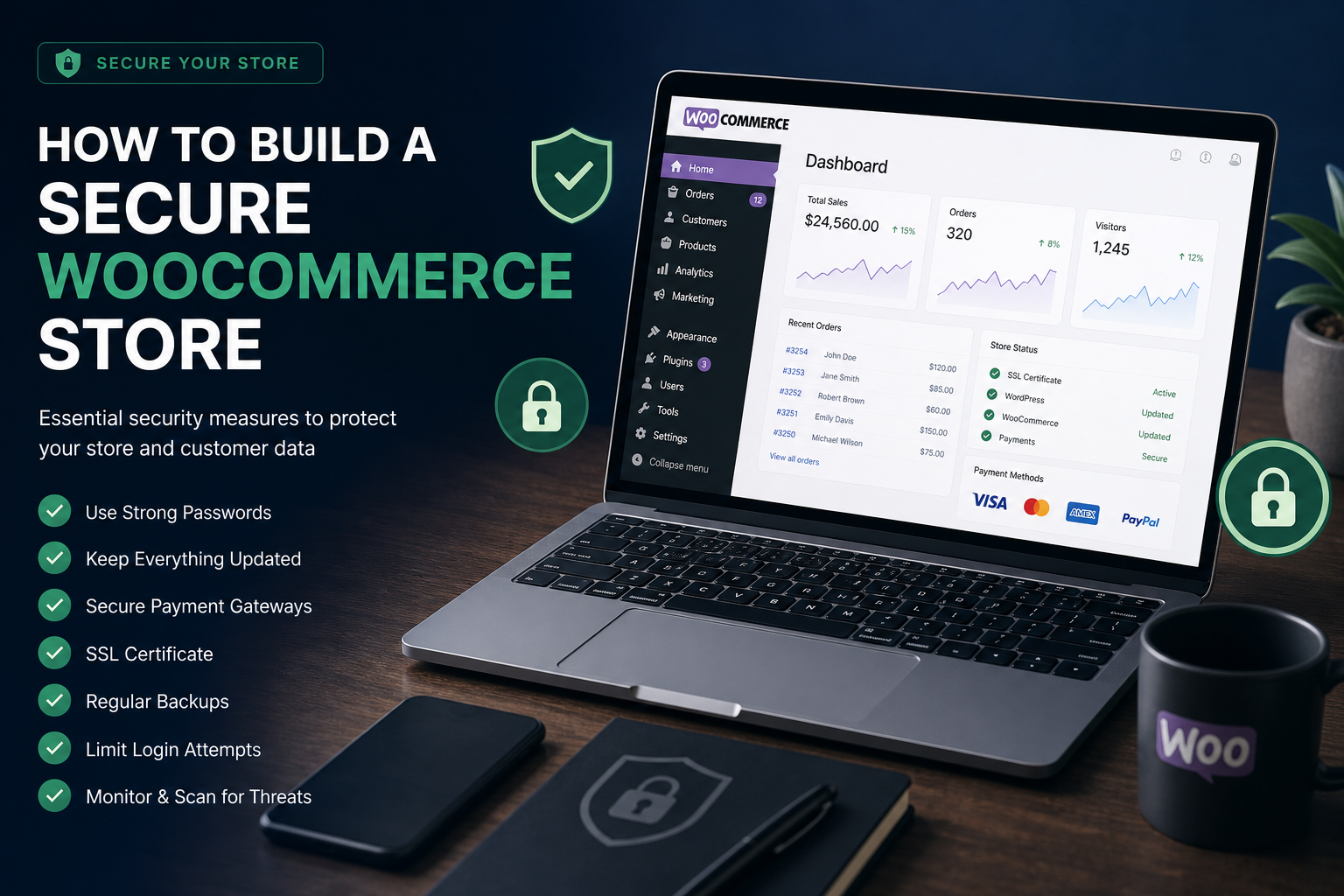
A WooCommerce store handles customer accounts, payment data, order history, and personal information. A compromise here is not just a defaced homepage — it is customer trust, payment processor relationships, and potential regulatory exposure.
This checklist covers WooCommerce-specific security on top of standard WordPress hardening. Apply the base WordPress security hardening checklist first, then work through these store-specific items.
Priority 1: Payment and checkout security
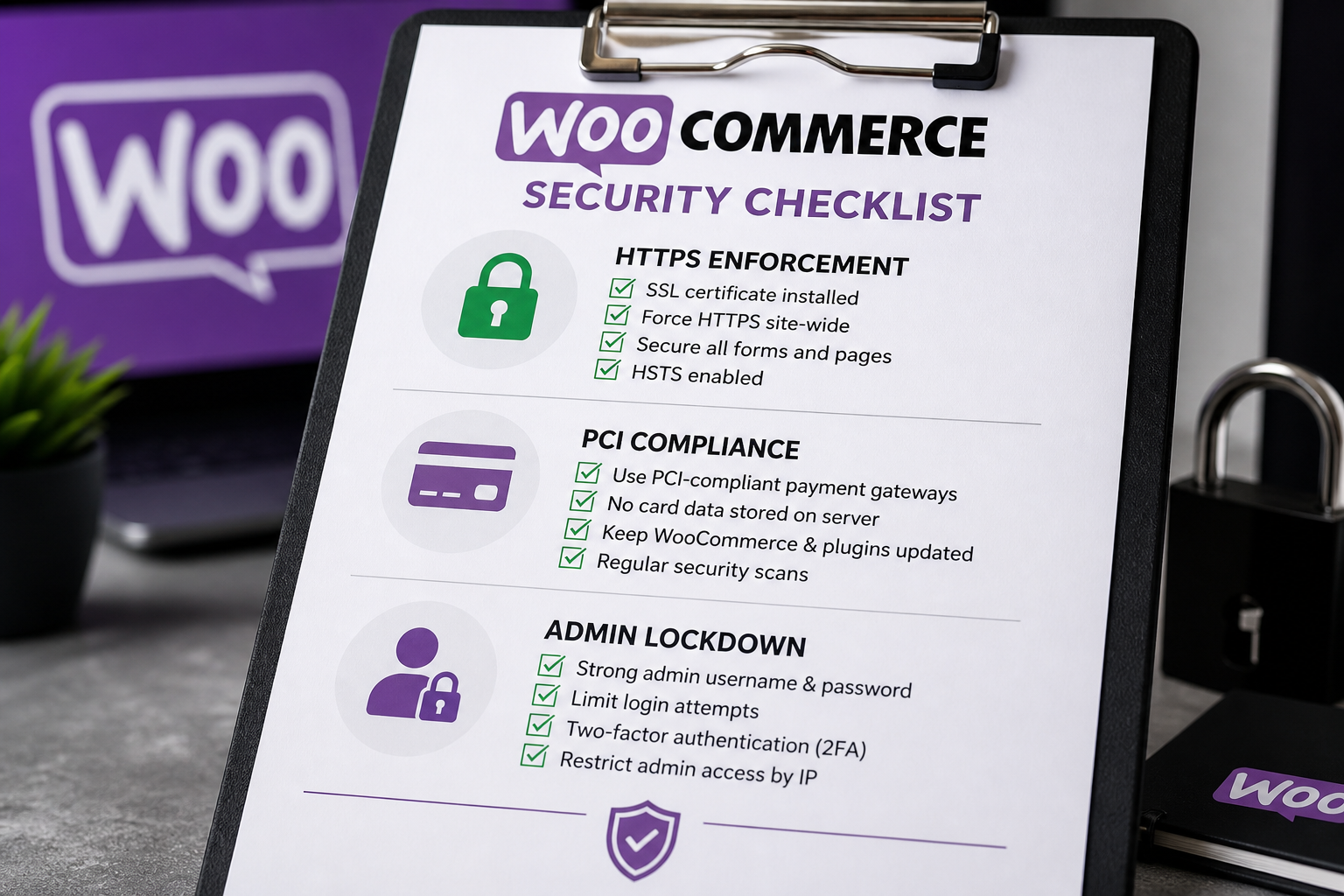
Payment data is the highest-risk asset in a WooCommerce store.
| Task | Done? |
|---|---|
| HTTPS enforced on entire site including checkout | ☐ |
| Payment gateway handles card data (Stripe, PayPal — no card numbers on your server) | ☐ |
| No card data stored in WordPress database or logs | ☐ |
| Checkout page loads without mixed content warnings | ☐ |
| Payment webhooks whitelisted in WAF (not blocked by firewall rules) | ☐ |
| Test checkout after any security configuration change | ☐ |
| WooCommerce and payment gateway plugins updated | ☐ |
Critical principle: Your WordPress site should never touch raw credit card numbers. Use payment gateways (Stripe, PayPal, Square) that handle PCI compliance on their infrastructure. If card data passes through your server, you inherit PCI DSS requirements that most small stores cannot meet.
Priority 2: Admin and staff access
Store staff often have more access than they need.
| Task | Done? |
|---|---|
| Shop Manager role (not Administrator) for store staff | ☐ |
| 2FA enabled for all Shop Manager and Administrator accounts | ☐ |
| Separate accounts for each staff member — no shared logins | ☐ |
| Remove access for former employees and contractors | ☐ |
| Administrator count justified (1–2 people maximum) | ☐ |
| Customer role cannot access wp-admin | ☐ |
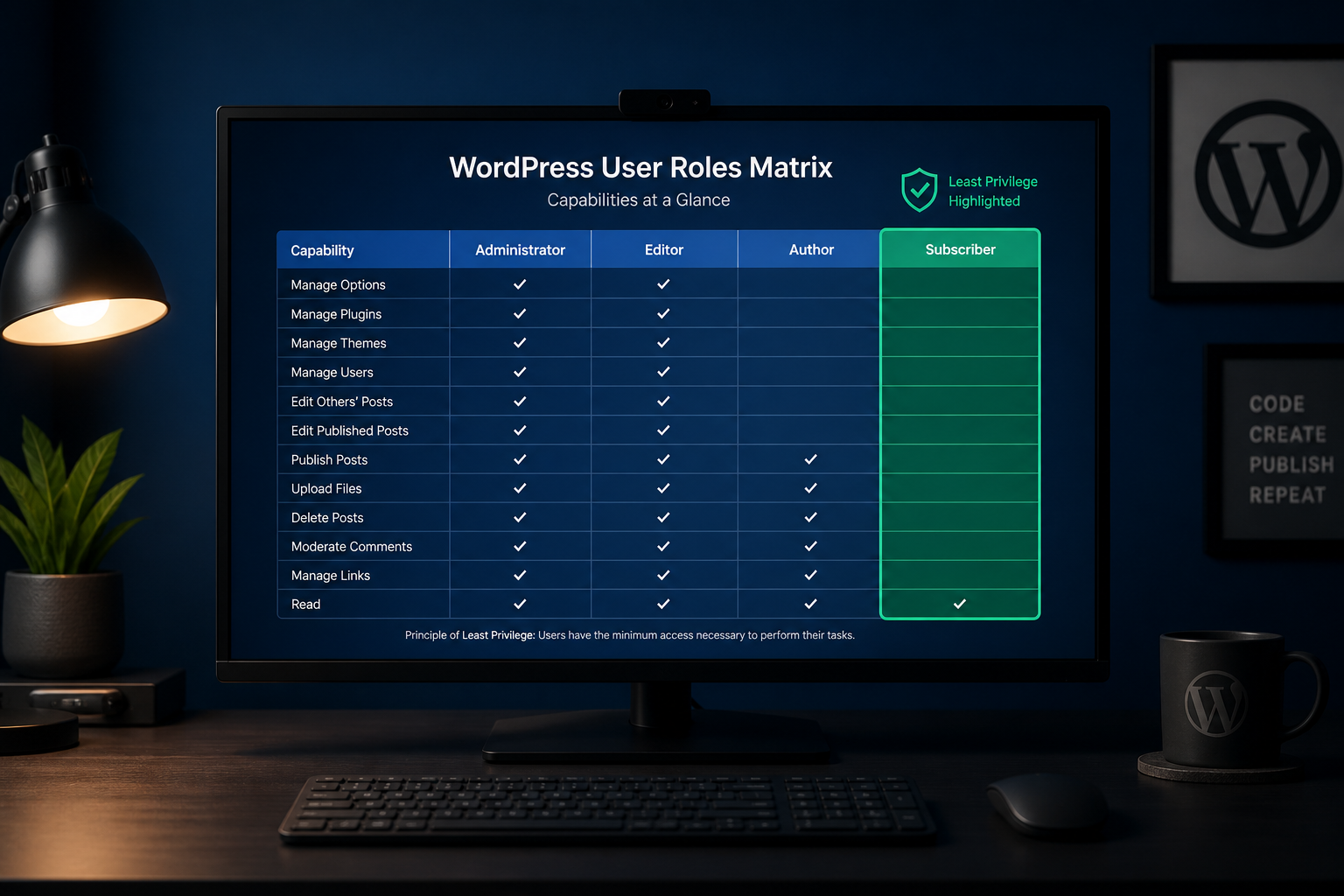
Role details: least privilege WordPress user roles.
Priority 3: Customer account security
WooCommerce creates customer accounts with stored addresses, order history, and saved payment methods (via gateway tokens, not card numbers).
| Task | Done? |
|---|---|
| Strong password enforcement for customer registration | ☐ |
| Rate limiting on customer login and password reset | ☐ |
| Customer registration disabled if not needed (guest checkout only) | ☐ |
| My Account page served over HTTPS | ☐ |
| Session timeout configured for customer sessions | ☐ |
| No customer PII exposed via REST API without authentication | ☐ |
Optional: offer 2FA for customer accounts if your security plugin supports WooCommerce login. Do not force it unless compliance requires it — it adds checkout friction.
Priority 4: Plugin and extension hygiene
WooCommerce stores typically run more plugins than brochure sites — payment gateways, shipping, inventory, marketing, analytics. Each is a potential vulnerability.
| Task | Done? |
|---|---|
| Inventory all active WooCommerce extensions | ☐ |
| Remove unused payment, shipping, and marketing plugins | ☐ |
| Verify each extension is maintained (updated within 6 months) | ☐ |
| Update all extensions on staging before production | ☐ |
| Test checkout, cart, and payment after every update | ☐ |
| Audit nulled/pirated premium plugins — remove immediately | ☐ |
Nulled plugins (pirated premium plugins) are a common infection vector. They often contain backdoors. Delete them and purchase legitimate licenses or find free alternatives.
Priority 5: Data protection and backups
| Task | Done? |
|---|---|
| Backups include orders, customer data, and product catalog | ☐ |
| Backup frequency: hourly or real-time for active stores | ☐ |
| 30+ days retention minimum | ☐ |
| Backups stored off-site | ☐ |
| Restore tested quarterly including order data verification | ☐ |
| Customer data export/deletion capability (GDPR/CCPA) | ☐ |
| Debug logging disabled in production (no PII in logs) | ☐ |
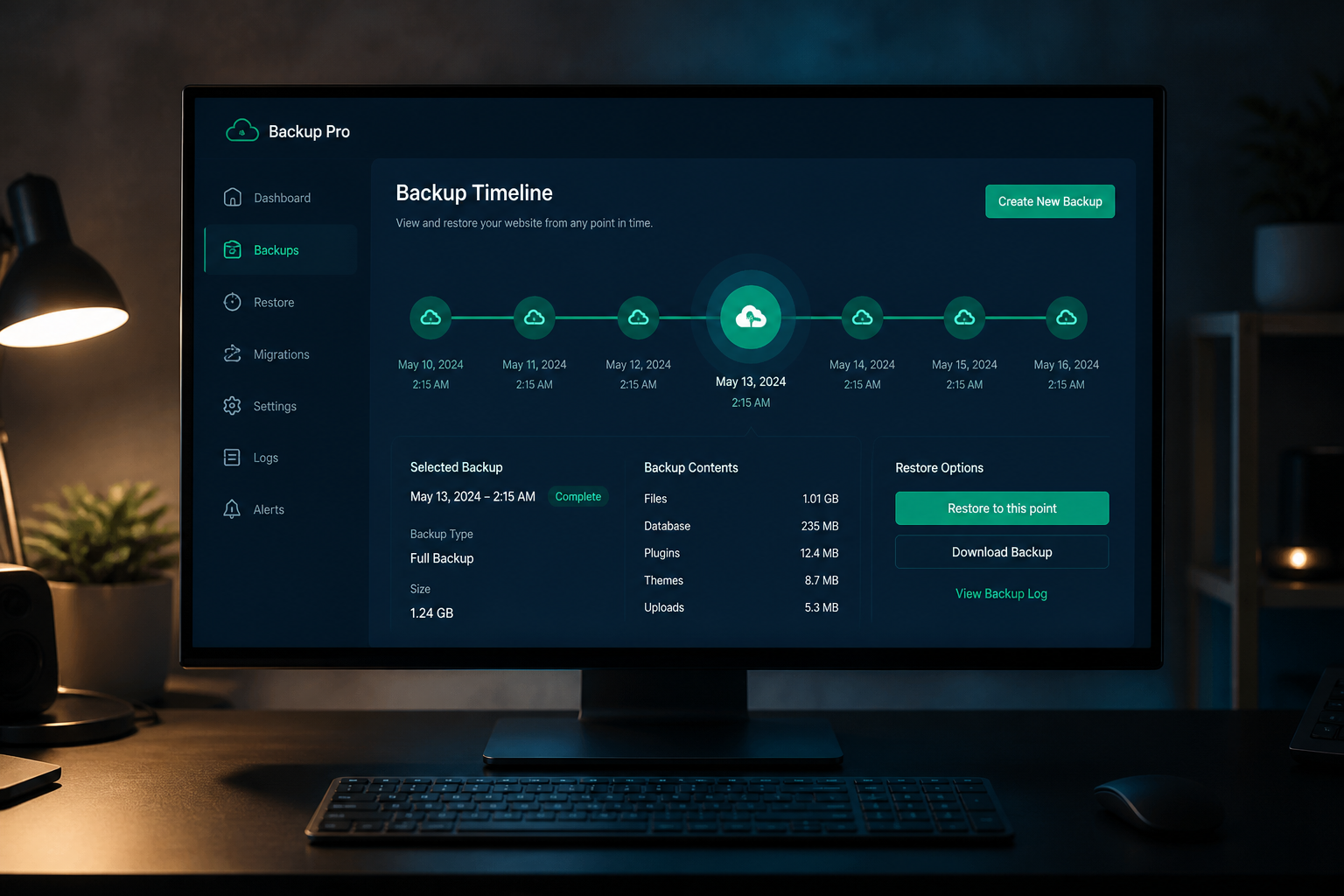
See WordPress backup strategy for security.
Priority 6: Firewall and monitoring
| Task | Done? |
|---|---|
| Cloud WAF active (Cloudflare recommended) | ☐ |
| Payment gateway webhook URLs whitelisted in WAF | ☐ |
| Cart and checkout excluded from aggressive bot challenges | ☐ |
| xmlrpc.php blocked | ☐ |
| Security plugin configured with WooCommerce-aware rules | ☐ |
| File-integrity monitoring enabled | ☐ |
| Order notification emails monitored for anomalies | ☐ |
WAF configuration must account for payment webhooks. Stripe, PayPal, and other gateways send server-to-server notifications that aggressive WAF rules can block — causing orders to show as unpaid.
Priority 7: WooCommerce-specific configuration
| Task | Done? |
|---|---|
| WooCommerce database tables included in backups | ☐ |
| Order notes do not contain sensitive data | ☐ |
| API keys (REST API, webhooks) rotated periodically | ☐ |
| WooCommerce logs directory not publicly accessible | ☐ |
| Geolocation and tax API keys secured | ☐ |
| Staging environment mirrors production for update testing | ☐ |
| `DISALLOW_FILE_EDIT` enabled in wp-config.php | ☐ |
Testing after security changes
Every security configuration change on a WooCommerce store requires checkout verification:
- Add a product to cart
- Proceed through checkout as a guest
- Complete payment with a test transaction (gateway test mode)
- Verify order appears in admin with correct status
- Verify payment webhook processed (order moves from "Pending" to "Processing")
- Test customer account login and order history
- Test from mobile device
Run this sequence after enabling WAF rules, changing SSL settings, updating plugins, or modifying user roles.
WooCommerce security vs PCI compliance
Important distinction: This checklist covers application-level security best practices. PCI DSS compliance for payment processing is a separate, formal requirement.
| Scenario | PCI responsibility |
|---|---|
| Stripe/PayPal handles all card data (redirect or iframe) | Minimal — gateway is PCI compliant |
| Stripe Elements / PayPal JS SDK (card fields on your site) | SAQ A or SAQ A-EP depending on implementation |
| Card data stored or processed on your server | Full PCI DSS — rarely appropriate for small stores |
Use gateway-hosted or JS SDK payment methods. Never store card numbers in WordPress.
Frequently asked questions
Does WooCommerce need a security plugin?
Yes, in addition to standard WordPress hardening. Stores are higher-value targets. A security plugin adds file-integrity monitoring, malware scanning, and login protection. Pair with a cloud WAF.
How often should I update WooCommerce?
Check weekly, update monthly at minimum. Apply security releases immediately — test on staging first. WooCommerce security patches address real vulnerabilities, not cosmetic fixes.
Should I disable customer registration?
If your store supports guest checkout and you do not need accounts for subscriptions or memberships, disabling registration reduces attack surface. Enable it only if your business model requires accounts.
Will security hardening break my payment gateway?
It can, if WAF rules block webhook endpoints. Test checkout after every security change. Whitelist gateway IP ranges in your firewall. This is why WooCommerce hardening costs more than brochure site hardening — $700–$1,200 estimated vs $300–$500.
Can I use the same hardening as a regular WordPress site?
The foundation is the same — updates, 2FA, firewall, backups, least privilege. WooCommerce adds checkout testing, payment webhook whitelisting, customer data protection, and higher backup frequency. Apply both checklists.
Get a free 15-minute security check
Send your store URL. I will check HTTPS enforcement, exposed endpoints, plugin health signals, and whether your checkout surface has obvious gaps.
WooCommerce hardening projects typically run $700–$1,200 depending on extension count and complexity. See WordPress security hardening for the full service scope.
August 31, 2026
Least Privilege WordPress User Roles Explained
August 31, 2026



