

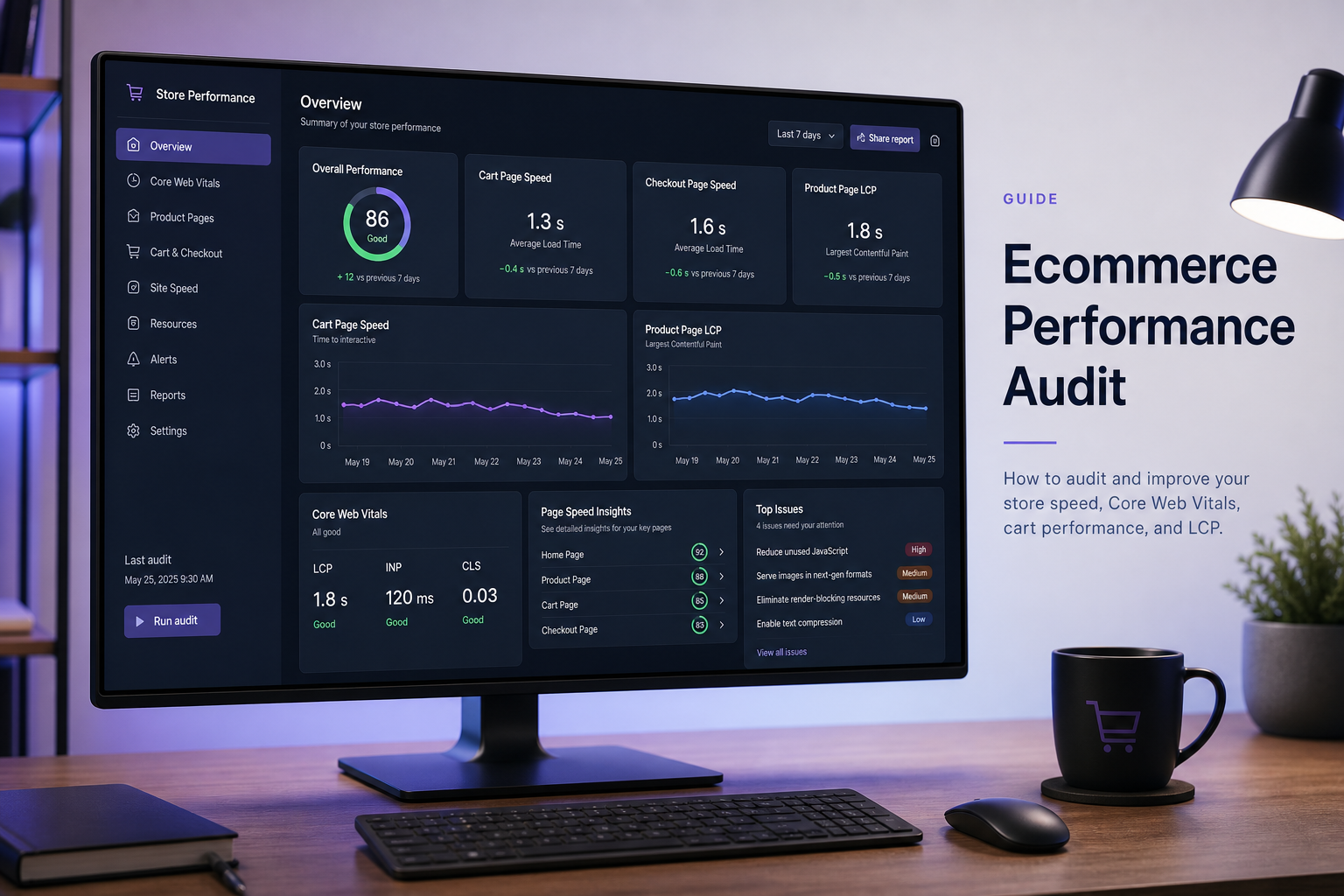
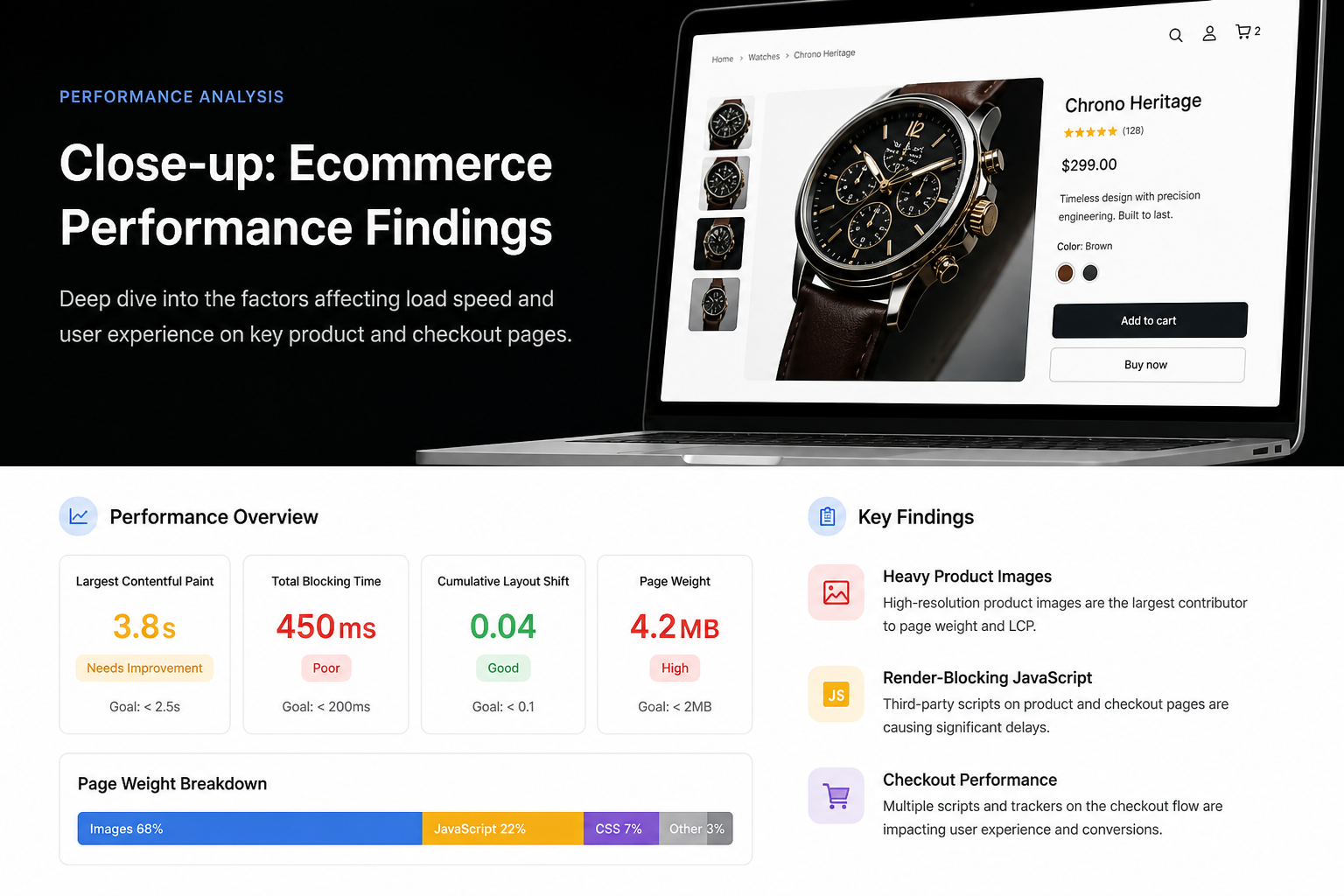
An ecommerce website performance audit tests the pages where speed directly affects revenue — product, category, cart, checkout, and account — not just the homepage. WooCommerce and other ecommerce stacks add session handling, cart fragments, payment scripts, and product gallery JavaScript that brochure-site audits miss.
A homepage scoring 85 means nothing if add-to-cart lag kills mobile conversions or checkout TTFB drives abandonment. Ecommerce audits prioritize templates by traffic and revenue impact, then map Core Web Vitals failures to WooCommerce-specific causes.
Why ecommerce audits differ
| Brochure site audit | Ecommerce audit |
|---|---|
| Homepage + 2 inner pages | Homepage + category + product + cart + checkout |
| Full-page cache usually safe | Cache exclusions critical |
| INP less business-critical | Add-to-cart INP directly affects UX |
| Third-party scripts optional | Pixels, reviews, chat often mandatory |
| Plugin count ~15 | Plugin count ~30–50 common |
Getting cache wrong on checkout isn't a minor bug — it's lost orders.
URLs to include in scope
Minimum template set for WooCommerce:
| URL type | Why it matters |
|---|---|
| Homepage | Brand entry; often marketing-heavy |
| Top category by traffic | Product grid, filters, pagination |
| Top product by revenue | Gallery, variations, reviews, related products |
| Cart | Session, cross-sells, coupons |
| Checkout | Payment gateways, address autocomplete, GTM |
| Shop/archive | Default product listing |
| My Account (optional) | Logged-in performance — separate from CrUX |
Provide Analytics top landing pages and top revenue products before the audit — don't guess which templates matter.
Ecommerce-specific failure patterns
Cart fragments and AJAX
WooCommerce updates cart count in header via AJAX (`get_refreshed_fragments`). Misconfigured caching or excessive polling hurts INP on every page.
| Symptom | Cause | Fix |
|---|---|---|
| Cart icon slow to update | Fragment request uncached or slow | Optimize query; cache fragments carefully |
| Site-wide lag on shop pages | Fragments firing on non-shop pages | Disable on blog/static pages |
| High admin-ajax.php load | Plugin conflict or polling | Audit plugins hitting admin-ajax |
Product gallery and variation scripts
Variable products load extra JavaScript for attribute selection. Page builders adding product templates multiply asset weight.
| Check | Action |
|---|---|
| Product page JS transfer | Compare vs non-product page |
| Image gallery plugin overhead | Native WC gallery vs third-party |
| Lazy load on main product image | Remove lazy from primary image (LCP) |
Category page bloat
Product grids load many thumbnail images — correct srcset critical. Faceted search plugins (Filter Everything, etc.) add query and JS overhead.
Checkout payment scripts
Stripe, PayPal, Klarna, and Afterpay inject third-party JavaScript on checkout only — as they should. Problems arise when:
- Payment scripts load on non-checkout pages
- GTM duplicates pixel fires
- Aggressive JS delay breaks payment field iframes
Never enable blanket "delay all JavaScript" on checkout without testing every payment method.
Review and trust widgets
Trustpilot, Yotpo, Judge.me widgets add CLS and INP cost. Load below fold or defer init.
Core Web Vitals priorities for ecommerce
| Metric | Ecommerce priority | Typical culprit |
|---|---|---|
| LCP | High on product/category | Main product image, hero banner |
| INP | Critical on cart/checkout | Payment JS, cart fragments, filters |
| CLS | High on product | Gallery, reviews injecting late |
| TTFB | Critical on checkout | Uncached dynamic page, slow queries |
Mobile field data usually fails first — align fixes with mobile product and checkout flows.
Caching rules for WooCommerce
| Page | Cache? |
|---|---|
| Homepage, static pages | Yes |
| Product/category (anonymous) | Yes, with caution for dynamic pricing plugins |
| Cart | No |
| Checkout | No |
| My Account | No |
| Shop with user-specific pricing | Often no |
Document cache exclusions in audit report. WP Rocket, LiteSpeed, and host caches all support WooCommerce rules — but only if configured.
Third-party and tracking on stores
Ecommerce rarely runs without:
- Google Analytics / GA4
- Meta Pixel
- Google Ads conversion tags
- Email platform pixels (Klaviyo, etc.)
Audit maps which tags fire on which templates. Checkout pages often carry the heaviest tag load — exactly where INP hurts most. See GTM and third-party scripts audit.
Ecommerce audit deliverables
Expect from a paid audit ($300–$500 typical for WooCommerce complexity — estimate):
- Each URL tested with lab + field data
- LCP element per template
- Cart/checkout interaction notes
- Cache configuration review
- Plugin list with performance flags
- GTM/tag inventory
- Prioritized fix list separating "revenue-safe" from "test on staging"
- Explicit checkout regression test plan
Optimize vs rebuild for ecommerce
| Optimize when | Rebuild when |
|---|---|
| Theme supported; WC updates work | Abandoned theme breaking WC blocks |
| Speed issues trace to config/scripts | Every page uses page builder product templates |
| Checkout works; just slow | Checkout rebuilt 3 times and still fragile |
| Catalog size manageable | 50k+ products with unindexed query patterns |
Performance audit before redesign applies strongly to ecommerce — replatforming without performance budget repeats mistakes.
Soft pricing (estimates, USD)
| Scope | Range |
|---|---|
| WooCommerce performance audit | $300–$500 |
| Audit + fix implementation | $1,500–$4,000 |
| Checkout-only deep dive | $200–$400 add-on |
Varies by plugin count, multivendor setups (Marketplace, Dokan), and multi-currency.
Frequently asked questions
Should I audit staging or production?
Production reflects real CrUX data and CDN config. Staging helps safe implementation testing after audit.
Will speeding up my store increase conversions?
Speed affects UX and abandonment — logically tied to revenue. Exact lift depends on your traffic and current speed; avoid consultants quoting universal percentages.
Does Shopify need the same audit approach?
Same Core Web Vitals framework; different CMS controls. Script and theme audit yes; WordPress plugin review no.
Can I audit checkout without payment access?
Anonymous checkout flow yes. Full audit may need test product and test payment mode.
How often should ecommerce sites re-audit?
After WooCommerce major updates, new marketing tags, or theme changes. Quarterly for high-revenue stores.
Book a free 15-minute site audit
Running WooCommerce with slow product or checkout pages? Book a free 15-minute audit on your highest-traffic product or category URL. I'll flag whether it's cache, scripts, or gallery overhead — and scope a full website performance audit if needed.
August 5, 2026
Core Web Vitals Audit Checklist
August 5, 2026



