


The WooCommerce REST API lets external applications — React front-ends, mobile apps, ERP systems, inventory tools, CRMs — read and write store data (products, orders, customers, inventory) over standard HTTP requests. Integration quality depends on authentication setup, endpoint selection, webhook configuration, and error handling — not just making API calls that work once in a test script.
I build WooCommerce REST API integrations for headless storefronts, inventory sync, order routing, and custom middleware. The API is well-documented but unforgiving: rate limits, pagination quirks, and webhook delivery failures cause production issues that test scripts never catch.
API overview

WooCommerce REST API v3 is built on WordPress REST API infrastructure:
- Base URL: `https://yourstore.com/wp-json/wc/v3/`
- Format: JSON request and response bodies
- Authentication: API keys (consumer key + consumer secret) or OAuth
- Rate limiting: No built-in rate limiting (depends on hosting); implement client-side throttling
- Pagination: 100 items per page default; use `page` and `per_page` parameters
Core resource endpoints
| Resource | Endpoint | Common operations |
|---|---|---|
| Products | `/products` | CRUD, variations, categories, attributes |
| Orders | `/orders` | Read, create, update status, notes |
| Customers | `/customers` | CRUD, meta data |
| Coupons | `/coupons` | CRUD |
| Reports | `/reports` | Sales, top sellers, stock |
| Settings | `/settings` | Store configuration (read mostly) |
| Webhooks | `/webhooks` | Create/manage webhook subscriptions |
| System status | `/system_status` | Health check, environment info |
Authentication setup
API keys (recommended for server-to-server)
- WooCommerce → Settings → Advanced → REST API
- Click "Add key"
- Description: "Inventory sync" (or whatever identifies the integration)
- User: select an admin or dedicated API user
- Permissions: Read, Write, or Read/Write
- Generate — copy consumer key and consumer secret immediately
Use Read-only keys when the integration only pulls data. Write access only when the integration creates or modifies orders, products, or customers.
Authentication methods
Basic Auth (HTTPS required):
“`
Authorization: Basic base64(consumer_key:consumer_secret)
“`
Query string (less secure, avoid in production):
“`
?consumer_key=ck_xxx&consumer_secret=cs_xxx
“`
OAuth 1.0a: For third-party applications accessing multiple stores. More complex setup; use API keys for single-store integrations.
Security requirements
- HTTPS on all API endpoints — non-negotiable
- API keys stored in environment variables, not in code repositories
- Minimum permissions principle — read-only unless write is required
- Dedicated WordPress user for API access (not your admin account)
- Rotate keys periodically and on team member departure
- Restrict API user role — do not grant administrator to API accounts
Common integration patterns
Headless storefront (Next.js / React)
WooCommerce as the backend (products, cart, checkout, orders). React/Next.js as the front-end.
Architecture:
“`
Next.js front-end → WooCommerce REST API → WordPress/WooCommerce backend
→ Stripe (direct) for payments
→ Custom cart session (localStorage + API)
“`
Key considerations:
- Cart management requires custom session handling (WooCommerce cart API or custom endpoint)
- Checkout typically redirects to WooCommerce checkout or uses Stripe directly with order creation via API
- Product data fetched at build time (SSG) or request time (SSR) depending on update frequency
- Cache product data aggressively; invalidate on webhook trigger
Typical cost: $8,000–$15,000+ for headless WooCommerce with Next.js front-end.
Inventory sync (ERP ↔ WooCommerce)
Bidirectional or one-directional sync between WooCommerce and an ERP (QuickBooks, NetSuite, SAP, custom system).
Flow:
- ERP sends inventory update → middleware → WooCommerce PUT `/products/{id}` (update stock_quantity)
- WooCommerce order created → webhook → middleware → ERP creates sales order
- Conflict resolution: ERP is source of truth for inventory; WooCommerce is source of truth for orders
Critical details:
- Use webhooks for real-time order sync, not polling
- Handle SKU matching between systems (SKU is the universal key)
- Implement retry logic for failed sync operations
- Log every sync action for debugging
- Rate-limit API calls — bulk updates should batch, not fire one request per product
CRM integration (orders → HubSpot/Salesforce)
When a WooCommerce order is placed, create or update a contact/deal in CRM.
Flow:
- WooCommerce webhook: `order.created` → middleware
- Middleware maps order data to CRM fields
- Create/update CRM contact with order details
- Tag contact with product categories or lifetime value
Use WooCommerce webhooks (free, built-in) rather than polling the orders endpoint.
Custom middleware
For complex integrations involving multiple systems:
“`
WooCommerce ←→ Middleware (Node.js/Python) ←→ ERP
←→ CRM
←→ Shipping API
←→ Email platform
“`
Middleware handles: data transformation, retry logic, error logging, queue management, and business rules that do not belong in any single system.
Webhooks vs polling
| Method | When to use | Drawbacks |
|---|---|---|
| Webhooks | Real-time events (order created, product updated) | Delivery failures, requires HTTPS endpoint |
| Polling | Scheduled sync (inventory check every 15 min) | API load, delayed updates, misses events between polls |
| Action Scheduler | Internal WordPress queued tasks | Not for external systems |
Configure webhooks in WooCommerce → Settings → Advanced → Webhooks:
| Event | Use case |
|---|---|
| `order.created` | CRM sync, fulfillment routing, Slack notification |
| `order.updated` | Status change tracking, shipping notification |
| `product.updated` | Cache invalidation on headless front-end |
| `customer.created` | Email list sync, CRM contact creation |
| `coupon.updated` | Promotion sync to external channels |
Webhook delivery failures are logged in WooCommerce → Status → Logs. Monitor these — failed webhooks mean missed orders in external systems.
API integration best practices
Pagination
Always paginate. Requesting all products without pagination on a 2,000-SKU store will timeout or hit memory limits.
“`
GET /wp-json/wc/v3/products?per_page=100&page=1
GET /wp-json/wc/v3/products?per_page=100&page=2
… until response is empty
“`
Error handling
API responses include HTTP status codes and WooCommerce error objects:
| Code | Meaning | Action |
|---|---|---|
| 200 | Success | Process response |
| 400 | Bad request (invalid data) | Fix payload, retry |
| 401 | Unauthorized | Check API keys |
| 404 | Resource not found | Verify ID, handle gracefully |
| 429 | Rate limited (host-level) | Back off and retry |
| 500 | Server error | Log, retry with exponential backoff |
Implement retry with exponential backoff for 500 and 429 responses. Never retry 400 errors without fixing the payload.
Idempotency
Webhook handlers must be idempotent — processing the same webhook twice should not create duplicate orders in the ERP or send duplicate emails. Use order ID as a deduplication key.
Testing
- Use WooCommerce's built-in webhook delivery log
- Test with WP-CLI: `wp wc shop_order create –user=1`
- Use Postman or Insomnia for manual endpoint testing
- Staging environment with separate API keys — never test write operations on production
- Load test pagination endpoints with full catalog before go-live
What API integration costs
| Integration type | Estimate (USD) |
|---|---|
| Simple webhook (order → email/Slack) | $500–$1,500 |
| CRM sync (orders → HubSpot/Salesforce) | $1,500–$4,000 |
| Inventory sync (ERP ↔ WooCommerce) | $3,000–$8,000 |
| Headless front-end (Next.js + WooCommerce) | $8,000–$15,000+ |
| Multi-system middleware | $5,000–$12,000+ |
API integrations are typically part of a broader WooCommerce development project.
FAQs
Does WooCommerce REST API require a plugin?
No. The REST API is built into WooCommerce core since version 2.6. Enable it under WooCommerce → Settings → Advanced → REST API.
Can I use the REST API for a mobile app?
Yes. Build the mobile app (React Native, Flutter) against the WooCommerce API for product browsing and order management. Checkout typically uses Stripe SDK directly with order creation via API, or redirects to mobile-optimized WooCommerce checkout.
What about GraphQL for WooCommerce?
WPGraphQL with WooGraphQL extension provides GraphQL access to WooCommerce data. Useful for headless front-ends that need flexible queries. Less mature than REST API but growing. Choose REST for integrations; consider GraphQL for headless front-ends with complex data requirements.
How do I handle B2B pricing via API?
Product prices returned via API reflect the authenticated user's role. Unauthenticated requests return retail prices. For headless B2B stores, authenticate API requests with the customer's credentials or a session token that carries role information. See WooCommerce B2B wholesale setup for pricing architecture.
Is the REST API fast enough for a headless storefront?
With proper caching (Redis, CDN, ISR/SSG in Next.js), yes. Uncached API calls to a shared hosting server are too slow for production front-ends. Headless WooCommerce requires managed hosting with object caching at minimum.
Next step
If you need to connect WooCommerce to an external system and want to scope the integration architecture before development, a 15-minute audit clarifies the approach.
Book a free 15-minute WooCommerce audit →
For platform migrations that include API setup and full WooCommerce development services, see the related guides.
September 6, 2026
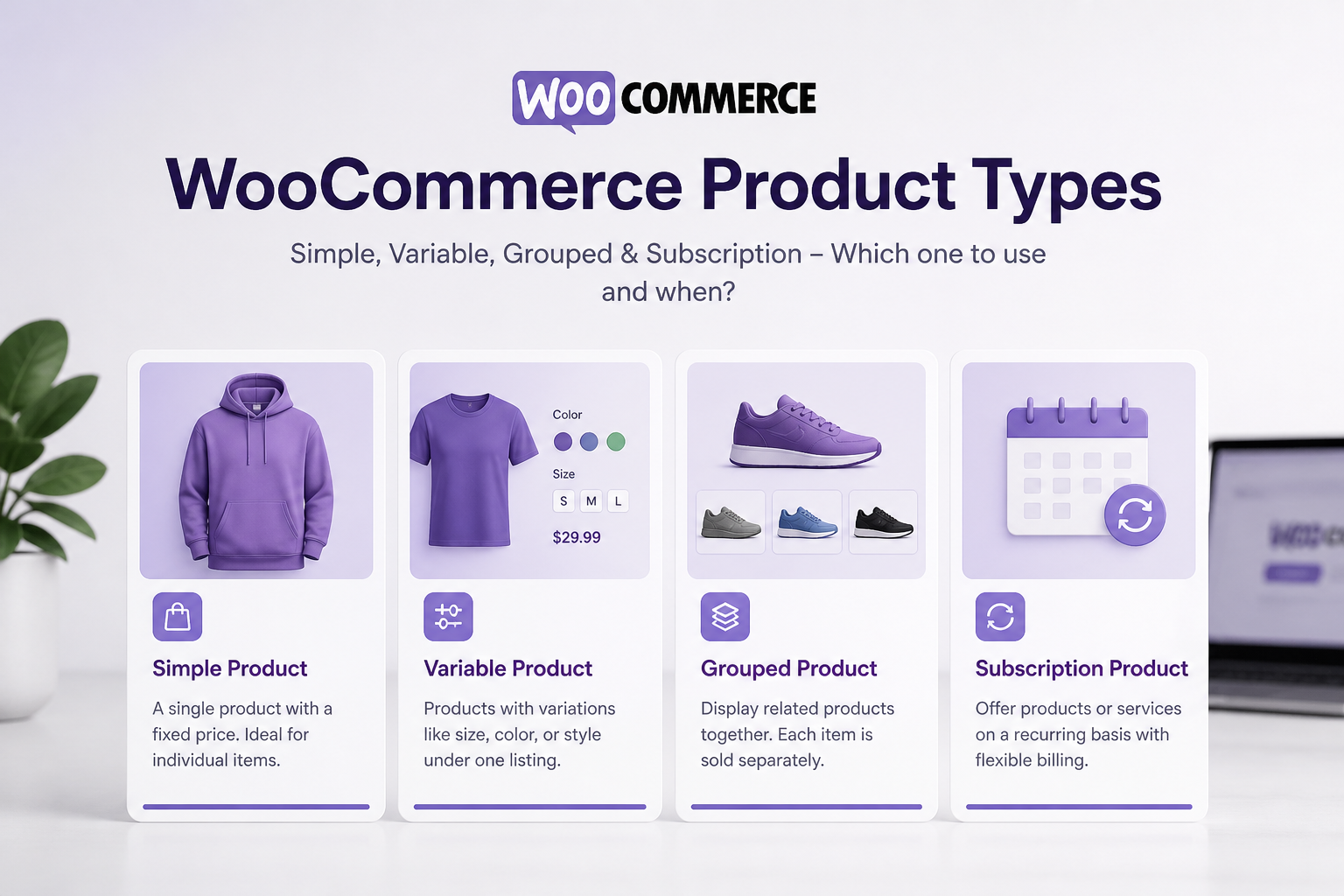
WooCommerce Product Types Explained (With Setup Examples)

September 6, 2026



