

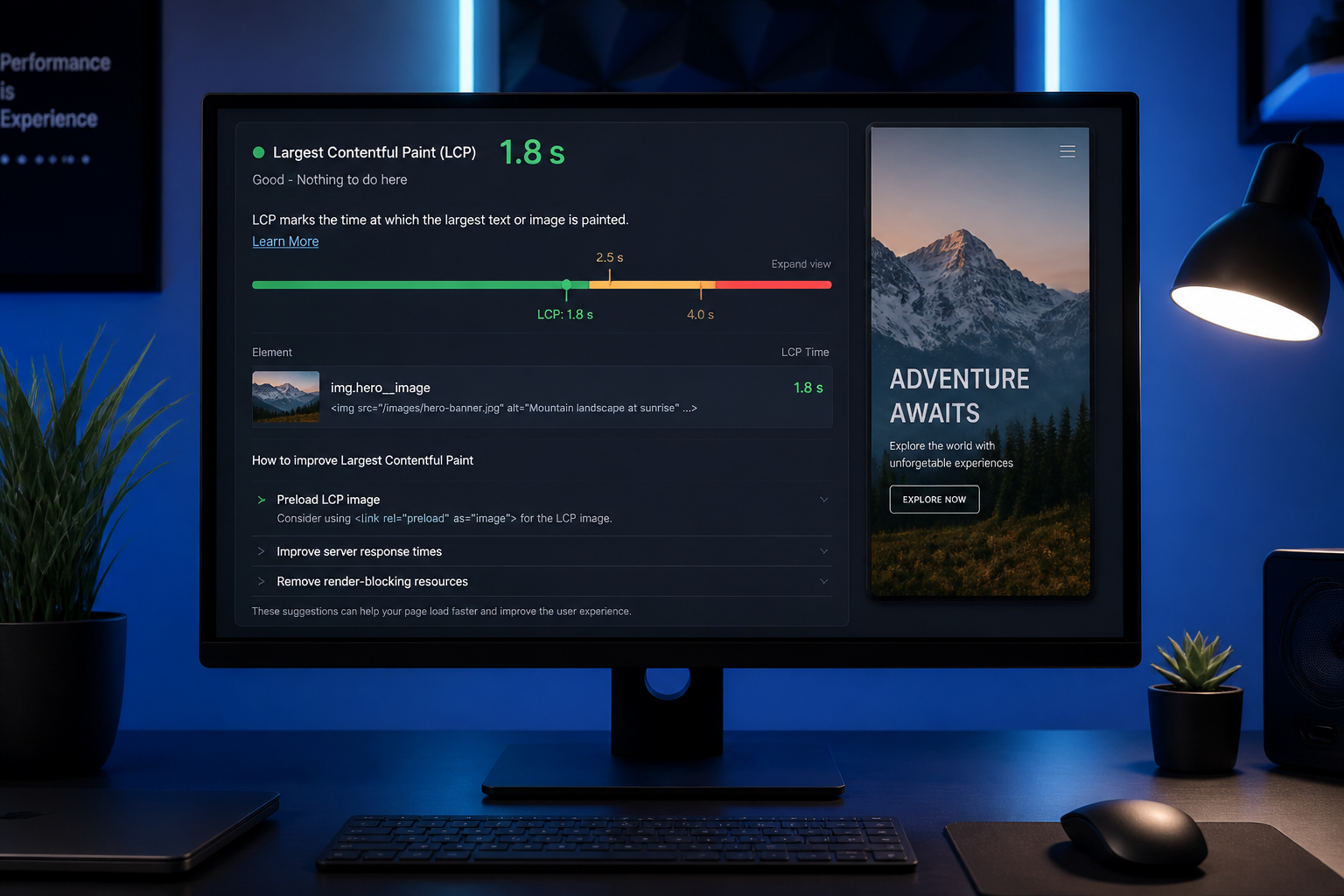
To fix Largest Contentful Paint (LCP), identify which element Google counts as the LCP element on your page — usually a hero image, heading block, or video poster — then remove whatever delays that element from rendering. LCP must hit ≤ 2.5 seconds at the 75th percentile to earn a "Good" rating in Core Web Vitals.
Most LCP failures on WordPress come from a handful of repeat offenders: an uncompressed hero image lazy-loaded by default, slow server response adding a second before HTML arrives, or render-blocking CSS sitting between the browser and the largest visible element. Fix those before touching anything else.
Step 1: Identify the LCP element
Run PageSpeed Insights or Lighthouse. Scroll to the "Largest Contentful Paint element" diagnostic.
| LCP element type | Common cause | First fix to try |
|---|---|---|
| `<img>` hero/banner | Oversized file, lazy load, no preload | Compress, resize, preload, remove lazy |
| Text heading (`<h1>`, hero text) | Slow TTFB, render-blocking CSS, web fonts | Cache HTML, defer CSS, font-display: swap |
| Background image (CSS) | Discovered late, not preloaded | Convert to `<img>` or preload CSS/image |
| Video poster | Large poster image or late video JS | Optimize poster; defer video player |
| Slider first slide | Multiple large images loading | Optimize slide 1 only; lazy load rest |
Note the LCP element on mobile separately from desktop. They often differ — mobile may use a cropped hero or different template.
Step 2: Fix image-based LCP
When LCP is an image, work through this checklist:
| Action | Why it helps |
|---|---|
| Compress to WebP or AVIF with fallback | Cuts transfer size 40–70% vs JPEG (typical range, varies by image) |
| Serve display-appropriate dimensions | Phone shouldn't download 2400px-wide file for 400px slot |
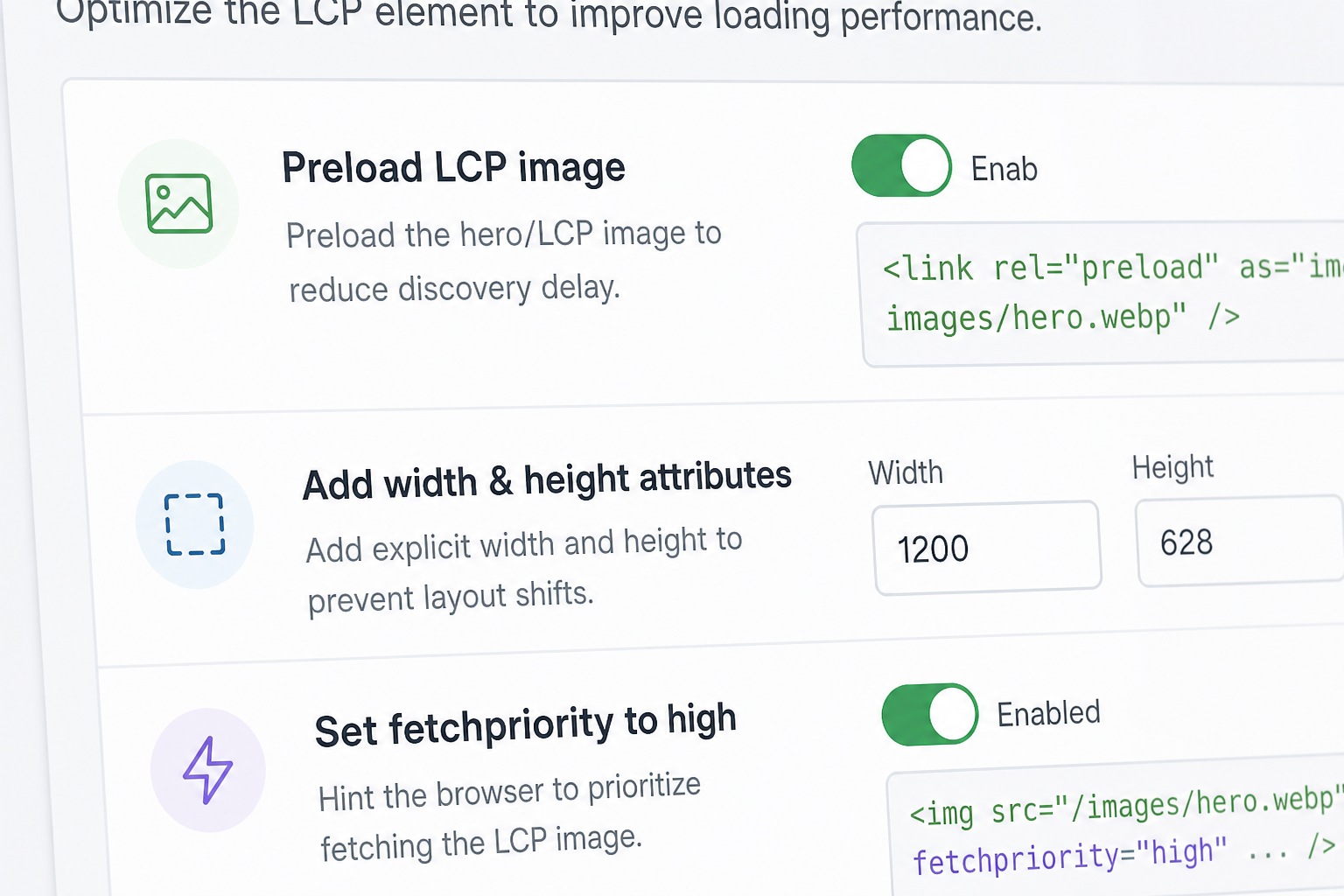
| Add explicit `width` and `height` | Prevents reflow; helps CLS too |
| Remove `loading="lazy"` from above-fold hero | Lazy loading intentionally delays LCP image |
| Add `<link rel="preload" as="image" href="…" fetchpriority="high">` | Tells browser to fetch LCP image early |
| Set `fetchpriority="high"` on LCP `<img>` | Prioritizes image in browser queue |
| Serve from CDN | Reduces latency to image file |
WordPress-specific image LCP fixes
- Regenerate thumbnails if theme switched but old sizes remain
- Disable lazy load on hero via theme settings, filter, or plugin config (WP Rocket, FlyingPress, etc.)
- Use `srcset` and `sizes` so mobile gets smaller files
- Page builders: check if hero is a background image — background images can't be preloaded as easily as `<img>`
Step 3: Fix TTFB (server response)
LCP can't beat server delay. If TTFB exceeds ~800ms, HTML arrives late and every downstream asset starts late.
| Symptom | Likely cause | Fix |
|---|---|---|
| TTFB high on all pages | No page cache, weak hosting | Enable page cache; upgrade host |
| TTFB high on one page | Uncached dynamic query, heavy page builder | Cache page; simplify template |
| TTFB spikes intermittently | Shared hosting neighbor noise, cold PHP | Managed WordPress host; OPcache |
Full server checklist: slow TTFB on WordPress.
Step 4: Eliminate render-blocking resources
Resources in `<head>` without `defer`, `async`, or `media` tricks block rendering until parsed.
| Resource | Fix |
|---|---|
| Non-critical CSS | Inline critical CSS; defer rest; remove unused page builder CSS |
| Synchronous JS in head | Move to footer; add defer/async |
| Google Fonts `@import` | Preconnect + preload; or self-host fonts |
| Icon fonts loading before content | Subset icons; swap to SVG where possible |
Page builders loading 300KB CSS on every page is a structural LCP problem. Per-page asset loading or a theme change may be the only durable fix.
Step 5: Font-related LCP delays
When LCP element is text and fonts swap in late:
“`css
@font-face {
font-family: 'YourFont';
src: url('/fonts/yourfont.woff2') format('woff2');
font-weight: 600;
font-style: normal;
font-display: swap;
}
“`
- Preload the woff2 file used for hero heading weight
- Avoid loading 6 font weights when you use 2
- System font stack for above-fold hero as fallback is valid if brand allows
Step 6: Validate
| Test | Expected outcome |
|---|---|
| PSI lab — LCP under 2.5s | Directionally good |
| PSI field data (28-day cycle) | Confirms real-user improvement |
| Search Console Core Web Vitals | Poor URLs migrate to Good over weeks |
| WebPageTest filmstrip | LCP element visible early in timeline |
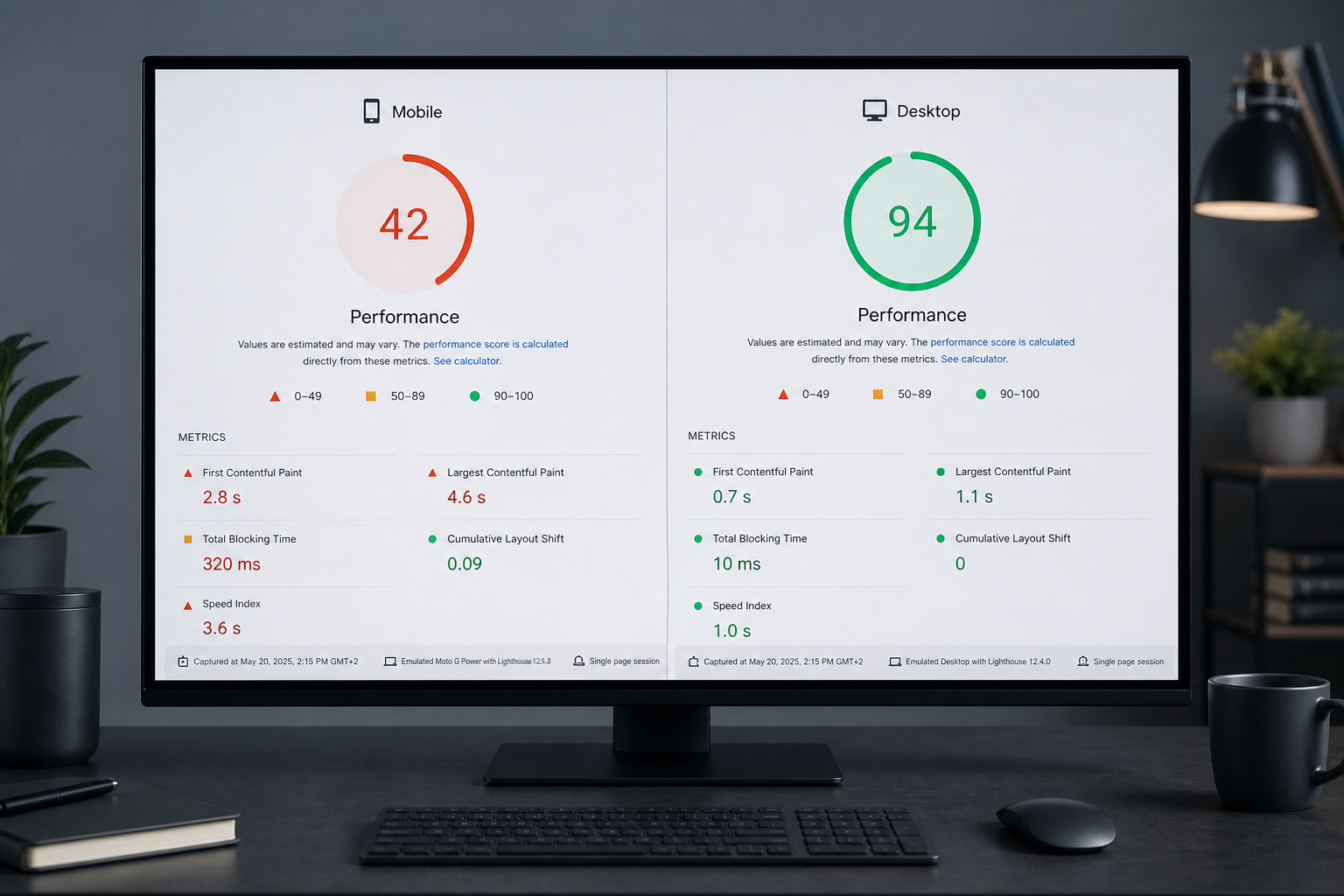
Re-test mobile. Desktop LCP passing while mobile fails is a common miss.
LCP fix priority order
- Enable/working page cache (TTFB)
- Identify and optimize LCP image (size, format, preload, no lazy)
- Remove render-blocking CSS/JS affecting above-fold
- Font loading optimization
- CDN and HTTP/2/3 (usually already present on decent hosts)
Skipping step 1 and compressing images is the most common wasted effort.
When LCP won't fix with optimization
- Abandoned theme with unfixable asset loading
- Full-screen video hero with mandatory autoplay JS
- Page builder rendering entire layout client-side
- LCP element loaded via slow third-party (A/B testing tools swapping hero)
In those cases, a performance audit before redesign clarifies whether template changes are required.
Frequently asked questions
Does lazy loading all images hurt LCP?
Lazy loading above-the-fold images hurts LCP directly. Below-the-fold lazy loading is fine and recommended.
Can a slider cause bad LCP?
Yes. If slide 1 loads a 2MB image while slider JS initializes, LCP suffers. Optimize first slide aggressively; defer slider script.
Does CDN always improve LCP?
CDN helps image and static asset LCP. It doesn't fix slow origin HTML generation. Both matter.
How long until Search Console LCP updates?
CrUX field data rolls on a 28-day window. Lab fixes show immediately; field confirmation takes weeks.
Should I use an image optimization plugin for LCP?
Plugins help compression and WebP conversion. They don't replace correct dimensions, preload configuration, and removing lazy load from the hero.
Book a free 15-minute site audit
Stuck on which element is your LCP or why fixes didn't stick? Book a free 15-minute audit. I'll identify your LCP element and tell you whether it's an image, server, or theme problem — or point you to a full website performance audit for multi-page review.
August 5, 2026
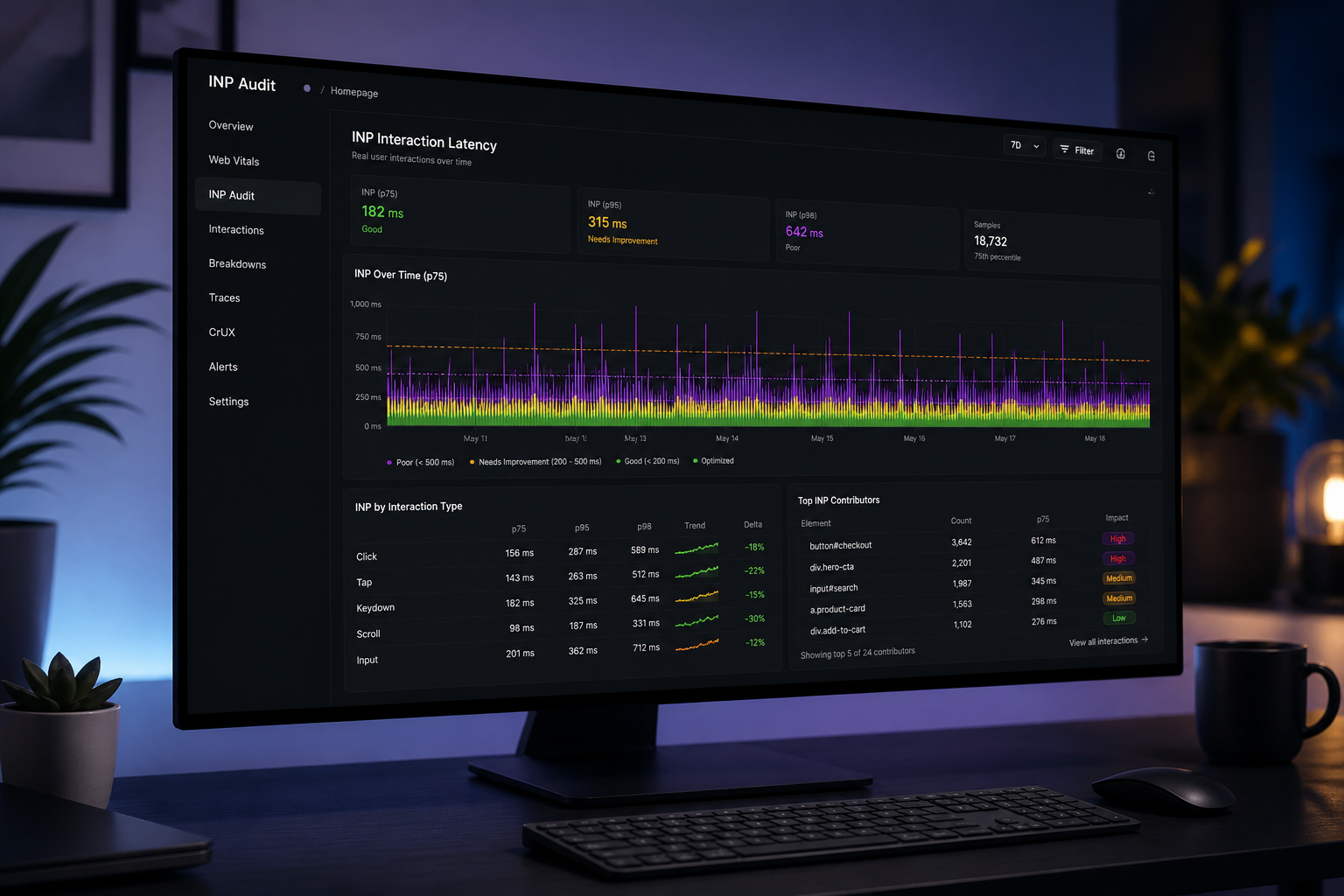
INP Audit: Fix Interaction to Next Paint
August 5, 2026



