
WordPress Speed Optimization That Moves Real Metrics
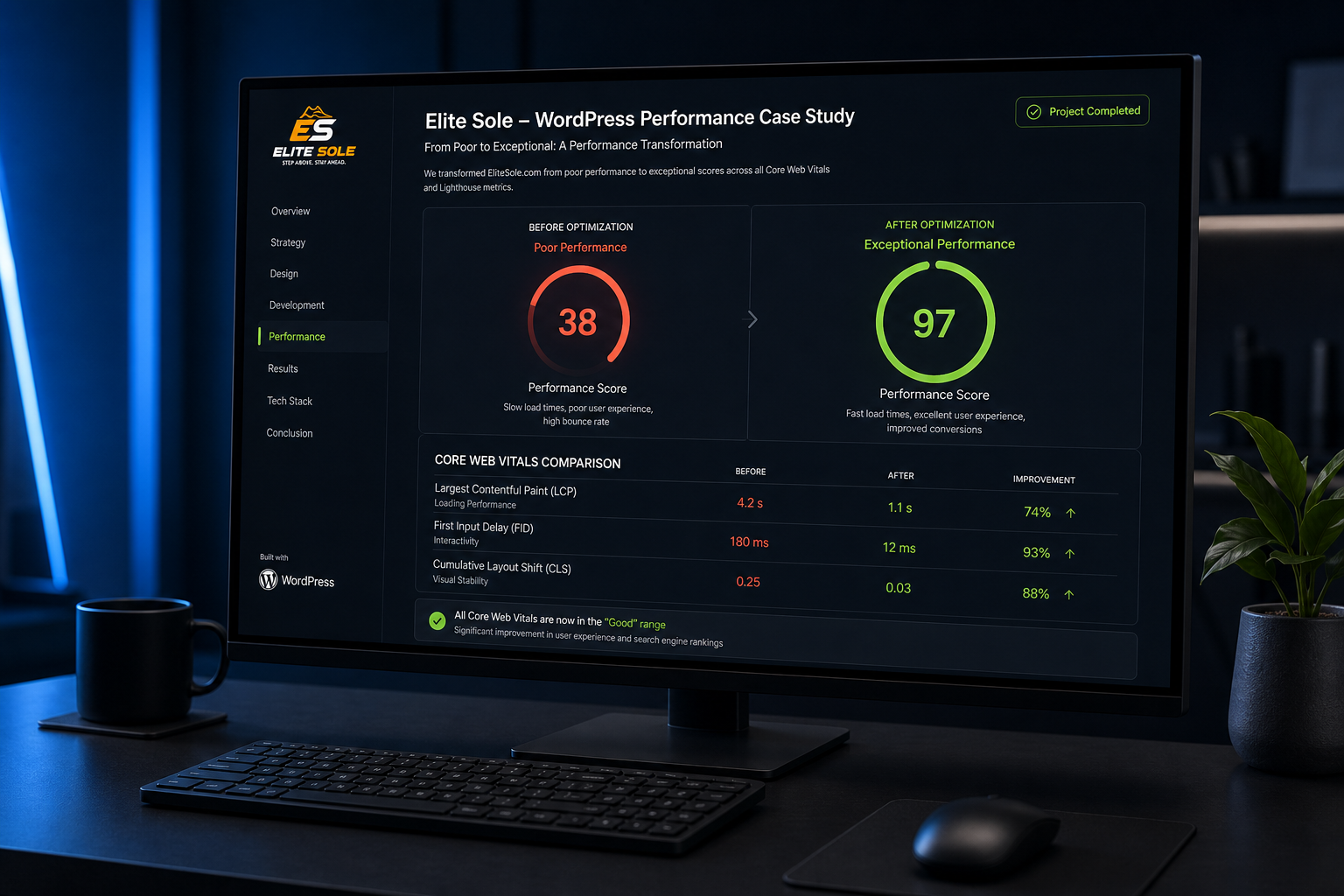
My WordPress speed optimization services take a slow, bloated WordPress site and make it load fast for real people on real connections — not just for a synthetic test score.
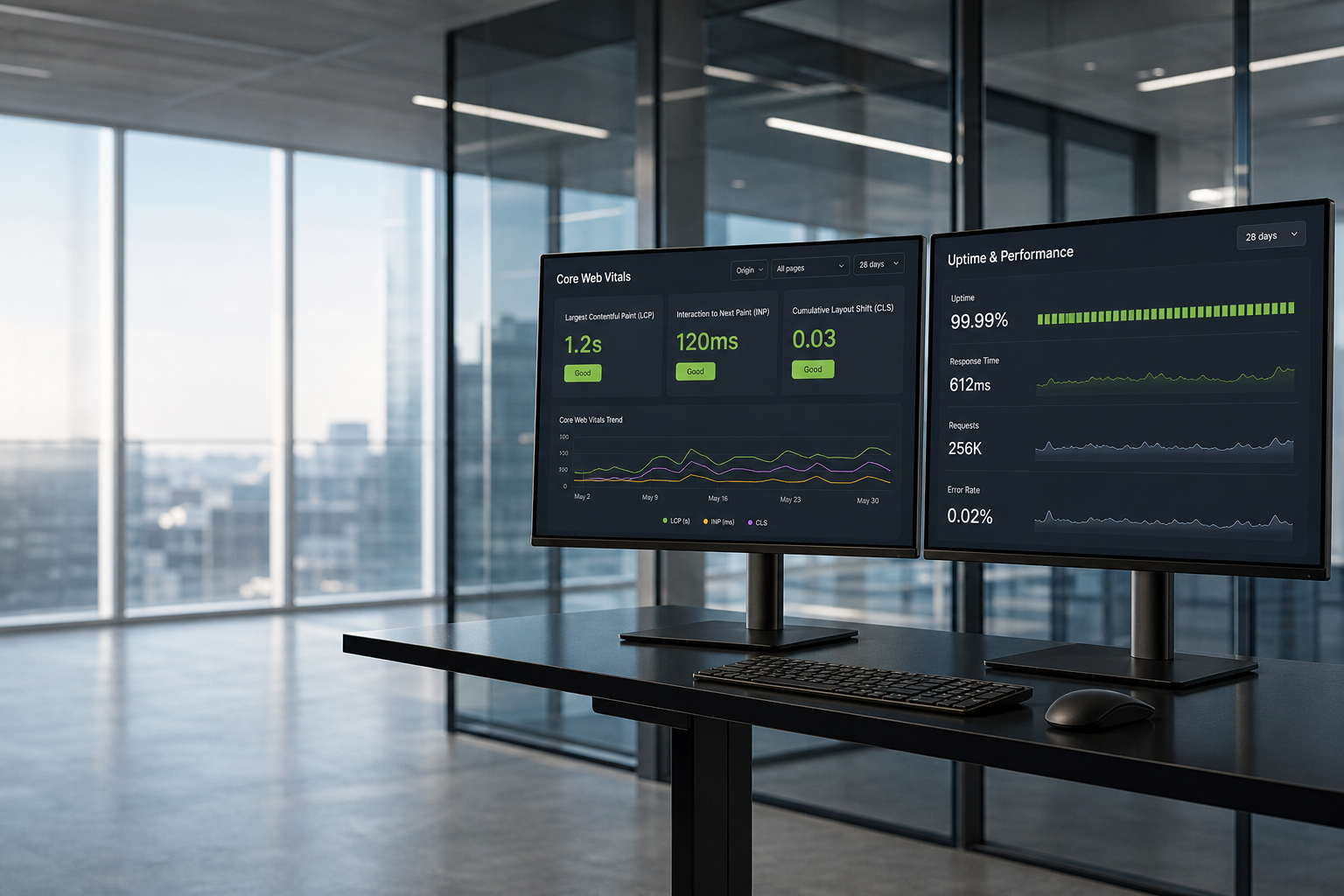
The work covers Core Web Vitals, caching, image delivery, CSS and JavaScript cleanup, database health, hosting, and third-party scripts, in whatever order the data says will move the needle most.
Most slow WordPress sites are not slow for one reason. They are slow for six small reasons stacked on top of each other. Fixing one gets you a rounding error. Fixing all of them changes the experience.
Engagements are scoped, fixed-fee, and end with a before-and-after report showing field data and lab data — not a screenshot of a single lucky Lighthouse run. I work remotely with businesses in the US, UK, Canada, and Australia.
Audit call
Baseline & scope
Staging fixes
Deploy & handover

What's Included In Every Engagement
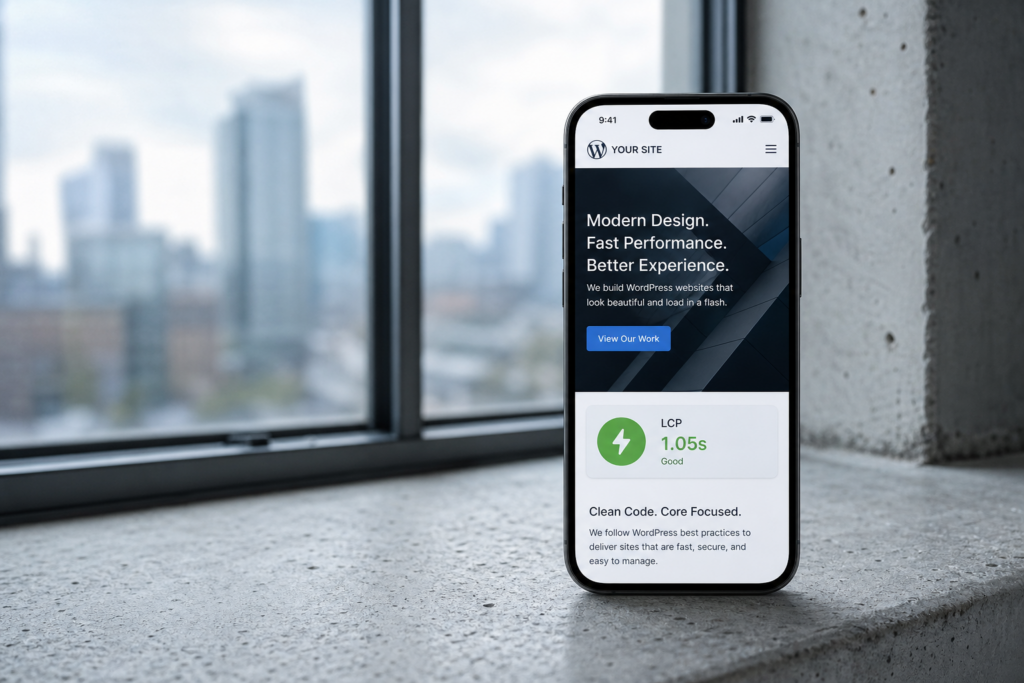
Every engagement is scoped from an audit, so the exact list varies. Here is the full menu I work from — Core Web Vitals, caching, images, unused CSS/JS, page-builder bloat, hosting/CDN, database cleanup, and third-party scripts.
- Core Web Vitals (LCP, INP, CLS)
- Caching & server-side delivery
- Image optimization (WebP/AVIF)
- Unused CSS & JavaScript cleanup
- Page builder bloat reduction
- Hosting, PHP & CDN review
- Database & plugin cleanup
- Third-party script deferral
Ready to fix your slow WordPress site?
Send me your URL. On a free 15-minute call you get a straight answer on what is slowing the site down — and whether it is worth fixing.
Who This Is For
This is a fit if you recognize your site in one of these. It is not a fit if your site needs a rebuild rather than a tune-up — in that case we will talk about WordPress development instead.
- Red PageSpeed report, unclear priorities
- Elementor / Divi / WPBakery bloat
- Failing Core Web Vitals in Search Console
- Paid traffic lost before first paint
- Slow WooCommerce category & cart
- Inherited site, 40+ plugins, no docs
- Not a fit: abandoned theme / rebuild needed
- Not a fit: design itself is the problem
Typical Timeline
These assume reasonable access and normal approval times. Unusual custom code or upstream plugin support can run longer — I flag that early.
| Scope | Typical turnaround |
|---|---|
| Audit and report only | 2–3 business days |
| Standard optimization (5–20 pages) | 3–5 business days |
| Page-builder-heavy or larger site | 1–2 weeks |
| WooCommerce or complex/custom | 2–3 weeks |
| Host migration (add-on) | +3–5 business days |
Soft Pricing Estimates (USD)
All figures are USD estimates, quoted fixed-fee after the audit so there are no hourly surprises. The audit fee is credited toward implementation within 30 days.
| Engagement | Estimate |
|---|---|
| Speed audit & prioritized report | $250–$400 |
| Standard optimization — small business | $450–$800 |
| Page-builder-heavy or larger content site | $800–$1,200 |
| WooCommerce or custom optimization | $1,000–$1,500 |
| Host migration (add-on) | $200–$400 |
Most small business sites land between $450 and $800. Pair with WordPress maintenance services to hold the gains.
How I Work
No scores for the sake of scores. I optimize for field data and perceived speed. Your stack stays yours — no proprietary lock-in.
- Field data over vanity Lighthouse scores
- Staging + full backup before any change
- Plain-English before/after reporting
- No proprietary layers you cannot leave
- One person: Hammad Khan, direct contact
- Free diagnostic reading on the blog guides
Frequently Asked Questions
Straight answers on speed work, risk, plugins, and how long results last. Prefer detail first? Read the Core Web Vitals and speed checklist guides on the blog.
How much faster will my site actually get?
It depends on the starting point. Anyone quoting a specific number before looking is guessing. The audit tells you what is achievable before you spend on implementation — and if the honest answer is “not much,” I will say that.
Will you break my site?
Everything happens on staging with a full backup first, and I QA forms, checkout, popups, and logged-in views before deploying. A site that is 0.2 seconds slower but reliably works is the better outcome.
Do I need WP Rocket or another premium plugin?
Not necessarily. A well-tuned free plugin or host-level cache can match a premium tool. If your host already includes caching, adding a second caching plugin usually makes things worse. Any license you need is yours, in your name.
Can you fix Core Web Vitals without a full redesign?
Usually yes. Most failures come from image handling, render-blocking assets, layout shift, and heavy JavaScript — not the design itself. I will tell you at audit which situation you have.
How long do the results last?
Technical fixes are permanent unless something changes them — new plugins, scripts, unoptimized uploads, major theme updates. Sites without oversight typically drift over 6–12 months. That is the case for a care plan, not a scare tactic.
What if my hosting is the problem?
I show you server response times plainly. If a migration is warranted I recommend specific hosts at specific price points and handle the move as an add-on. No hosting affiliate commissions.
Book a Free 15-Minute Site Audit
Send me your URL and I will look at it before we talk. You get a straight answer on what is slowing the site down, what it would take to fix, and whether it is worth doing — including if your money is better spent elsewhere.
No pitch, no obligation, and you keep the findings either way.
Book a free 15-minute site audit
Free audit call. Direct answers. Fixed-fee quote if we proceed.